Author: Palla Sridhar

Palla Sridhar is the CEO of DigiPalla IT Services LLP and a seasoned ex-IT professional with over 16 years of blogging experience. He specializes in Microsoft products, including Windows 10, Windows 11, and Office 365, with deep expertise in error code solutions, computer repair, and IT troubleshooting. He publishes practical guides that help everyday users and professionals solve real tech problems quickly and confidently.
  • HDMI Connect in Laptop: Setup, Settings, and the Fixes That Make It Look Right

    Key Takeaways (HDMI connect in laptop) Quick answer: To connect the HDMI in the laptop to the TV, plug the cable into the laptop’s HDMI port and a TV HDMI input, select that input with the TV remote, then press Windows + P and choose “Duplicate” or “Extend.” Fix a blurry picture by setting the…
  • HDMI Input vs Output: Which One Your PC Has (And Why It Matters)

    Key Takeaways (HDMI Input vs Output) Quick answer: HDMI output sends video and audio out of a device (PC, laptop, console); HDMI input receives it (TV, monitor). Nearly all laptop HDMI ports are output-only, so there are no HDMI input settings on a computer. To display another device on your laptop, use a USB capture…

  • Edge Work vs Personal Profiles: The Complete Setup Guide for Office Users (2026)

    Edge Work vs Personal Profiles: The Complete Setup Guide for Office Users (2026)

    Key Takeaways (Edge Work vs Personal Profiles) Quick answer: To set up Edge work vs personal profiles, create one profile per identity at edge://settings/profiles — sign the work profile into your work or school account and the personal profile into your Microsoft account. Never sign the work account into your personal profile. Both profiles can…

  • How to Switch Profiles in Microsoft Edge (Manually, Automatically, or Ask Every Time)

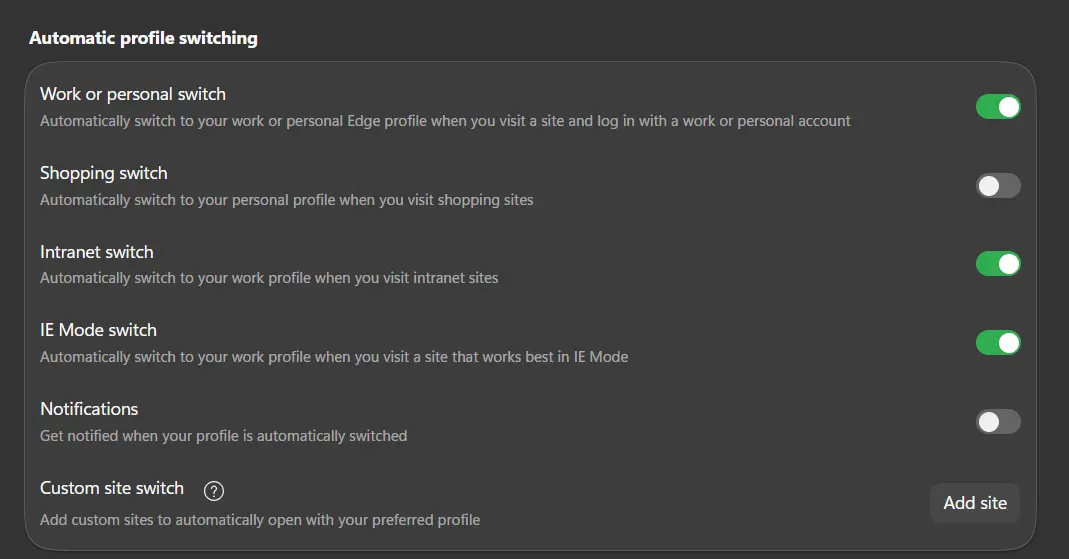
    How to Switch Profiles in Microsoft Edge (Manually, Automatically, or Ask Every Time)

    Key Takeaways (Switch Profiles Microsoft Edge) Quick answer: To switch profiles in Microsoft Edge, click the profile icon at the top right of the toolbar and select the profile you want—it opens in its own window. Edge has no launch-time profile picker, so to choose a profile when opening Edge, create one desktop shortcut per…

  • How to Change the Default Account in Microsoft Edge (2 Accounts Explained)

    How to Change the Default Account in Microsoft Edge (2 Accounts Explained)

    Key Takeaways (Change Default Account Microsoft Edge) Quick answer: To change the default account in Microsoft Edge, open edge://settings/profiles, and set your preferred profile under Multiple profile preferences → Default profile for external links. To make that account open on launch too, edit the Edge shortcut and add –profile-directory with that profile’s folder name from…

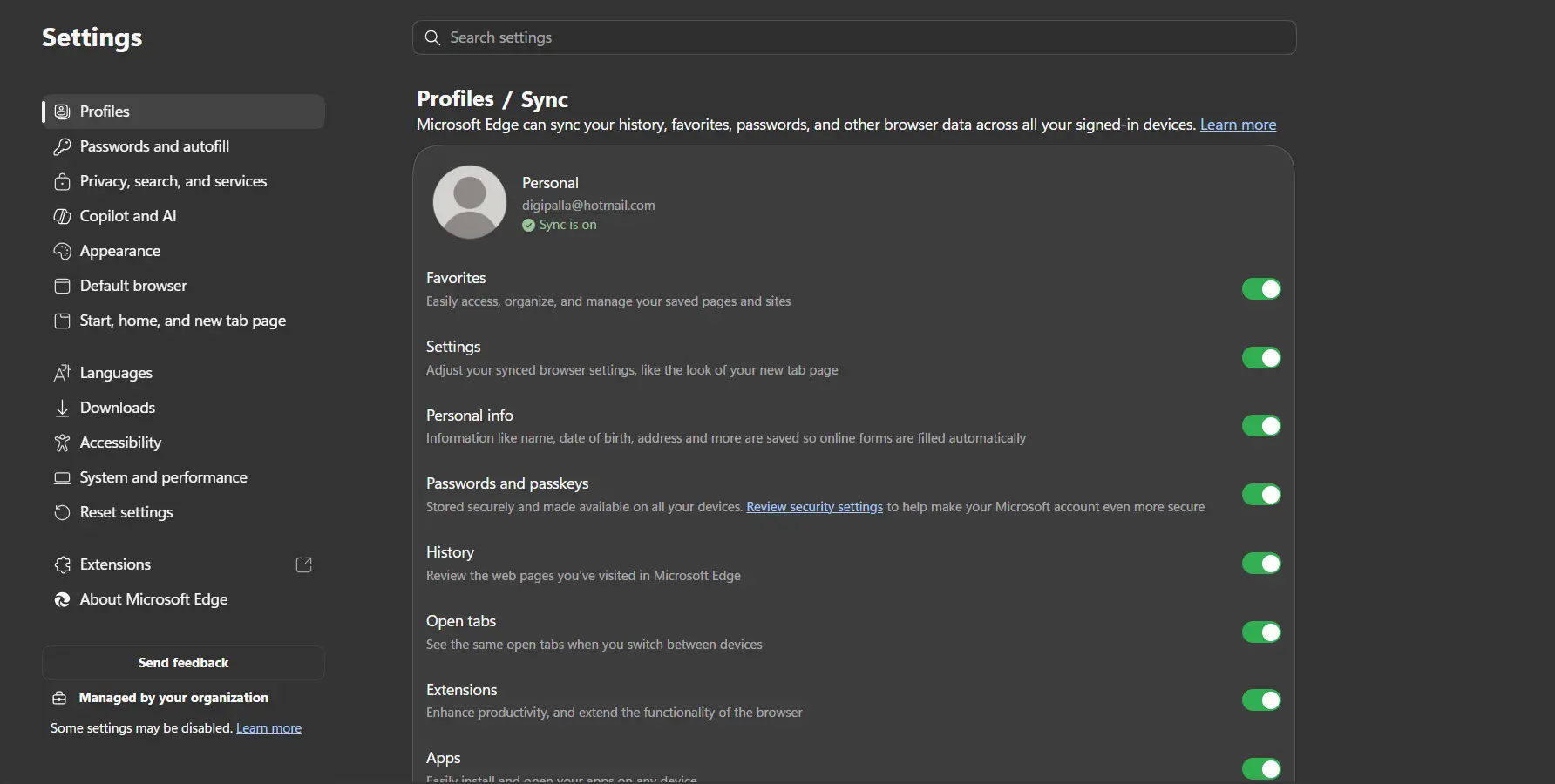
  • edge://settings/profiles: The Complete Guide to Edge Profile Settings (2026)

    edge://settings/profiles: The Complete Guide to Edge Profile Settings (2026)

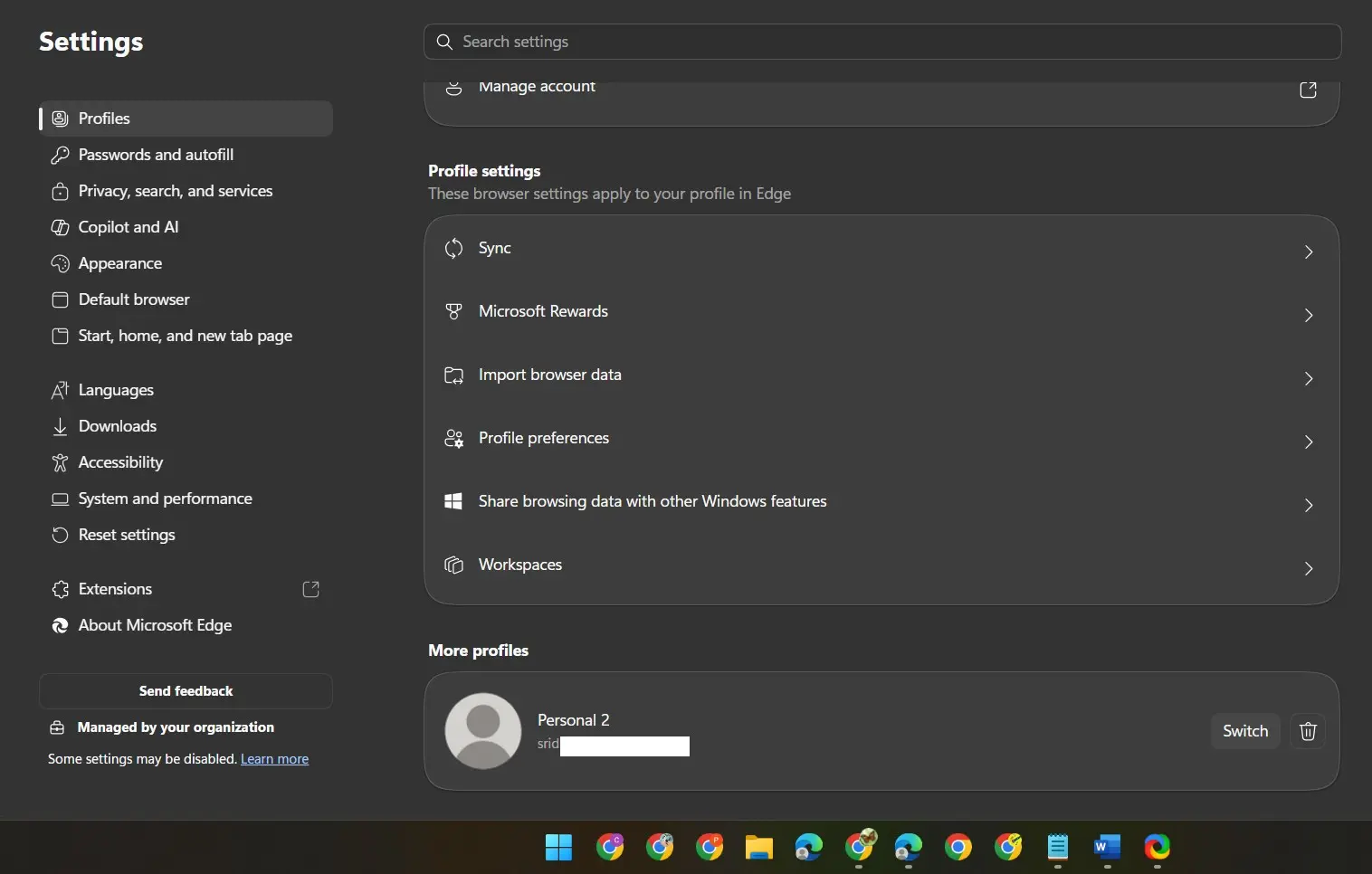
    Key Takeaways Quick answer: edge://settings/profiles is the Microsoft Edge settings page for managing browser profiles. Type it in the address bar to add or edit profiles, sign in, and set a picture and name. Deeper pages handle sync (Settings → Profiles → Sync), multiple profile preferences (/multiProfileSettings), and importing browsing data (/importBrowsingData). Introduction You saw…

  • How to Set the Default Profile in Microsoft Edge (2026 Guide)

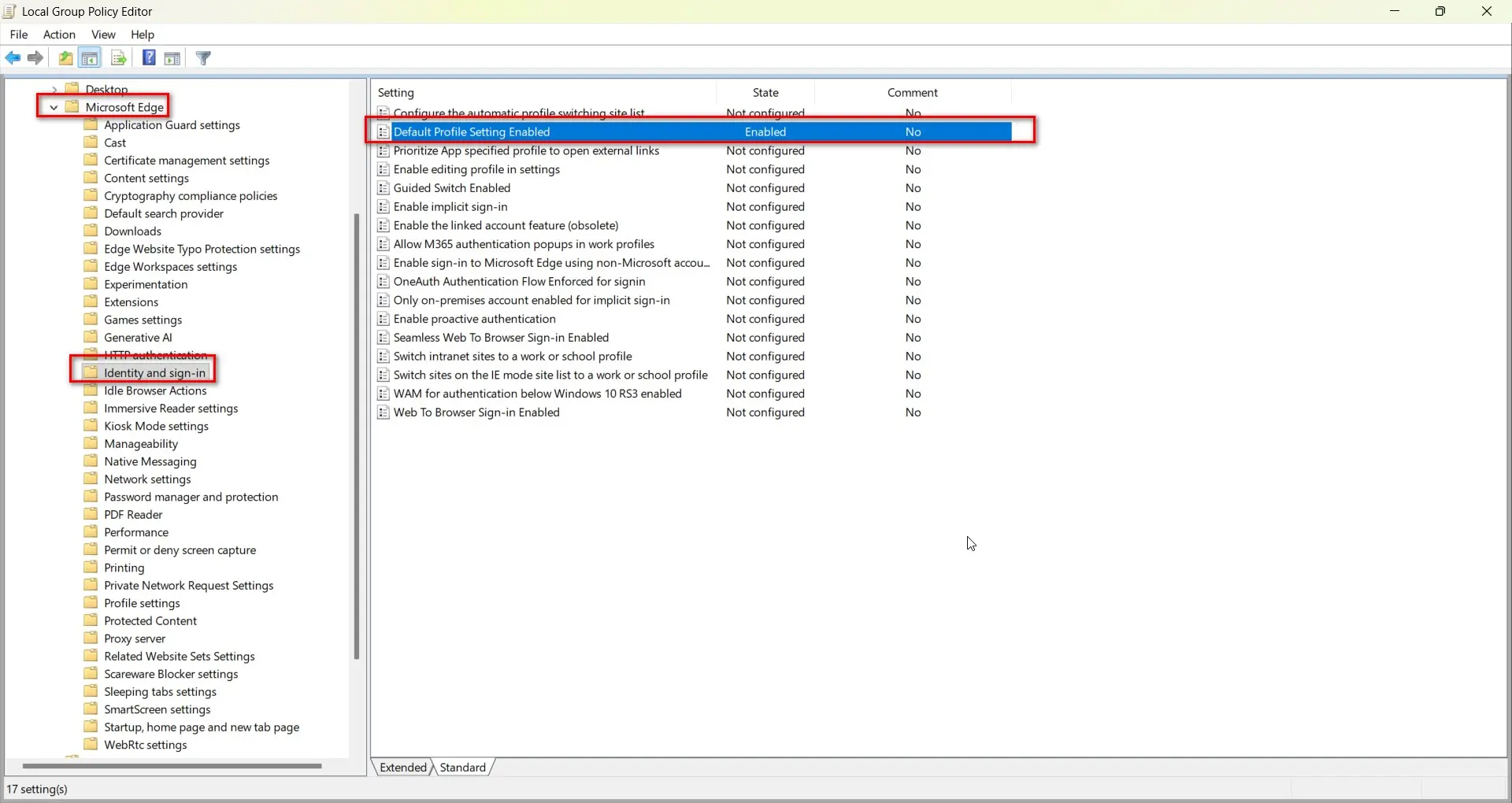
    How to Set the Default Profile in Microsoft Edge (2026 Guide)

    Key Takeaways (Set default profile in Edge) Quick answer: To set the default profile for external links in Microsoft Edge, go to edge://settings/profiles → Multiple profile preferences → Default profile for external links. To make Edge always open a specific profile on launch, edit your Edge shortcut’s target to end with –profile-directory=”Profile 1″, using the…

  • INACCESSIBLE_BOOT_DEVICE Windows 11: 10 Fixes That Work (2026)

    INACCESSIBLE_BOOT_DEVICE Windows 11: 10 Fixes That Work (2026)

    Key Takeaways (Error INACCESSIBLE_BOOT_DEVICE Windows 11 ) Quick answer: To resolve INACCESSIBLE_BOOT_DEVICE on Windows 11, force-shut down twice to trigger Automatic Repair, then unplug all USB devices. If it persists, boot into WinRE, uninstall the latest quality update, run Startup Repair, then check your BIOS storage mode (AHCI vs. RAID). Rebuild the BCD only if…

  • 0xc000007b vs 0xc00007b vs 0x000007b: Which Error Do You Actually Have?

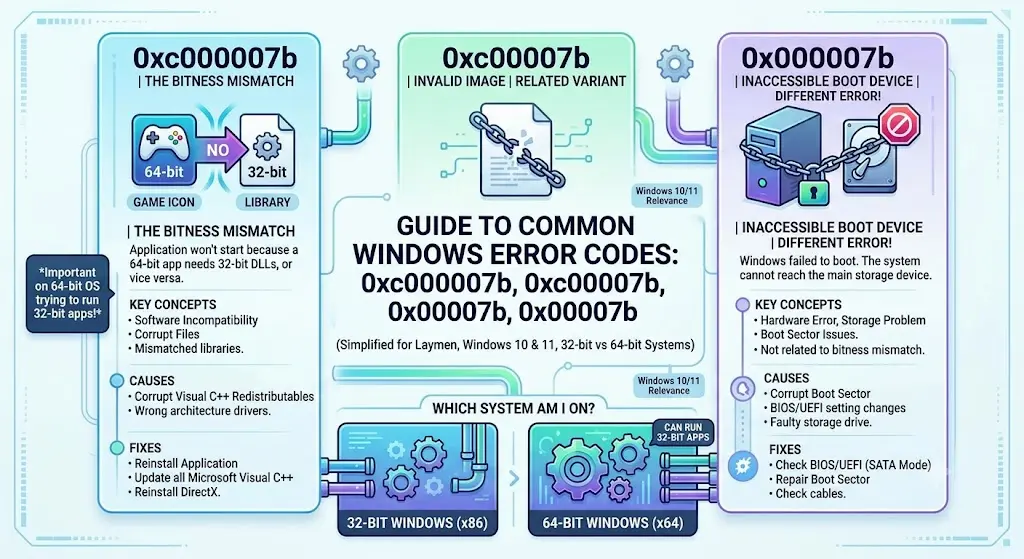
    0xc000007b vs 0xc00007b vs 0x000007b: Which Error Do You Actually Have?

    Key Takeaways (0xc000007b vs 0xc00007b vs 0x000007b) Quick answer: 0xc000007b and 0xc00007b are the same application error, caused by a corrupt or mismatched DLL—fix it with Visual C++ and DirectX. 0x0000007B is INACCESSIBLE_BOOT_DEVICE, a blue screen caused by storage driver or boot configuration problems—fix it in Windows Recovery. Introduction You typed the error code into…