Author: Palla Sridhar

Palla Sridhar is the CEO of DigiPalla IT Services LLP and a seasoned ex-IT professional with over 16 years of blogging experience. He specializes in Microsoft products, including Windows 10, Windows 11, and Office 365, with deep expertise in error code solutions, computer repair, and IT troubleshooting. He publishes practical guides that help everyday users and professionals solve real tech problems quickly and confidently.
  • windows 11 power settings battery vs plugged in

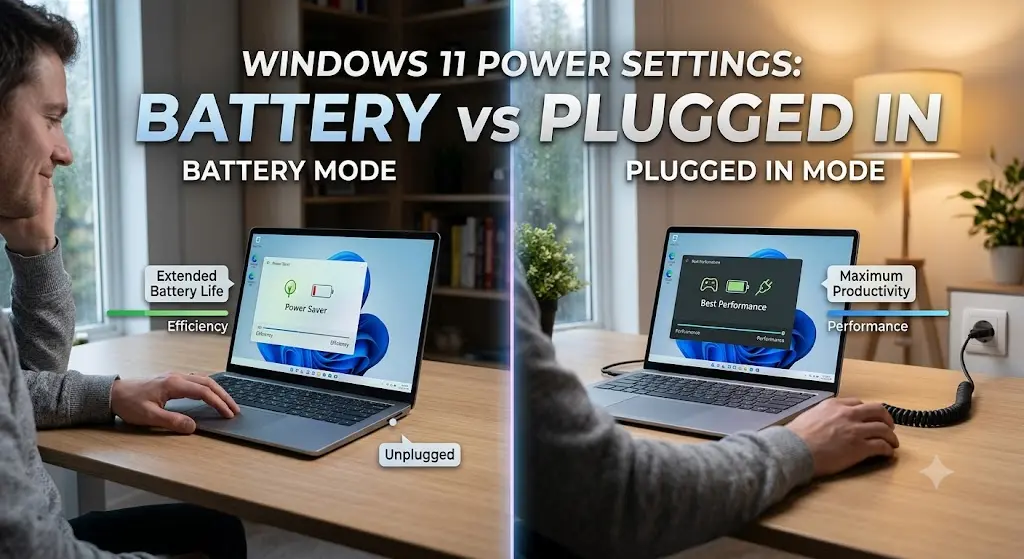
    How to Set Different Power Settings for Battery vs. Plugged In on Windows 11

    Your laptop behaves like two different machines—fast and bright when charging, dim and sleepy on battery. That’s not a bug. It’s Windows 11 applying separate power rules for each state, and most users never realize they can control it. Understanding Windows 11 power settings, battery vs. plugged in, is the key to getting the best…
  • How to Fix Windows 11 Not Waking from Sleep

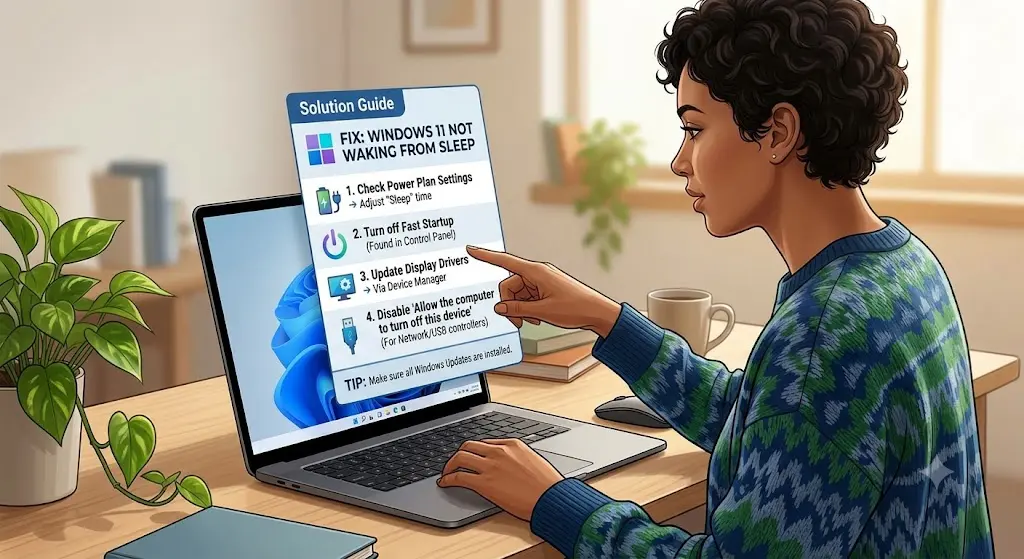
    How to Fix Windows 11 Not Waking from Sleep

    How do I fix Windows 11 not waking from sleep? To fix Windows 11 not waking from sleep, update your display and chipset drivers, disable Fast Startup, adjust power management settings for your keyboard and mouse, and check for BIOS updates. In most cases, outdated graphics drivers or incorrect device wake permissions are the root…

  • sleep vs hibernate vs shut down windows 11 what are the changes

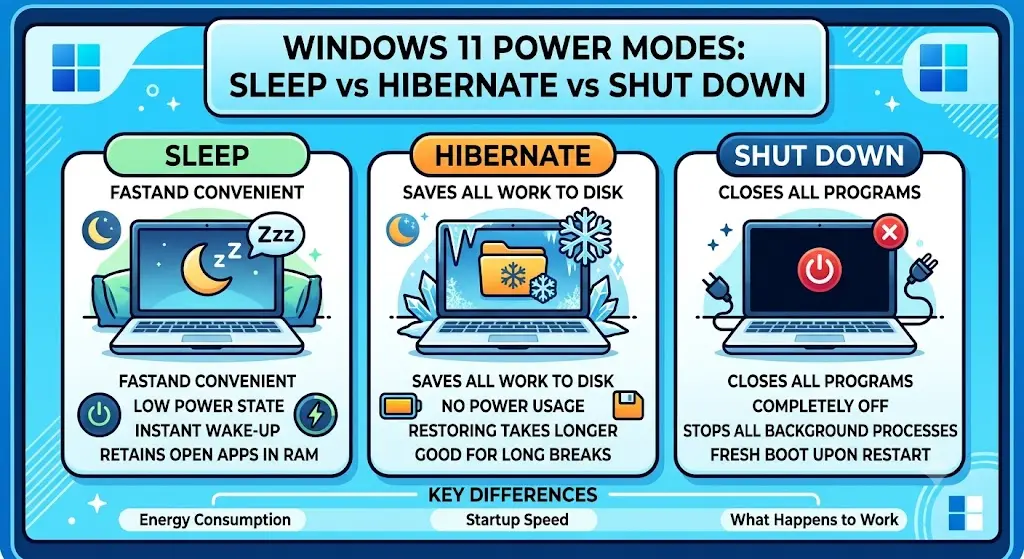
    Sleep vs. Hibernate vs. Shut Down in Windows 11: What’s the Difference?

    What’s the difference between sleep vs. hibernate vs. shut down Windows 11? Sleep saves your session to RAM for an instant wake-up and uses minimal power. Hibernate saves your session to the hard drive, uses no power, and wakes up more slowly. Shut down closes everything and uses no power, requiring a full restart. “Sleep”…

  • Why Does My Windows 11 PC Keep Going to Sleep? (Fixes & Solutions)

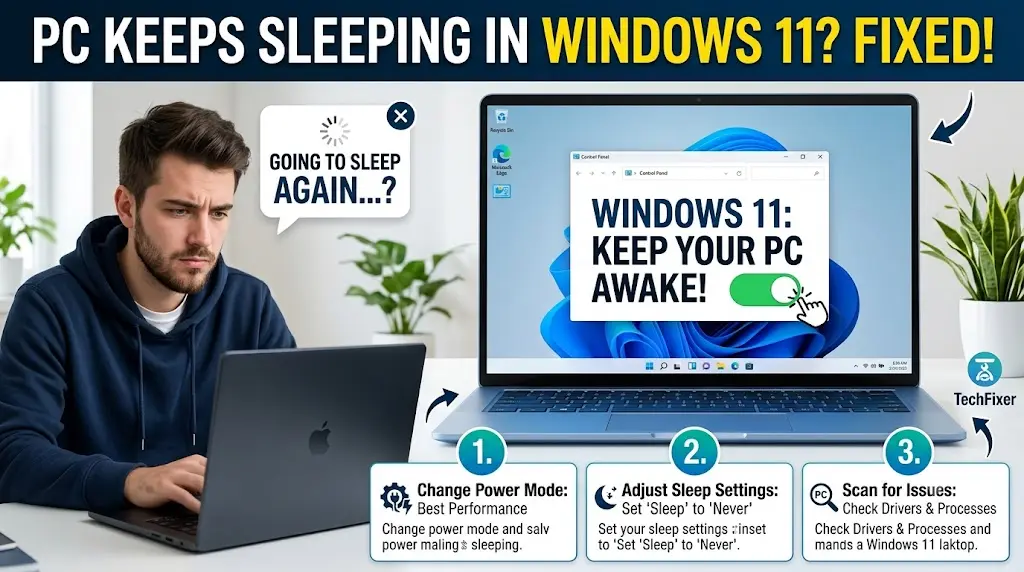
    Why Does My Windows 11 PC Keep Going to Sleep? (Fixes & Solutions)

    Why does my Windows 11 PC keep going to sleep? A Windows 11 PC keeps going to sleep due to incorrect power plan settings, aggressive sleep timers, outdated display or chipset drivers, screensaver conflicts, or third-party software interfering with power management. Adjusting sleep timeout settings and reviewing your active power plan resolves the issue in…

  • windows 11 power plan explained with different plans

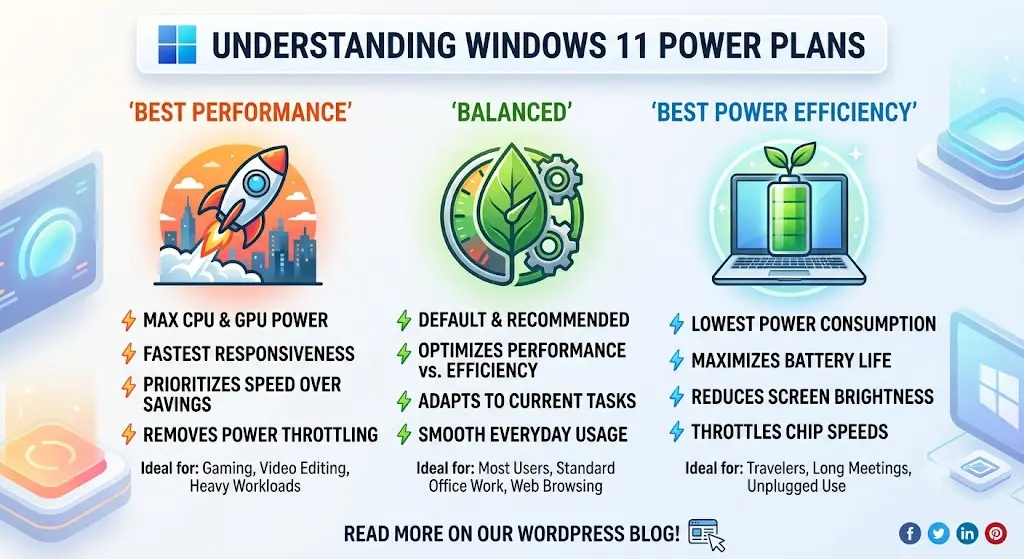
    Windows 11 Power Plan Explained: Balanced vs. High Performance vs. Power Saver

    Windows 11 power plan explained with control over how your processor performs, how quickly your screen dims, and how aggressively your PC conserves energy. Whether you’re a home user watching battery life disappear or an office user needing maximum performance during a workday, understanding your power plan is essential. Your laptop is running hot, draining…

  • How to Fix Install Error 0x80070306 on Windows 11: 5 Community-Verified Solutions

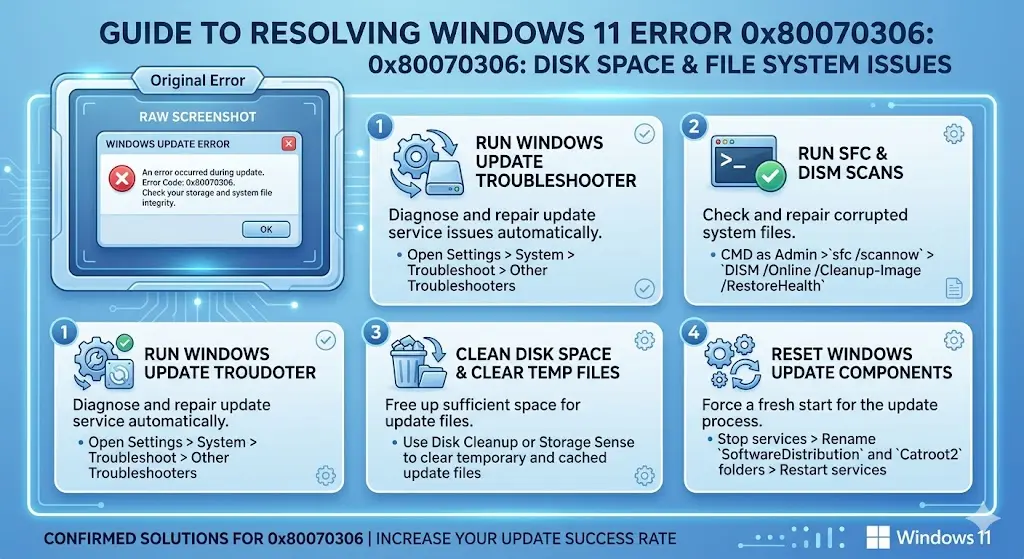
    How to Fix Install Error 0x80070306 on Windows 11: 5 Community-Verified Solutions

    If your Windows 11 update keeps failing with install error 0x80070306, you’re dealing with one of the most persistent and least-documented update errors of 2025 and 2026. This error has hit users trying to install KB5066835 (October 2025), KB5070773, KB5077181 (February 2026), KB5079473 (March 2026), and KB5089549 (May 2026)—across both 24H2 and 25H2 builds. The…

  • How to Fix Error 0x80242016 – Failed to Install on Windows 11: 5 Confirmed Solutions

    If your Windows 11 update keeps failing with error 0x80242016—Failed to Install—you’ve hit one of the most widely reported Windows Update errors in 2025 and 2026. This error appeared in force during the October 2025 cumulative update (KB5066835) for Windows 11 24H2 and 25H2, affecting thousands of users across the United States, Europe, and India….

  • Windows 11 Upgrade Error 0x8007042b: Real Causes and Community-Verified Fixes

    If you’ve been trying to upgrade to Windows 11 25H2 and keep hitting error 0x8007042b, you’re in the right place. This error is one of the most reported Windows 11 upgrade failures in late 2025 and throughout 2026, affecting users upgrading from 23H2 and 24H2 across the United States, Europe, and India. The frustrating part…

  • How to Fix Error 0xc1900101 on Windows 11: 5 Solutions That Actually Work

    How to Fix Error 0xc1900101 on Windows 11: 5 Solutions That Actually Work

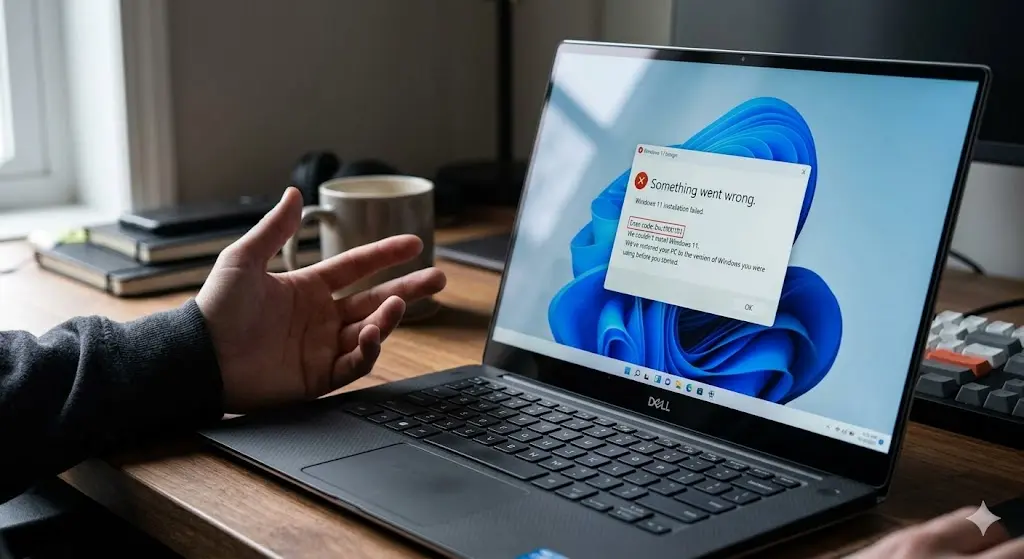
    If you’ve been staring at the message “Install error – 0xc1900101” after your Windows 11 upgrade rolled back, you’re not alone. The frustrating part? Windows just silently rolls back and offers no clear explanation. In this guide, I’ll walk you through exactly what causes error 0xc1900101, which variant of the code you’re dealing with, and…