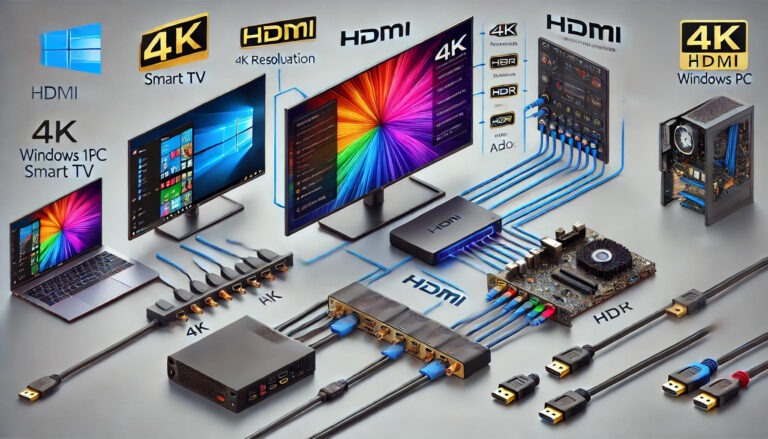
How to Change HDMI Output Resolution on Windows 11 (And Fix a Blurry TV)

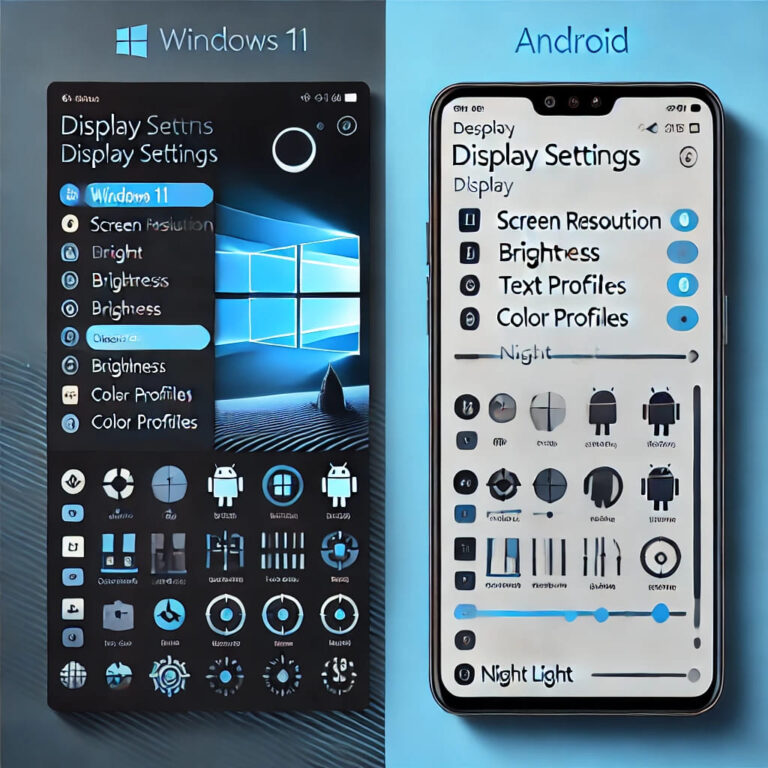
Key Takeaways Quick answer: To change HDMI output resolution on Windows 11, open Settings → System → Display, select the HDMI-connected screen, and set Display resolution to the TV’s native resolution—1920 × 1080 for Full HD, 3840 × 2160 for 4K. Then check the refresh rate under Advanced display. If the right option is missing,…

![How to Fix Acer Laptop Speakers Not Working in Windows 11 and 10 [2026]](https://www.windowstechit.com/wp-content/uploads/2023/10/acer-laptop-speakers-not-working-768x432.jpg "How to Fix Acer Laptop Speakers Not Working in Windows 11 and 10 [2026] 3")