Update Drivers Using CMD: The Honest 2026 Guide (No Myth)

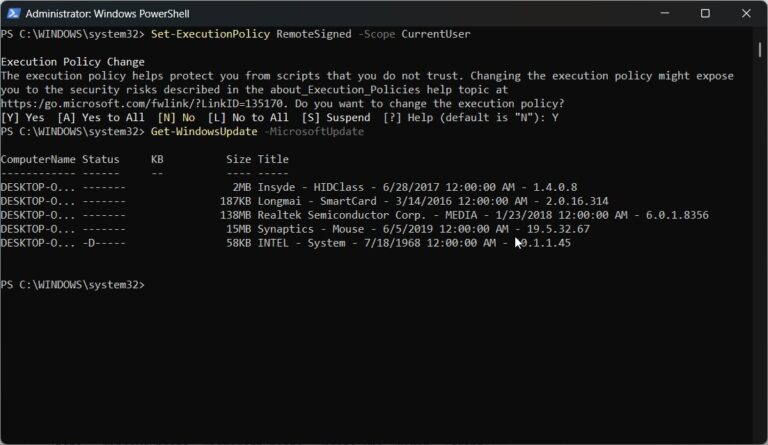
Key Takeaways Quick answer: To update drivers using CMD, open Command Prompt as administrator. To install drivers from a folder, run pnputil /add-driver “C:\Drivers\*.inf” /subdirs /install. To download Microsoft-approved driver updates, use PowerShell: install the PSWindowsUpdate module, then run Install-WindowsUpdate -MicrosoftUpdate. There is no single native command that updates every driver at once. Introduction You…