Author: Palla Sridhar

Palla Sridhar is the CEO of DigiPalla IT Services LLP and a seasoned ex-IT professional with over 16 years of blogging experience. He specializes in Microsoft products, including Windows 10, Windows 11, and Office 365, with deep expertise in error code solutions, computer repair, and IT troubleshooting. He publishes practical guides that help everyday users and professionals solve real tech problems quickly and confidently.
  • Best Windows 11 Laptops for 2026 — 12 Expert-Tested Picks for Every Budget

    If you’re still running Windows 8.1 or Windows 10, there has never been a more urgent moment to act. Windows 10 support officially ended in October 2025, meaning your PC is no longer receiving the security updates that protect your files, identity, and data. Every day you wait is another day your device sits exposed….
  • Windows 8.1 RAM Upgrade: 4GB to 8GB or Buy a New Laptop (2026)?

    Windows 8.1 RAM Upgrade: 4GB to 8GB or Buy a New Laptop (2026)?

    You fire up your old laptop, and the familiar Windows 8.1 loading screen crawls to life—again. Chrome takes 40 seconds to open, switching between browser tabs feels like a punishment, and everything just feels slow. Sound familiar? You’re not alone. Millions of users across the US, India, and Europe are still running aging PCs on…

  • Best Budget Windows 10 and 11 Refurbished Laptop: 7 Top Picks 2027

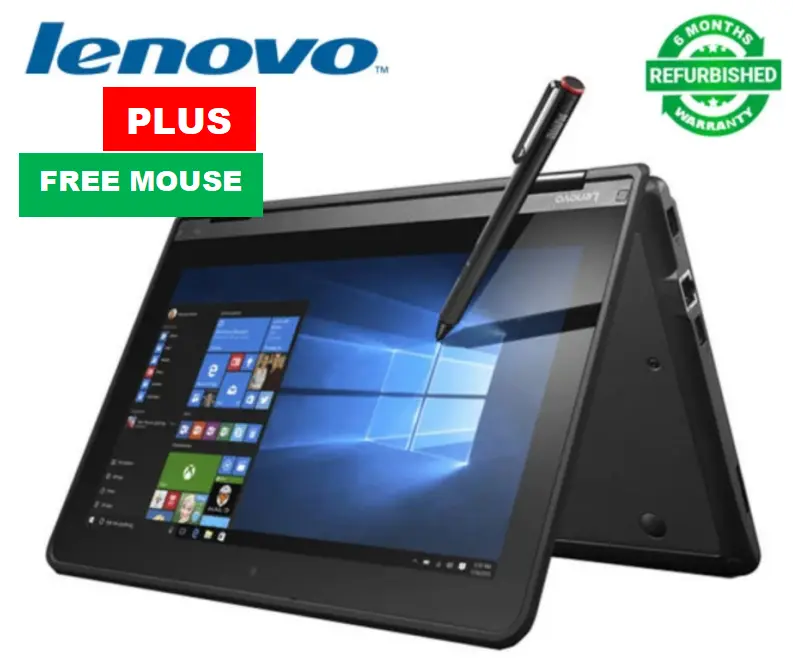
    Best Budget Windows 10 and 11 Refurbished Laptop: 7 Top Picks 2027

    Still running Windows 8.1? It has had no security updates since January 10, 2023, and the hardware it came on is now over a decade old. The cheapest safe way out is a refurbished business laptop. This guide covers which ones to buy, what to avoid, and one rule that matters more in 2027 than…

  • Best Cheap Laptop to Replace Old Windows 8.1 PC Under Rs.30,000 in India (2026)

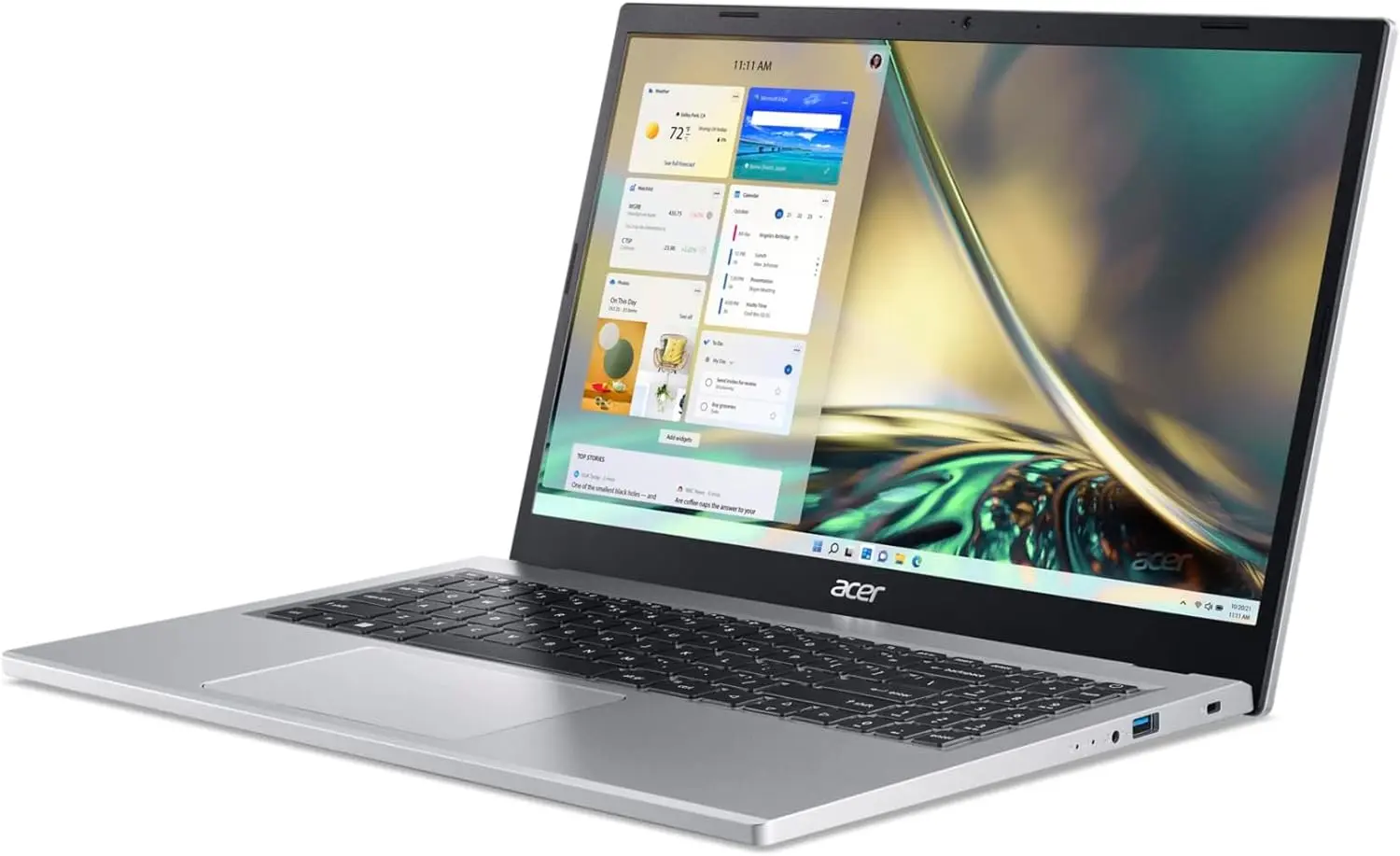
    Best Cheap Laptop to Replace Old Windows 8.1 PC Under Rs.30,000 in India (2026)

    ⭐ Quick Answer The best cheap laptop to replace an old Windows 8.1 PC under ₹30,000 is the Acer Aspire 3 with AMD Ryzen 3, 8GB RAM, and 512GB SSD running Windows 11 Home. Other top options include Asus VivoBook 15, Lenovo IdeaPad Slim, and HP Laptop 14—all offering Full HD displays and modern performance…

  • How to Adjust Power and Sleep Settings in Windows 11 (2026)

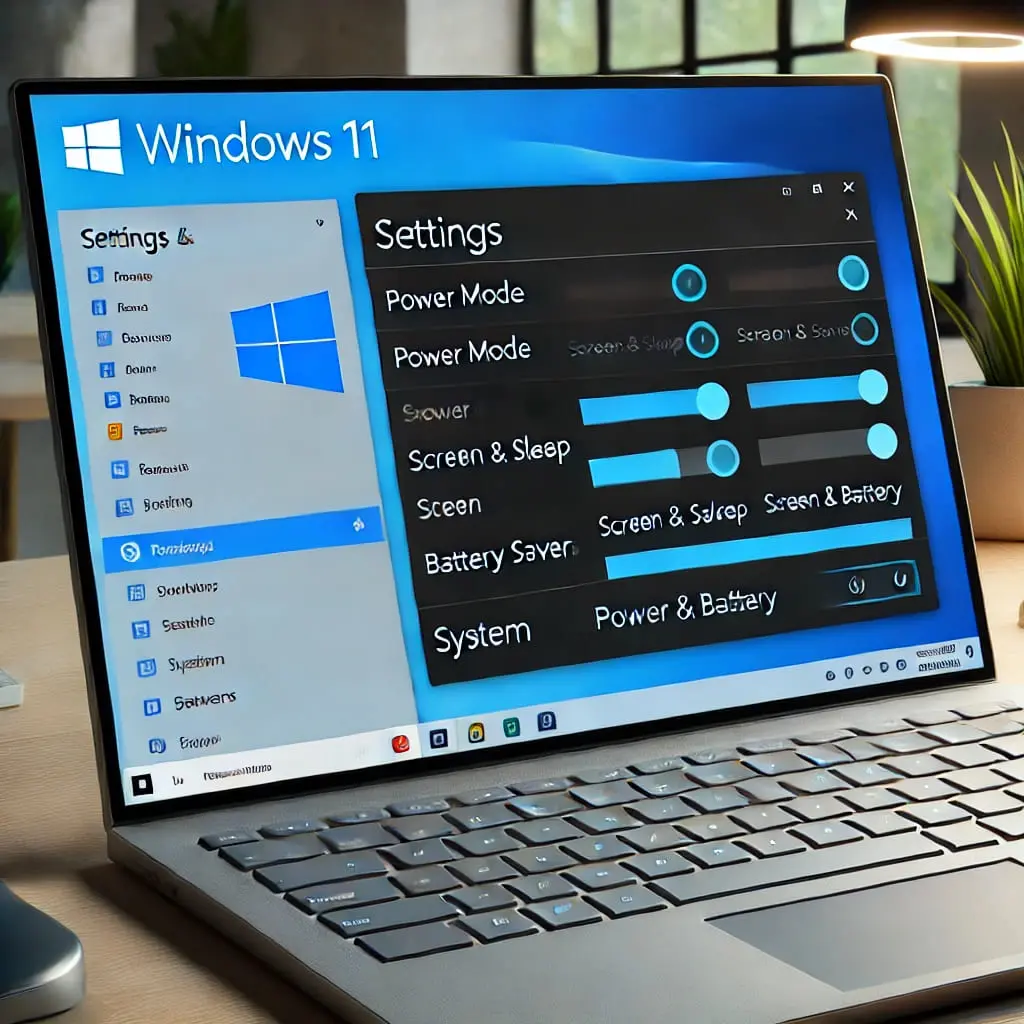
    How to Adjust Power and Sleep Settings in Windows 11 (2026)

    To adjust power and sleep settings in Windows 11, follow these steps: Press Windows + I, go to System → Power & battery → Screen and sleep (called “Screen, sleep, & hibernate timeouts” on 25H2). Set separate timers for screen-off and sleep—on battery and plugged in. Defaults are 3 minutes on battery and 5 plugged…

  • Windows 11 End of Life: Problems and Solutions You Need to Know

    Windows 11 End of Life: Problems and Solutions You Need to Know

    Windows 11 end of life is one of the most searched Microsoft lifecycle topics in 2026—and for good reason. If you’re using Windows 11 Home, Pro, or Enterprise in the United States, Canada, the UK, Australia, or Europe, understanding your Windows 11 end-of-support date is critical for security and compliance. In this updated guide, I…

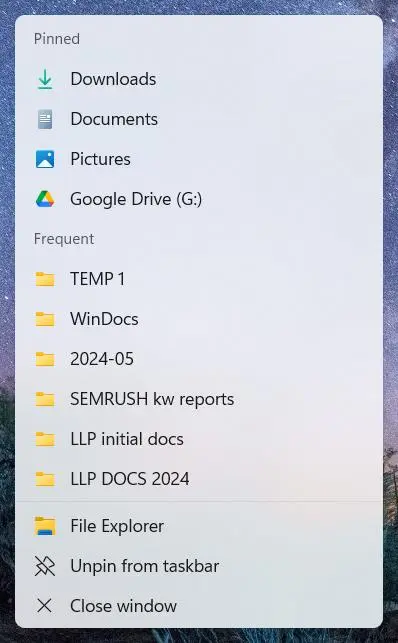
  • How to set the File Explorer Maximum Entries for Windows 11 Jump List

    How to set the File Explorer Maximum Entries for Windows 11 Jump List

    Jump List Windows 11 is one of the most powerful yet underused productivity features in Microsoft’s modern operating system. If you’ve ever right-clicked an app icon on your taskbar and instantly accessed recent files, pinned folders, or frequently used documents, you’ve already used Windows 11 jump lists—even if you didn’t know the name. In this…

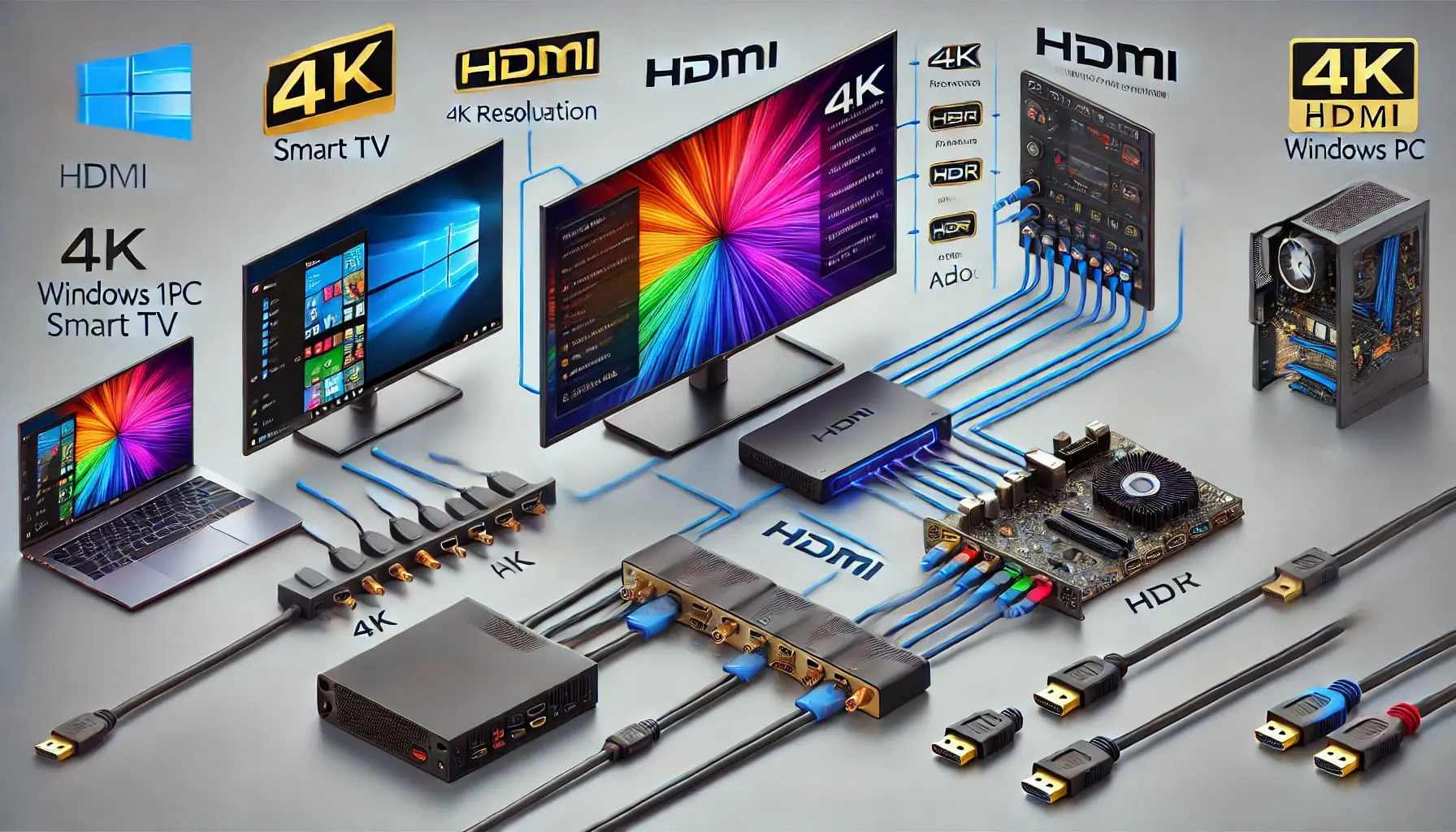
  • How to Configure HDMI Settings on PC and Laptop (2026 Guide)

    How to Configure HDMI Settings on PC and Laptop (2026 Guide)

    If you want to connect a computer, laptop, or gaming console to an external monitor or TV, understanding the correct HDMI settings is essential. HDMI allows devices to transmit both high-definition video and digital audio through a single cable, making it the most common connection method for displays. Key Takeaways Quick answer: HDMI settings in…