Author: Palla Sridhar

Palla Sridhar is the CEO of DigiPalla IT Services LLP and a seasoned ex-IT professional with over 16 years of blogging experience. He specializes in Microsoft products, including Windows 10, Windows 11, and Office 365, with deep expertise in error code solutions, computer repair, and IT troubleshooting. He publishes practical guides that help everyday users and professionals solve real tech problems quickly and confidently.
  • How to Fix Windows 11 Clipboard History Not Working After the 2024 Update

    How to Fix Windows 11 Clipboard History Not Working After the 2024 Update

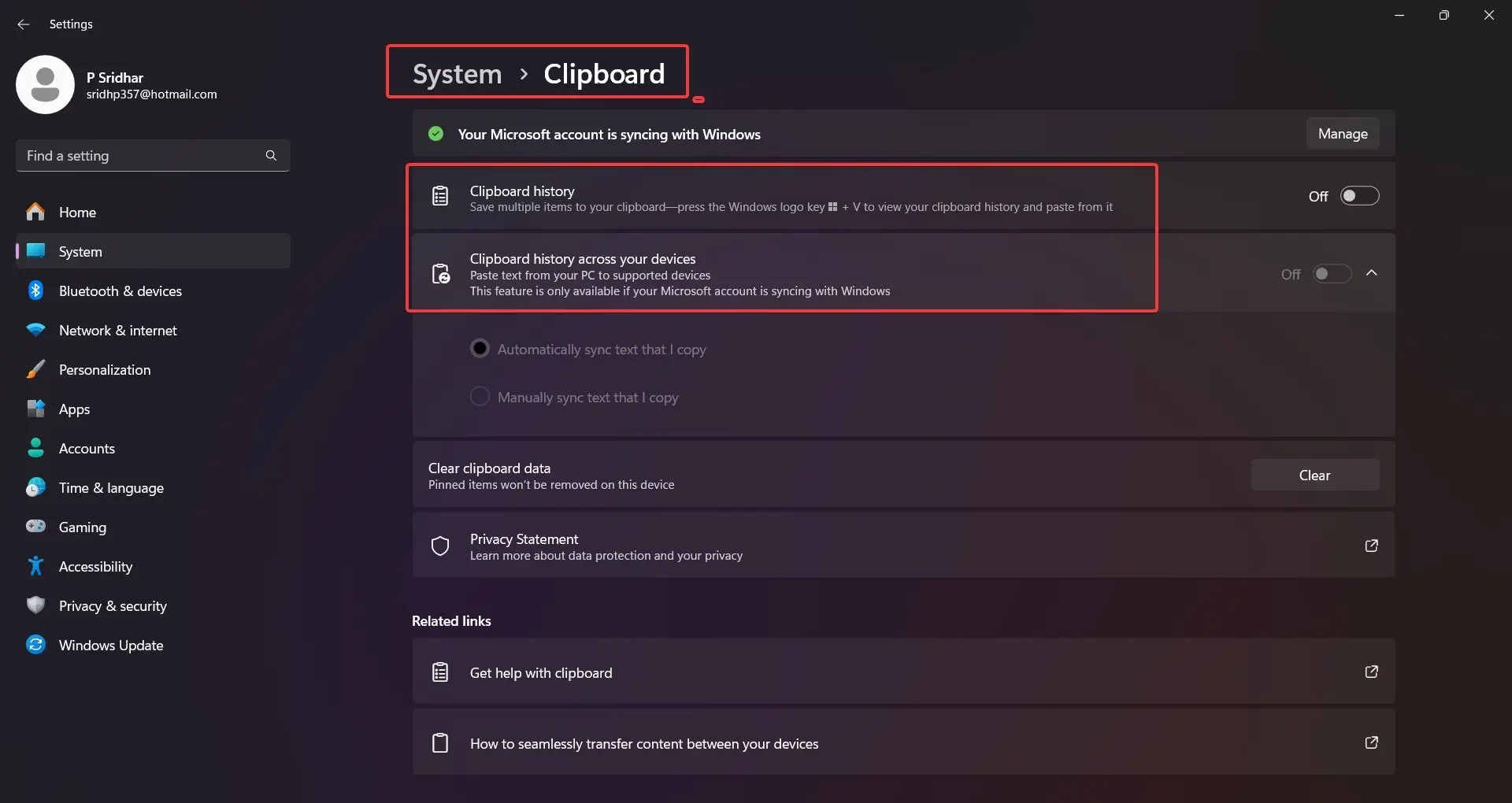
    The Clipboard History feature in Windows 11 is a productivity powerhouse. It enables users to effortlessly copy and manage multiple text snippets, images, and more, accessed quickly with the Windows key + V shortcut. However, after the 2024 24H2 update, many users have reported a frustrating bug: Windows 11 clipboard problem. Instead of seeing the usual list…
  • Fix “Your Browser is Managed by Your Organization” in Microsoft Edge

    Fix “Your Browser is Managed by Your Organization” in Microsoft Edge

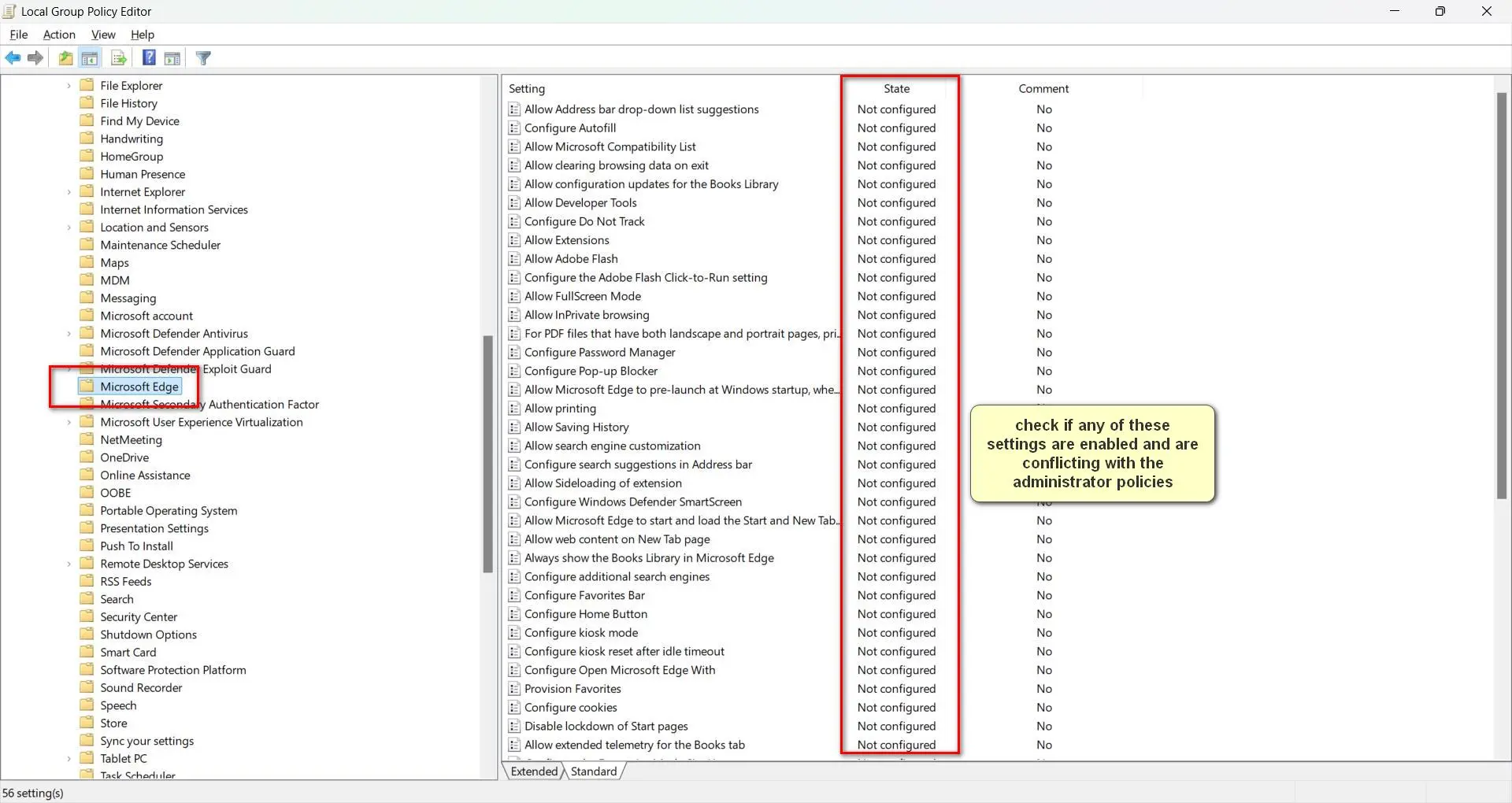
    If you’ve recently noticed the message “Your browser is managed by your organization” in Microsoft Edge, you’re not alone. This notification typically appears when your browser settings are being controlled by an organization, such as your workplace, school, or IT administrator. According to Microsoft’s official documentation, this feature is part of Edge’s enterprise management capabilities,…

  • 4 Simple Ways to Disable Copilot in Edge after 24H2 update

    4 Simple Ways to Disable Copilot in Edge after 24H2 update

    Microsoft Edge’s Copilot feature, powered by AI, offers users a range of intelligent tools to enhance productivity. However, not everyone finds it useful, and some may prefer to disable Copilot in Edge for reasons such as privacy concerns, reducing distractions, or optimizing system performance. If you’re looking to turn off Copilot in Edge, there are…

  • Windows 11 Activation Error Code 0xc004f211: Every Fix Explained (May 2026)

    Windows 11 Activation Error Code 0xc004f211: Every Fix Explained (May 2026)

    Error 0xc004f211 is one of the most frustrating Windows activation errors you can encounter—and it tends to hit at the worst possible time: right after you’ve just upgraded your hardware or updated your BIOS. The full error message reads: “Windows reported that the hardware on your device has changed. Error code: 0xc004f211.” This means Windows…

  • Windows 11 Activation Error 0xc004f213: Fix “No Product Key Found” in 2026

    Windows 11 Activation Error 0xc004f213: Fix “No Product Key Found” in 2026

    ⚡ Updated May 2026: Generic key reset method and update-triggered error scenario added Error code 0xc004f213 is one of the most confusing Windows activation errors—because it often appears when you’ve done nothing wrong. In 2025 and 2026, thousands of users across the US, Europe, and India have reported seeing this error after a routine Windows…

  • 5 Effective Methods to Overcome 0xC004C003 in Windows 11

    5 Effective Methods to Overcome 0xC004C003 in Windows 11

    Encountering the 0xc004c003 Windows 11 activation error can be a frustrating experience, especially when upgrading or setting up your system. This error code, which also appears in Windows 10 activation error code 0xc004c003, typically indicates an issue with your product key or licensing. Whether you’re using 0xc004c003 Windows 11 Pro or 0xc004c003 Windows 11 Enterprise,…

  • The Pros and Cons of Gaming on Windows 11 Compared to Windows 10

    The Pros and Cons of Gaming on Windows 11 Compared to Windows 10

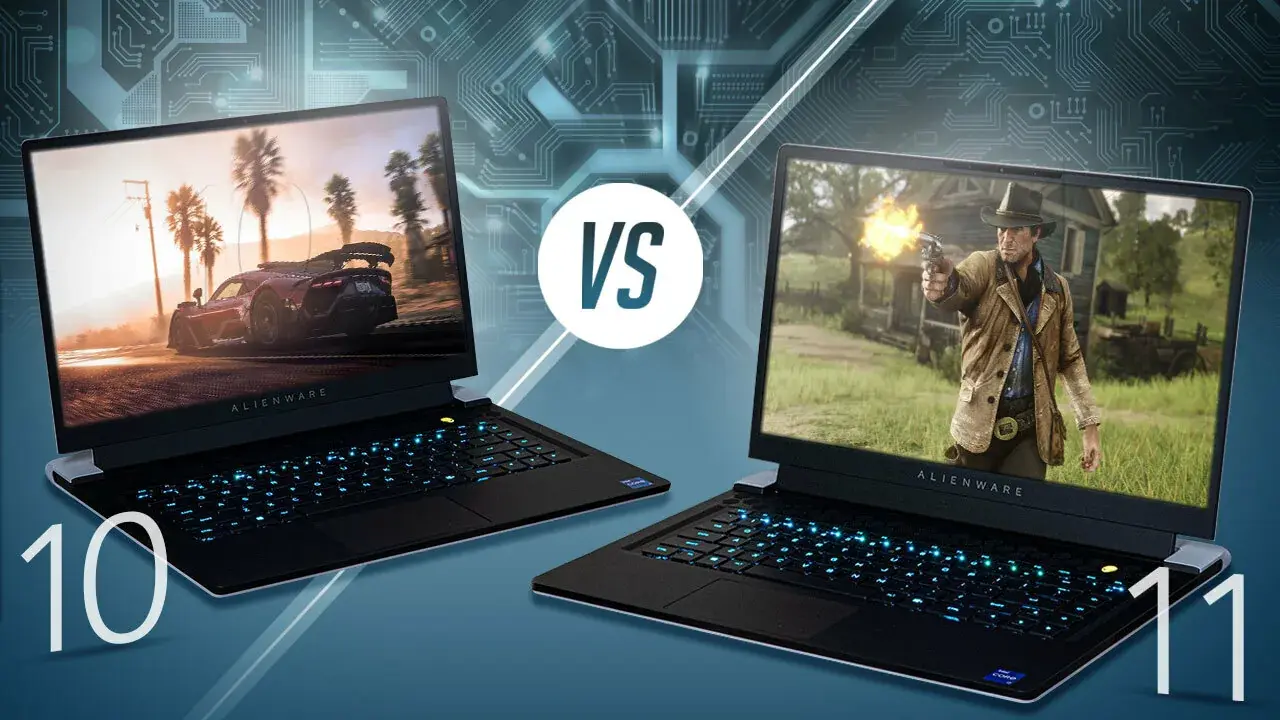
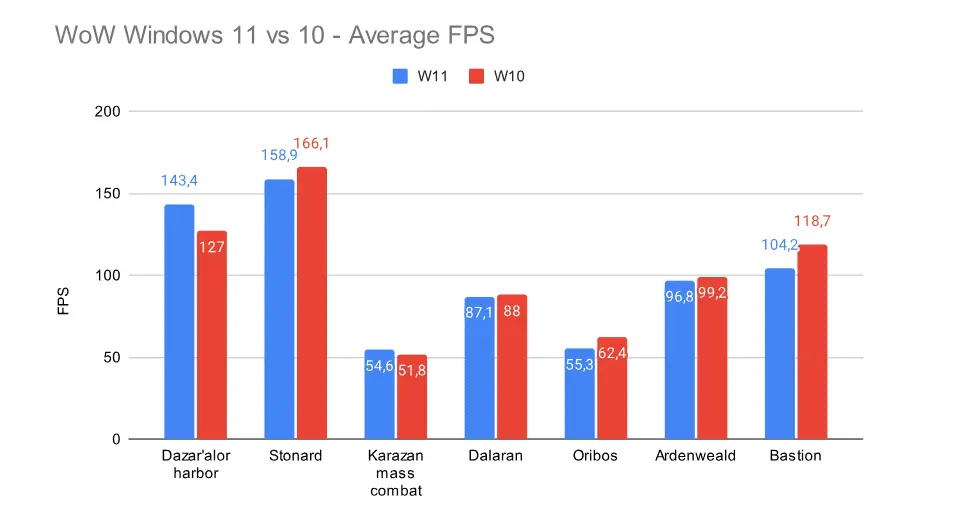
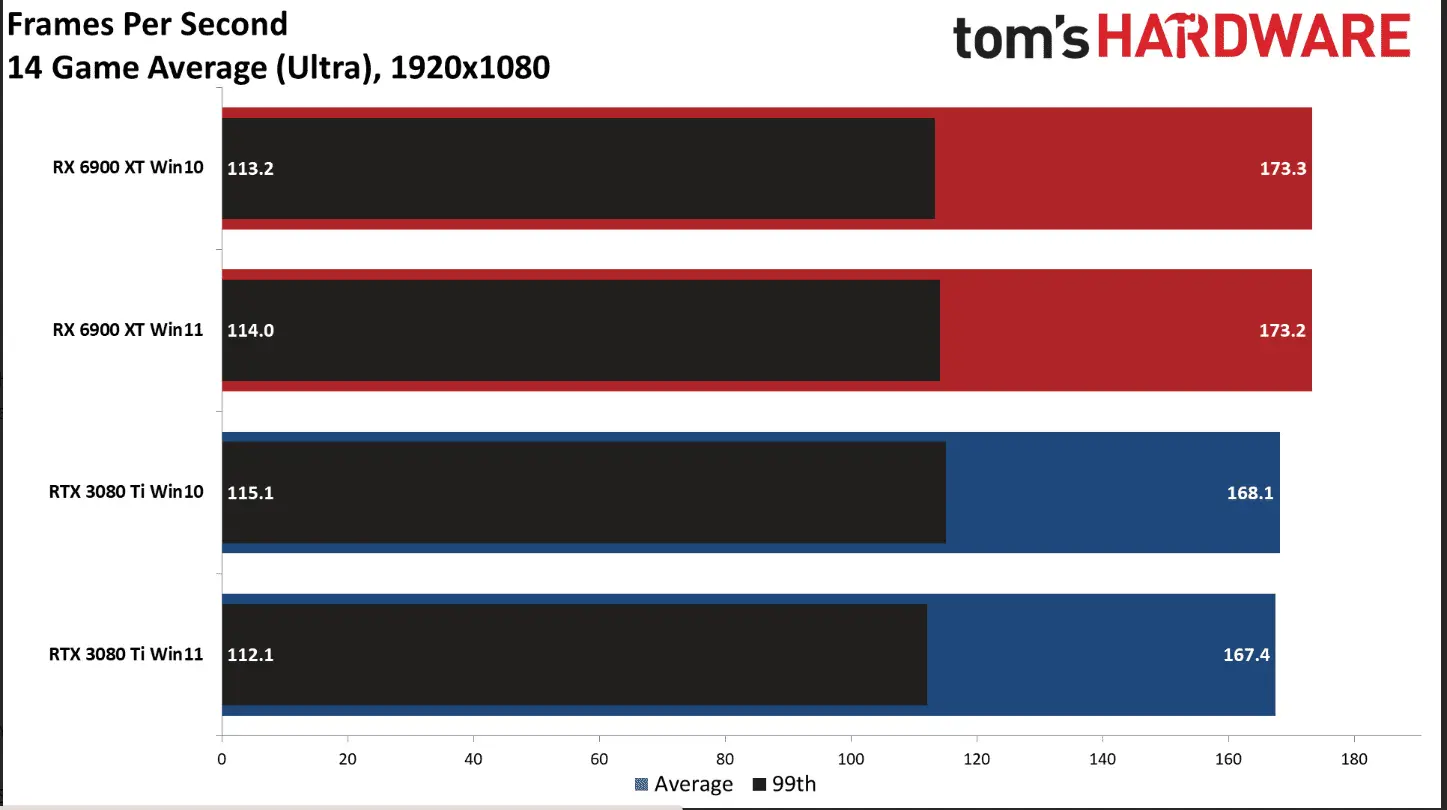
    Buckle up, gamers! Are you ready to dive into the ultimate showdown between Windows 11 and Windows 10 for gaming? As someone who’s been around the block a few times when it comes to gaming on different operating systems, I know firsthand how important it is to weigh the pros and cons before taking the…

  • The Key Differences Between Windows 11 and Windows 10 for Gaming

    The Key Differences Between Windows 11 and Windows 10 for Gaming

    Buckle up, gamers! It’s time to dive into the age-old debate: Windows 11 vs. Windows 10 for gaming. As someone who’s been around the block a few times when it comes to gaming on different operating systems, I can tell you that understanding the key differences between these two can make or break your gaming…

  • How to Compare Windows 11 and Windows 10 Gaming Performance: A Step-by-Step Guide

    How to Compare Windows 11 and Windows 10 Gaming Performance: A Step-by-Step Guide

    You won’t believe how many hours I’ve spent comparing Windows 11 and Windows 10 gaming performance! It’s like I’m on a never-ending quest to find the ultimate gaming OS. But hey, someone’s gotta do it, right? And let me tell you, there’s more to it than just looking at some fancy benchmark numbers. If you…