Author: Palla Sridhar

Palla Sridhar is the CEO of DigiPalla IT Services LLP and a seasoned ex-IT professional with over 16 years of blogging experience. He specializes in Microsoft products, including Windows 10, Windows 11, and Office 365, with deep expertise in error code solutions, computer repair, and IT troubleshooting. He publishes practical guides that help everyday users and professionals solve real tech problems quickly and confidently.
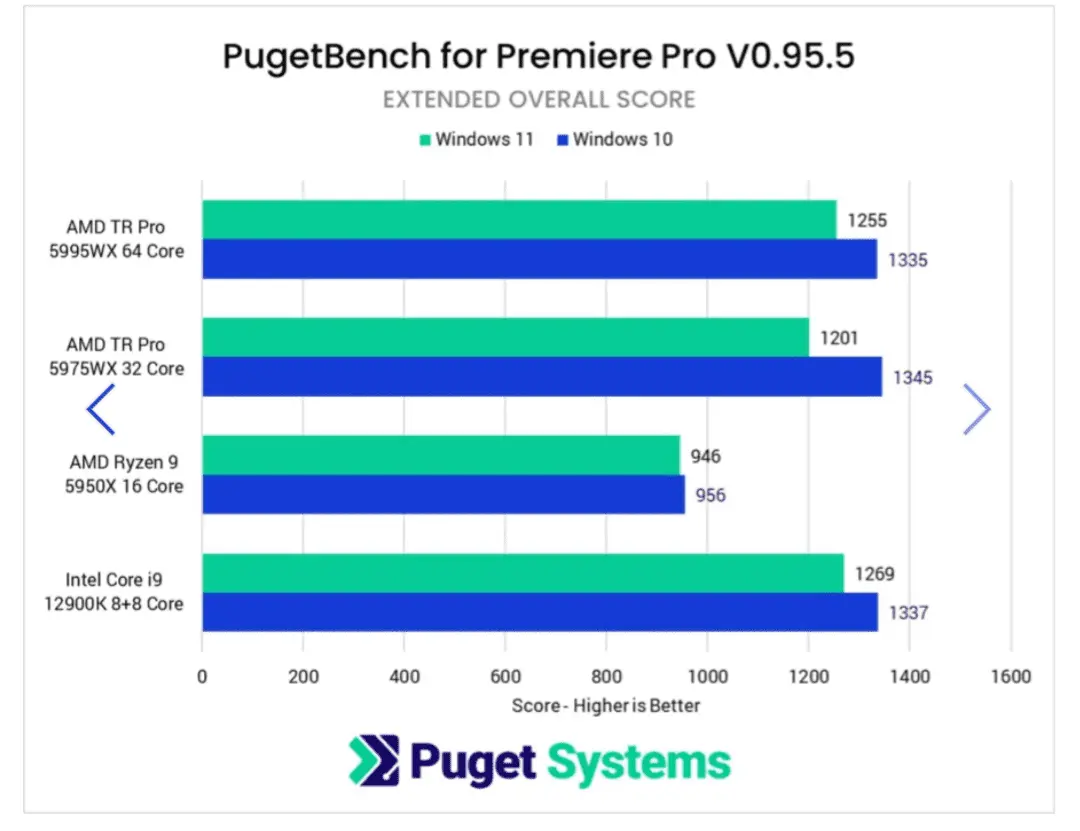
  • Windows 11 vs. Windows 10—Which Is Better for Gaming?

    Windows 11 vs. Windows 10—Which Is Better for Gaming?

    You won’t believe this, but I’ve been a hardcore PC gamer for over 20 years now! Yep, I’ve seen it all—from the early days of Windows 95 to the sleek and modern Windows 11. With each new version of Windows, I’ve always wondered: is this finally the OS that will take my gaming experience to…
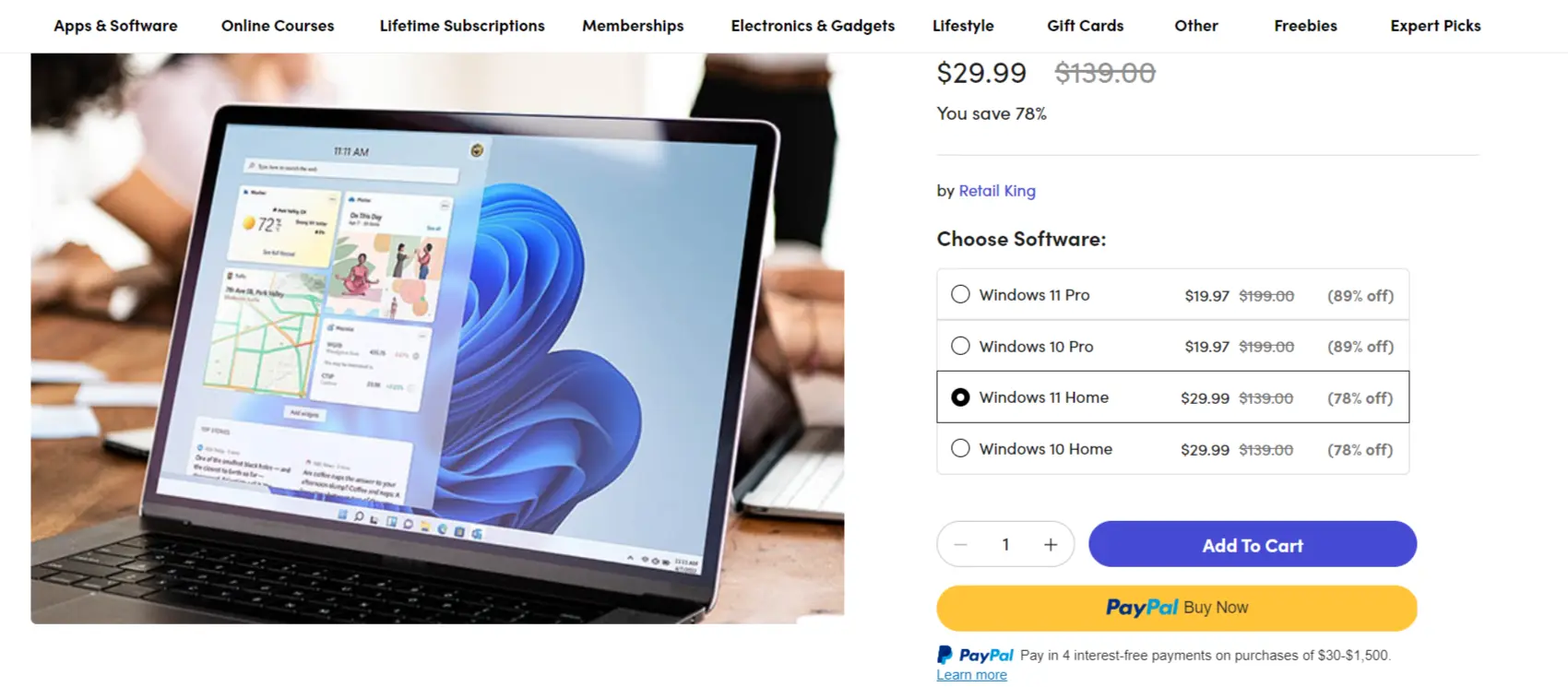
  • Get Windows 11 Home Activation Key Deal ($29.99). – Before it Expires

    Get Windows 11 Home Activation Key Deal ($29.99). – Before it Expires

    Upgrading using a genuine Windows 11 Home activation key is a straightforward process that can be completed in just a few steps. Once you have purchased your activation key lifetime deal, you can download the Windows 11 installation media from Microsoft’s official website. During the installation process, you will be prompted to enter your activation…

  • How to Fix the Memory Management BSOD on Windows 11 (Stop Code 0x0000001A) — 10 Fixes

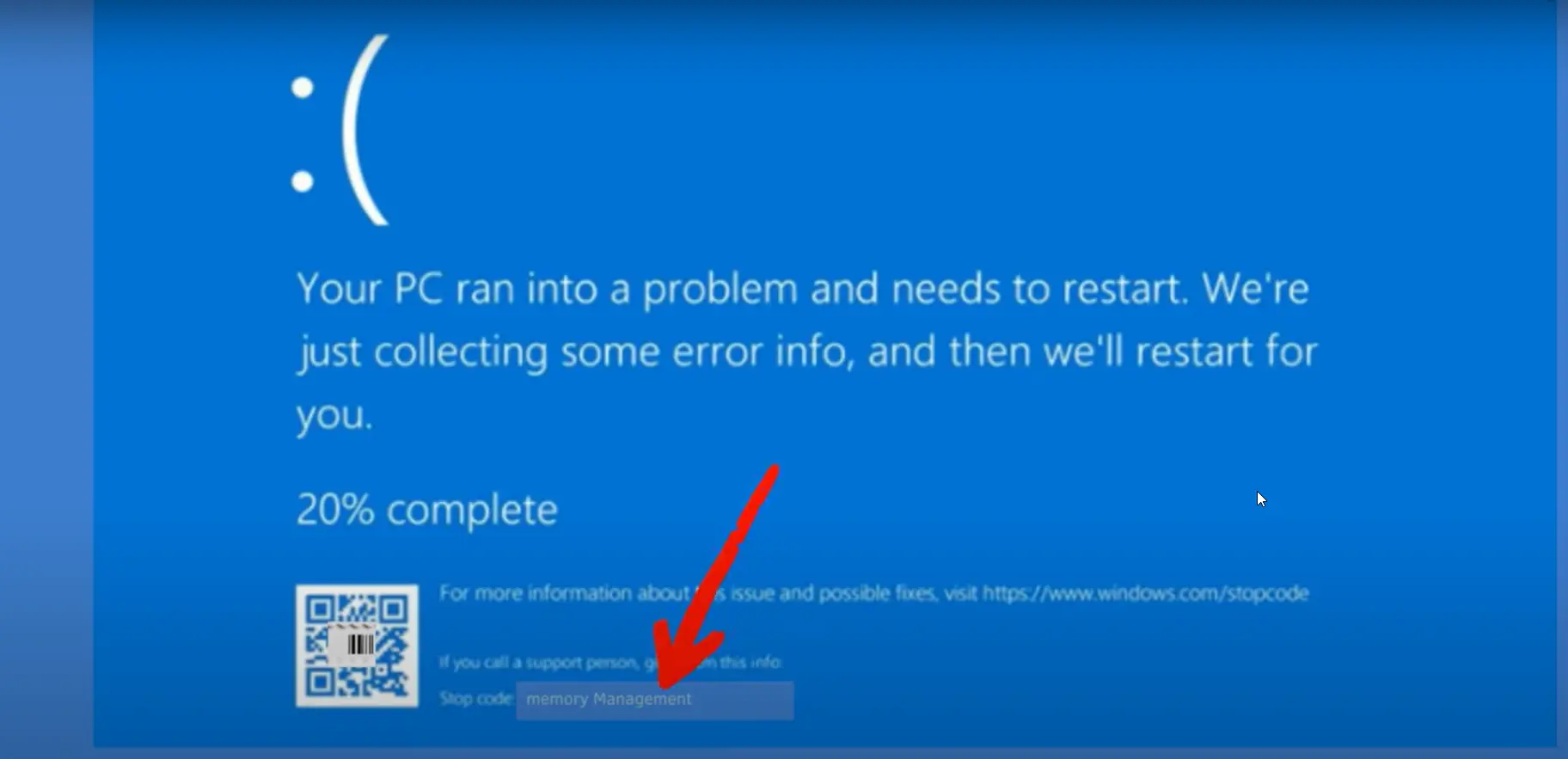
    How to Fix the Memory Management BSOD on Windows 11 (Stop Code 0x0000001A) — 10 Fixes

    The memory management BSOD on Windows 11 is one of the most alarming crashes you’ll see—a full blue screen with the words MEMORY_MANAGEMENT and, in many cases, the stop code 0x0000001A. It means Windows detected a critical error in how your system is allocating or accessing RAM, and it forced a shutdown to prevent further…

  • 5 Clean Solutions to Windows 11 BSOD Error

    5 Clean Solutions to Windows 11 BSOD Error

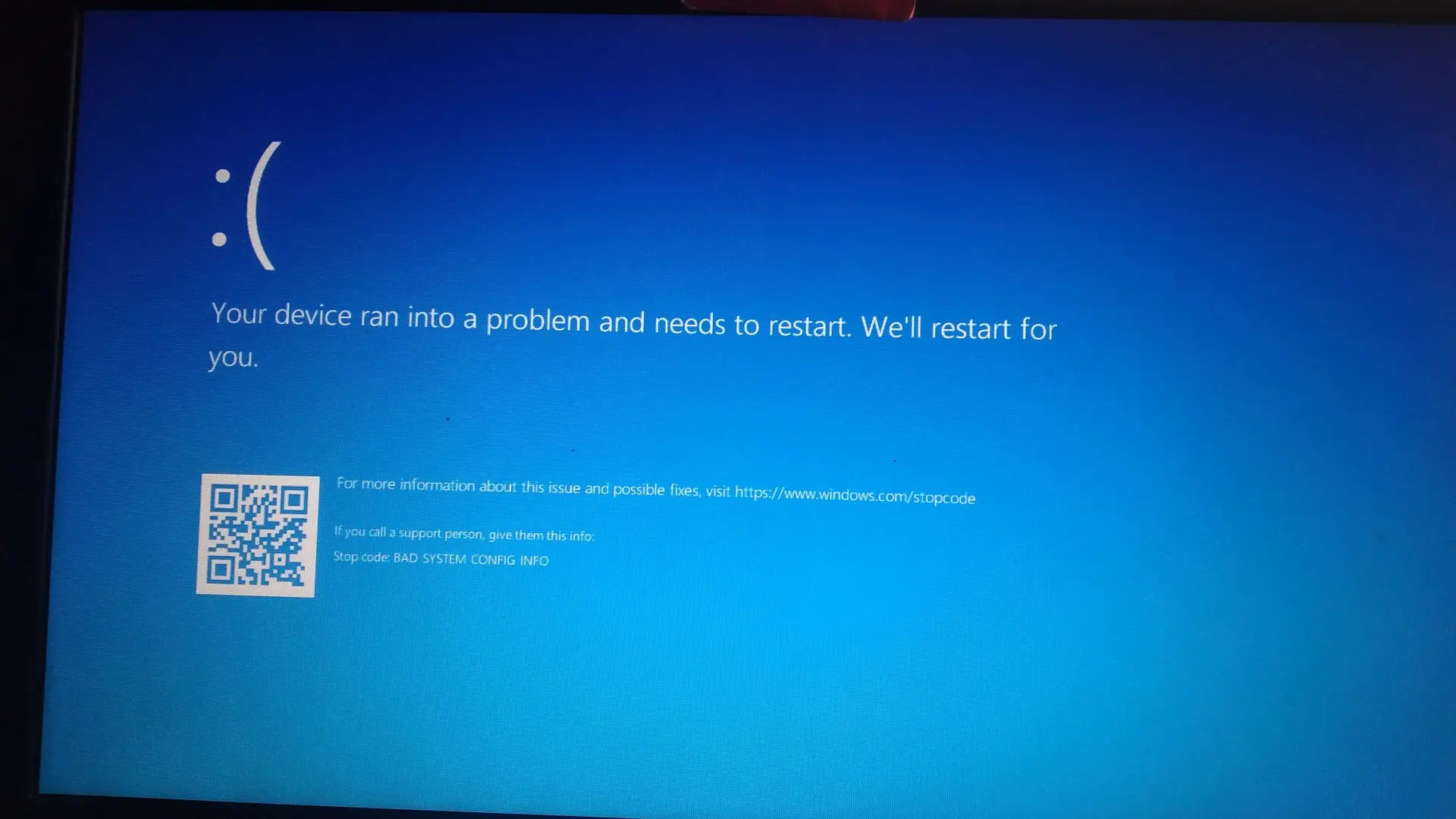
    Blue Screen of Death (BSOD) errors can be one of the most frustrating experiences for Windows users. Recently, a Windows 11 user encountered a perplexing series of BSODs that left their laptop unusable. Let’s explore this case and discuss some key troubleshooting steps and lessons learned. The Initial Problem – Windows 11 BSOD Error The…

  • 5 Powerful Solutions to 0x800f0922 Update Error

    5 Powerful Solutions to 0x800f0922 Update Error

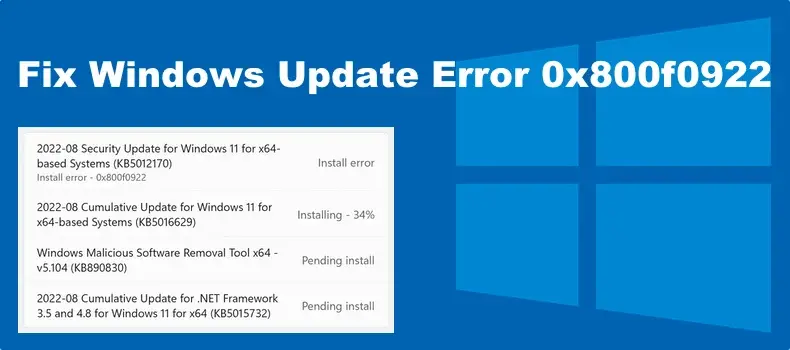
    Error 0x800f0922 is a common issue that users encounter during Windows updates on both Windows 10 and Windows 11. This error typically arises when either the update could not be downloaded or installed correctly, preventing the system from receiving important updates. Recognizing the primary causes and associated problems of this error is crucial for efficient…

  • 3 Common Problems causing 0x80070490 and Their Solutions

    Windows 11 users have recently encountered an unexpected hurdle with the popular TranslucentTB app, facing a perplexing error code 0x80070490. This issue has left many scratching their heads, wondering why a Microsoft Store app would suddenly stop functioning. Let’s dive into this problem and explore potential solutions. Troubleshooting TranslucentTB: 0x80070490 Error in Windows 11 TranslucentTB,…

  • 7 Answers to Windows 11 Privacy Concerns

    7 Answers to Windows 11 Privacy Concerns

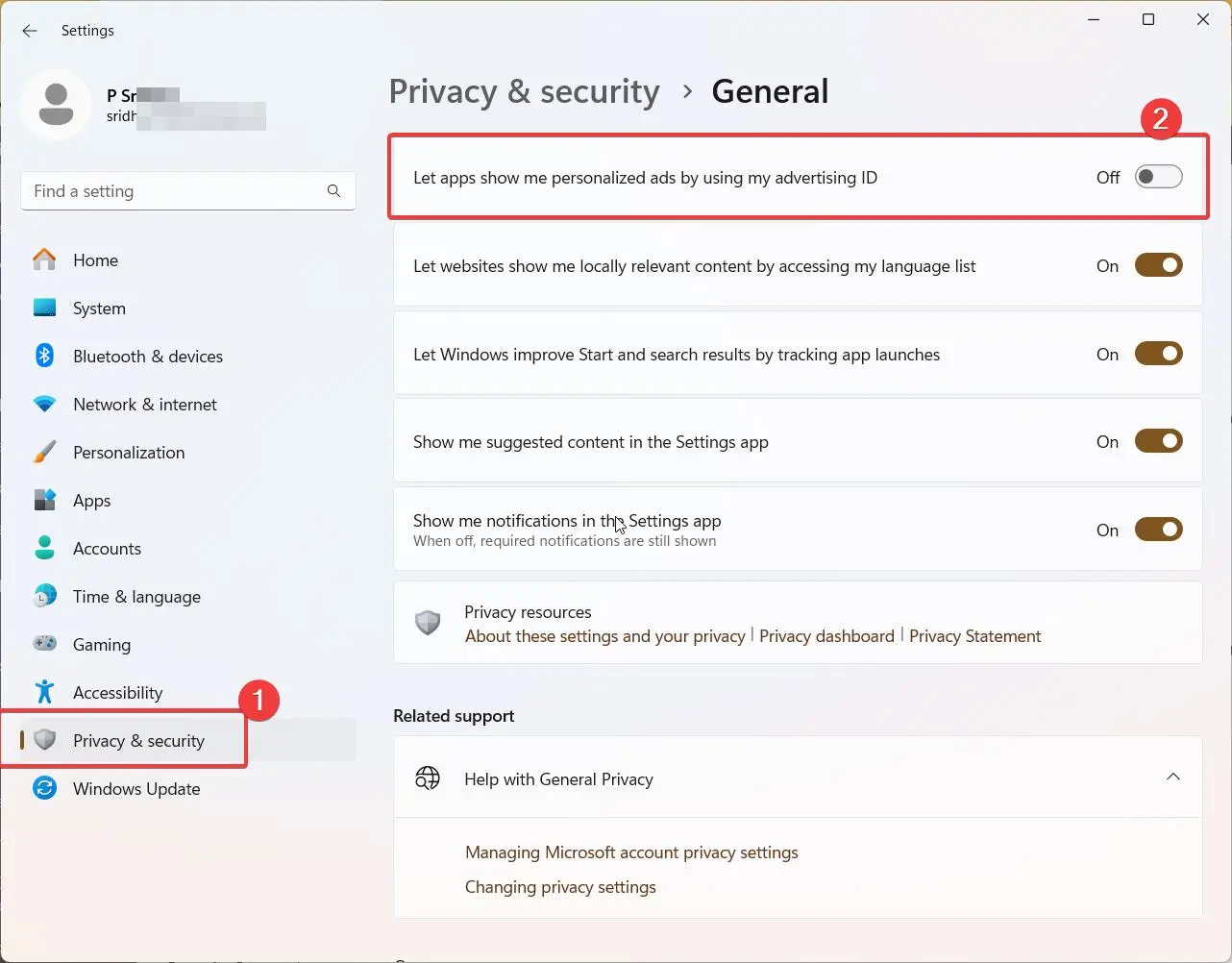
    Windows 11, like its predecessor Windows 10, collects a significant amount of user data by default. While Microsoft claims this data helps improve the user experience, many people are understandably concerned about their privacy. The latest operating system from Microsoft, has raised Windows 11 privacy concerns among users due to its data collection practices and…

  • Troubleshooting Windows 11 24H2 Upgrade Failures

    Windows 11 brought stricter hardware requirements compared to its predecessor, leaving many users with capable but technically unsupported systems in a tricky situation. One such error that has been plaguing many Windows 11 users is the dreaded 0x80888002 error code when trying to install the 22H2 update. If you’ve been banging your head against the…

  • 10 Windows 11 Privacy Tools to Maximize Security (2026 Expert Guide)

    10 Windows 11 Privacy Tools to Maximize Security (2026 Expert Guide)

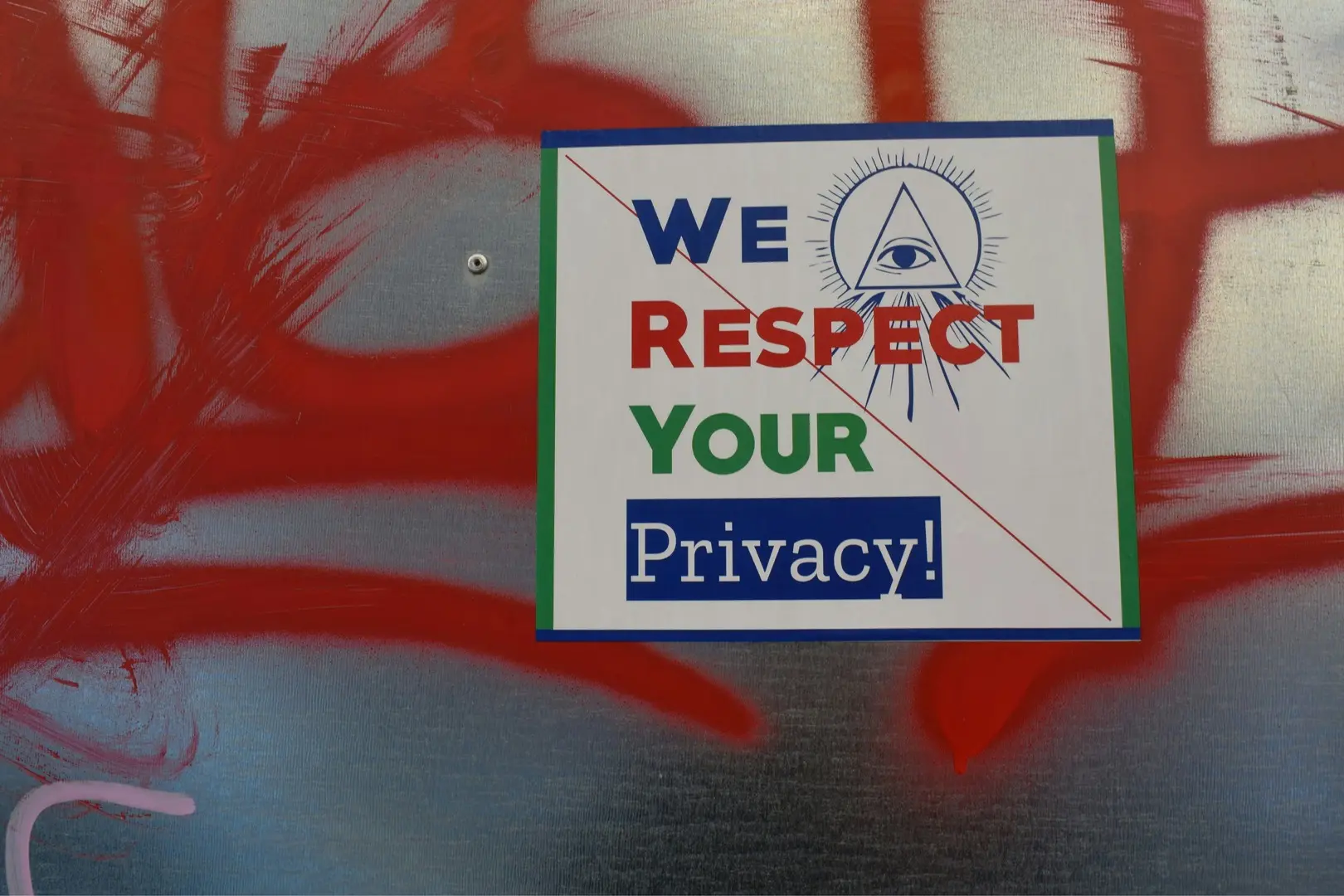
    As we continue to live in an increasingly digital world, the need for securing personal information has never been more crucial. With Windows 11 offering a vast array of features, it is essential for users to be proactive in managing their privacy. Fortunately, there are several Windows 11 privacy tools available to help Updated January…