Author: Palla Sridhar

Palla Sridhar is the CEO of DigiPalla IT Services LLP and a seasoned ex-IT professional with over 16 years of blogging experience. He specializes in Microsoft products, including Windows 10, Windows 11, and Office 365, with deep expertise in error code solutions, computer repair, and IT troubleshooting. He publishes practical guides that help everyday users and professionals solve real tech problems quickly and confidently.
  • Effortlessly Sync Your Team – 5 Simple Steps to Create a Shared Outlook Calendar

    Effortlessly Sync Your Team – 5 Simple Steps to Create a Shared Outlook Calendar

    Creating a shared calendar in Outlook is a game-changer for streamlining collaboration and boosting productivity. With just a few simple steps, you can effortlessly coordinate schedules, meetings, and events with your team. Outlook’s intuitive interface makes setting up a shared calendar a breeze, allowing you to grant access to specific individuals or groups. By leveraging…

  • Secure Outlook Email in 6 Simple Steps – Guaranteed Safety

    Secure Outlook Email in 6 Simple Steps – Guaranteed Safety

    Sending a secure email in Outlook is essential for protecting sensitive information and maintaining privacy in digital communication. In this introduction, we will guide you through the process of sending encrypted emails using Outlook, ensuring that your messages remain confidential and accessible only to intended recipients. To begin, you will need to obtain and install…

  • How to Fix Download Error 0x80248014 on Windows 11- 3 Effective Methods

    How to Fix Download Error 0x80248014 on Windows 11- 3 Effective Methods

    Windows 11, despite its sleek interface and advanced features, can sometimes throw a wrench in your plans with frustrating download errors. One such culprit is the infamous 0x80248014 error, often hindering updates or app downloads from the Microsoft Store. But fear not, fellow Windows users! Let’s explore three effective methods to vanquish this error and…

  • 0x800f0991 Error Fix in Windows 11 – Best Solution

    0x800f0991 Error Fix in Windows 11 – Best Solution

    Error code 0x800f0991 is an issue that can occur when attempting to update Windows 11. This error is often accompanied by a message stating, “There were some problems installing updates, but we’ll try again later.” If you’ve encountered this error, don’t worry – there are several solutions you can try to get your system running…

  • How to Disable the “Save Password” Prompt in Microsoft Edge

    How to Disable the “Save Password” Prompt in Microsoft Edge

    Are you tired of seeing the “Save password” prompt every time you log into a website on Microsoft Edge? This prompt can be useful for saving passwords directly in your browser, but it can also be annoying or even a security concern for some users. If you prefer to use a separate password manager or…

  • How to Disable “Show More Options” and Show the Default Context Menu in Windows 11

    How to Disable “Show More Options” and Show the Default Context Menu in Windows 11

    Windows 11 introduces a redesigned context menu that appears when you right-click on an item. This new menu features a more compact and streamlined design, displaying only the most commonly used options. But it is annoying to some users, as you always have to click that option to display further settings. To access additional options,…

  • Goodbye, Copilot! 5 Swift Steps to Customize Your Windows 11 Experience

    Goodbye, Copilot! 5 Swift Steps to Customize Your Windows 11 Experience

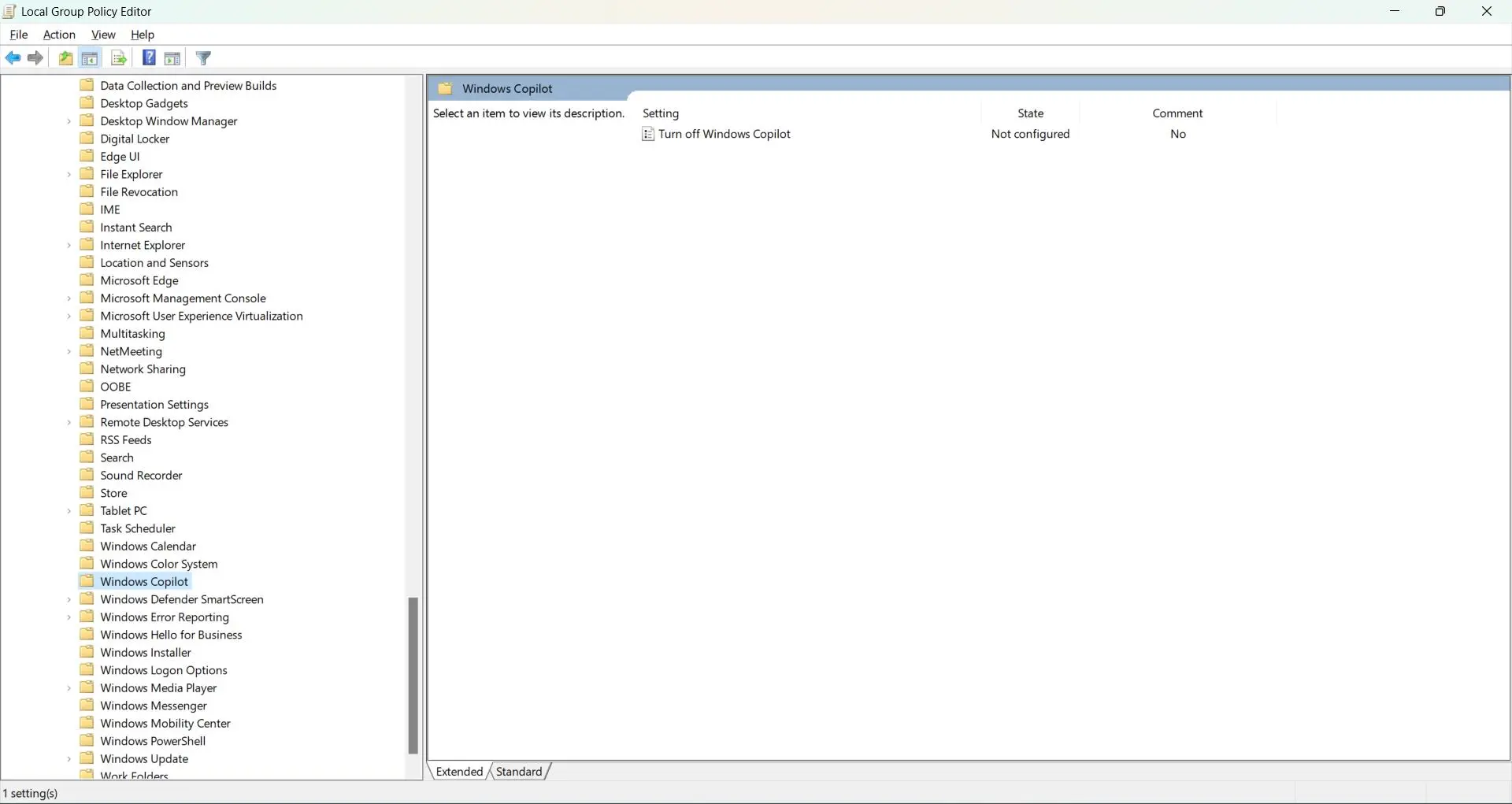
    AI-powered virtual assistant introduced by Microsoft as part of the new operating system. Sometimes it can be annoying. To disable Copilot in Windows 11, use the Settings app, Group Policy Editor, or Registry Editor. Designed to enhance user experience and productivity, Copilot helps users navigate their computer, perform tasks, and find information more efficiently. With…

  • 0x80070643 Windows 10 Update Error – Effective Remedy

    0x80070643 Windows 10 Update Error – Effective Remedy

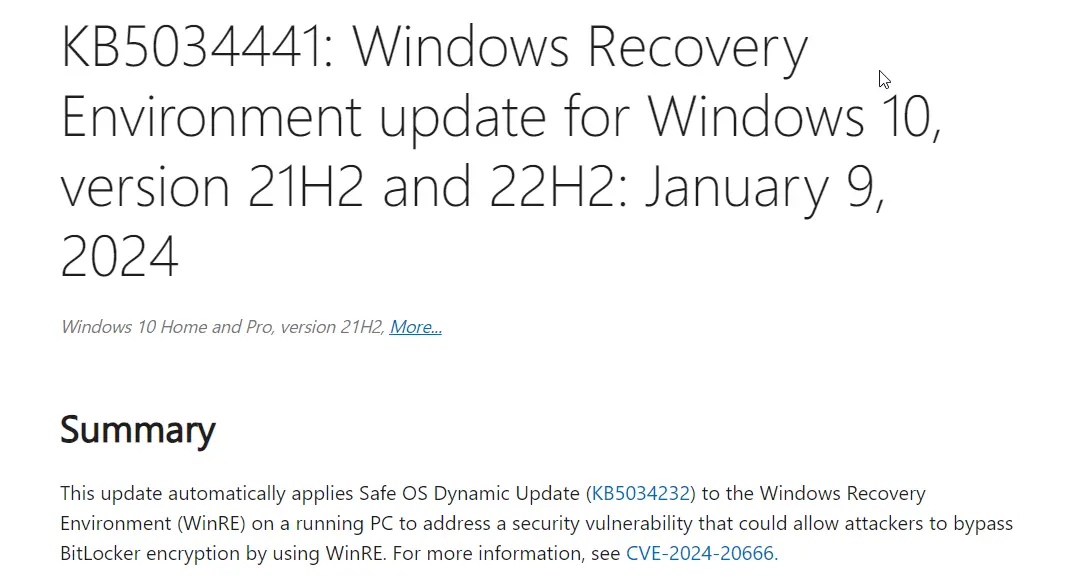
    Windows 10 users frequently encounter the error code 0x80070643 when trying to install updates via the Windows Update feature. In 2024, the root cause is the KB5034441 update. It requires the Windows Recovery Environment (WRE) to have 250 MB of free disk space. The purpose is to install the security updates. If sufficient space does…

  • How to Display Taskbar on Multiple Displays Windows 11/10

    How to Display Taskbar on Multiple Displays Windows 11/10

    In the realm of digital workspaces, a multi monitor taskbar in Windows 11 and 10 can dramatically improve your productivity. This system offers enhanced capabilities for managing multiple applications and windows. A common feature users often seek is the ability to show the taskbar on all displays, which facilitates navigation and access across multiple monitors….