Author: Palla Sridhar

Palla Sridhar is the CEO of DigiPalla IT Services LLP and a seasoned ex-IT professional with over 16 years of blogging experience. He specializes in Microsoft products, including Windows 10, Windows 11, and Office 365, with deep expertise in error code solutions, computer repair, and IT troubleshooting. He publishes practical guides that help everyday users and professionals solve real tech problems quickly and confidently.
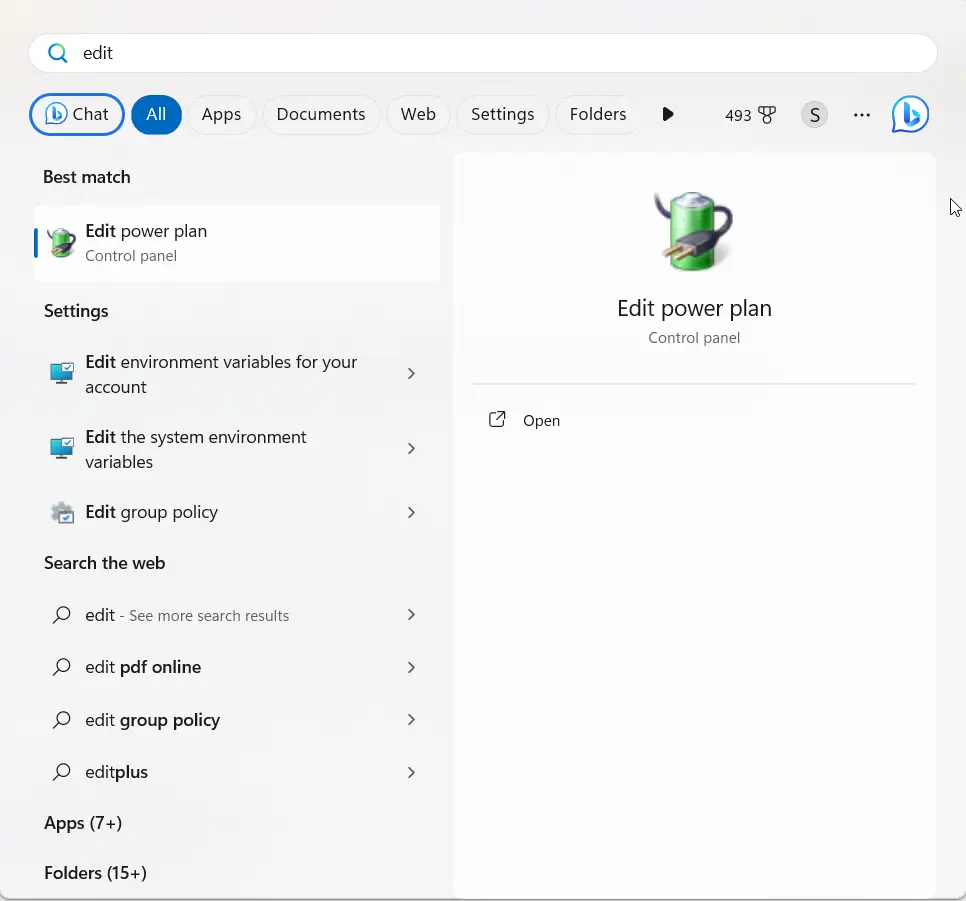
  • Windows 11 Advanced Power Settings: The Complete Guide (Unlock Every Hidden Option)

    Windows 11 Advanced Power Settings: The Complete Guide (Unlock Every Hidden Option)

    Quick answer: To open Advanced Power Settings in Windows 11, press Win + R, type powercfg.cpl, press Enter, then click Change plan settings → Change advanced power settings. If categories are missing, your PC likely uses Modern Standby — restore hidden plans with powercfg -duplicatescheme and unhide settings with powercfg -attributes from an admin Command…
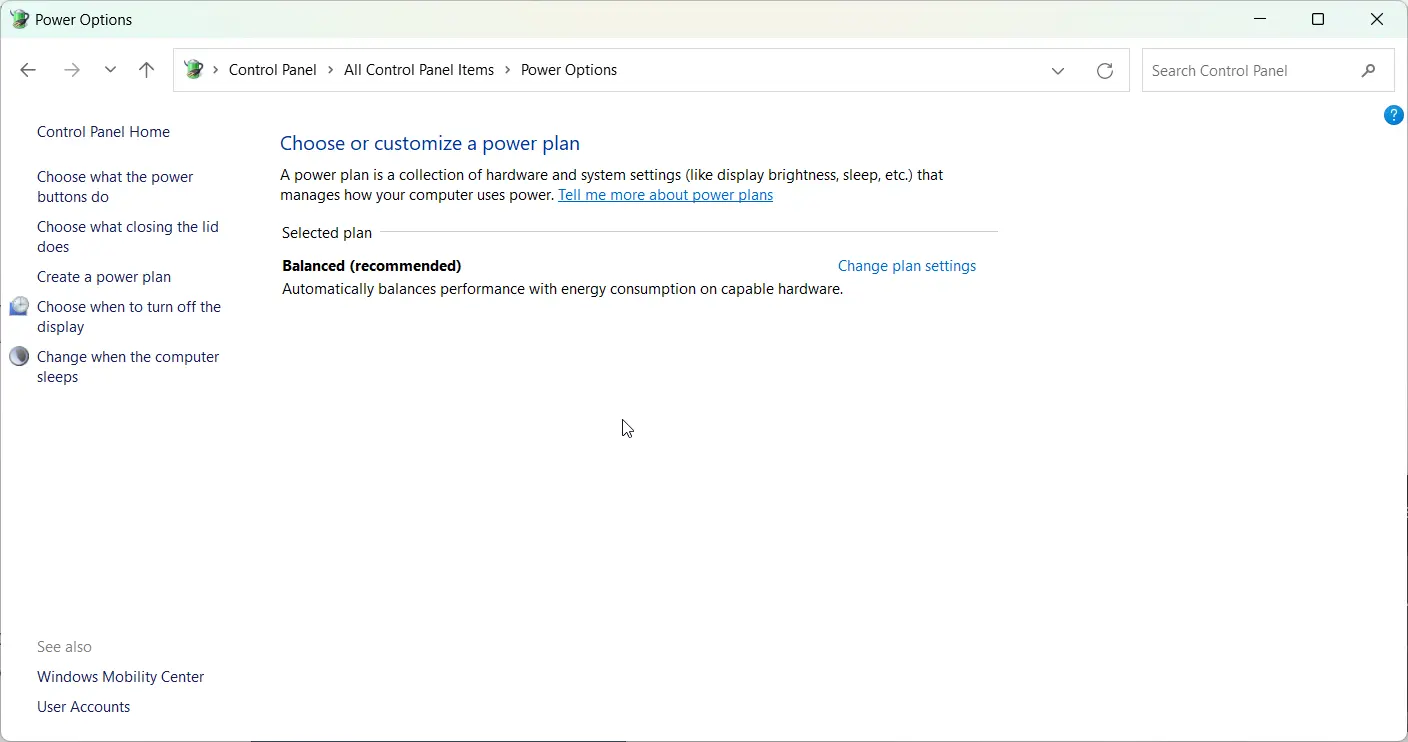
  • 5 Solutions to Power Mode Cannot be Set in Windows 11

    5 Solutions to Power Mode Cannot be Set in Windows 11

    Windows 11 introduced a new Power Mode feature that allows you to choose between best battery life, best performance, and balanced power usage. However, some users have reported getting the error “Power Mode cannot be set” when trying to change this setting. Some of the basic repairs you can do as a user are to…

  • 7 Key Tips to Select the Best Laptop

    7 Key Tips to Select the Best Laptop

    Looking for laptop selection tips on what to keep in mind when buying a new laptop? With so many options and technologies to consider, selecting the perfect laptop that meets your needs can be challenging. This article provides laptop buying considerations, laptop purchase guidelines, as well as a technical laptop specification guide to help you…

  • RAM of Laptop – 5 Quick Easy Steps to Know amount and Type

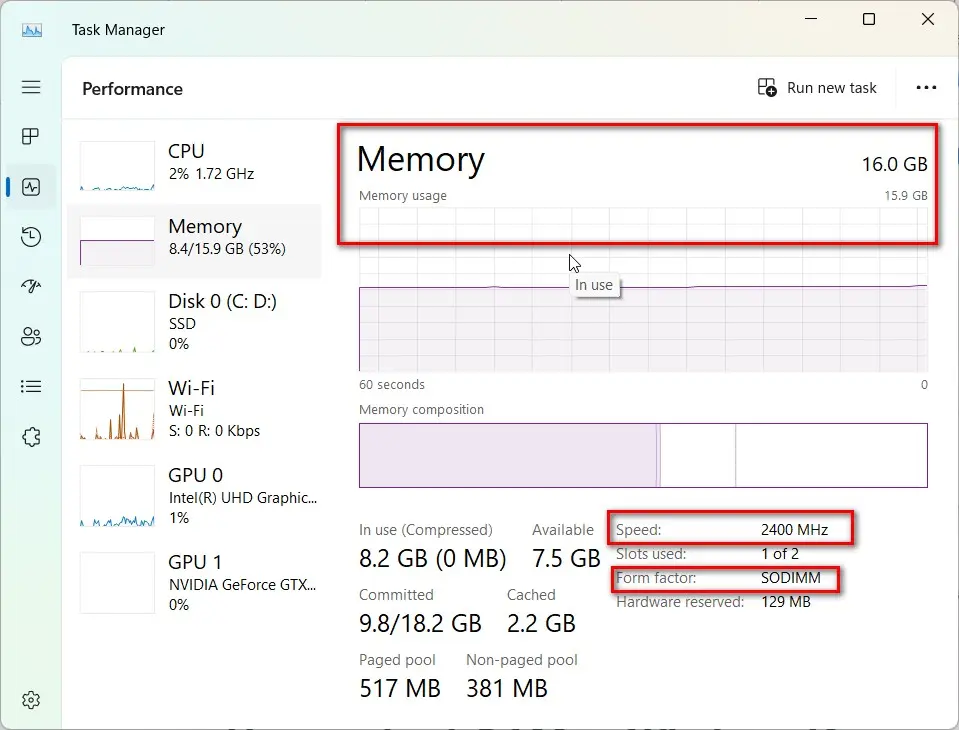
    RAM of Laptop – 5 Quick Easy Steps to Know amount and Type

    Wondering what RAM of laptop is or how to check the RAM configuration? RAM (Random Access Memory) is an important component that impacts your laptop’s performance. Having sufficient RAM allows your laptop to run multiple programs efficiently by providing quick access to data. In this blog post, we will discuss the different types of laptop…

  • Top 10 Best Laptop for Students (After Research)

    Top 10 Best Laptop for Students (After Research)

    Getting through school nowadays requires a trusty laptop by your side. Whether you’re working on papers, creating presentations, collaborating with classmates, joining online lectures, or just taking notes, having the right laptop makes all the difference. The best laptops for students offer a balance of portability, power, battery life and features – while also fitting…

  • Comprehensive Guide to Laptop Usage

    Comprehensive Guide to Laptop Usage

    Also known as a notebook computer, it is a small, portable personal computer, and laptop usage is for easy transport to a variety of locations. Laptops integrate most of the typical components of a desktop computer, including the display, speakers, keyboard, touchpad (which replaces the desktop’s mouse), processor, memory, hard drive, and ports, into a…

  • Fix Bluetooth Driver Windows 11 Issues with Brand Laptops

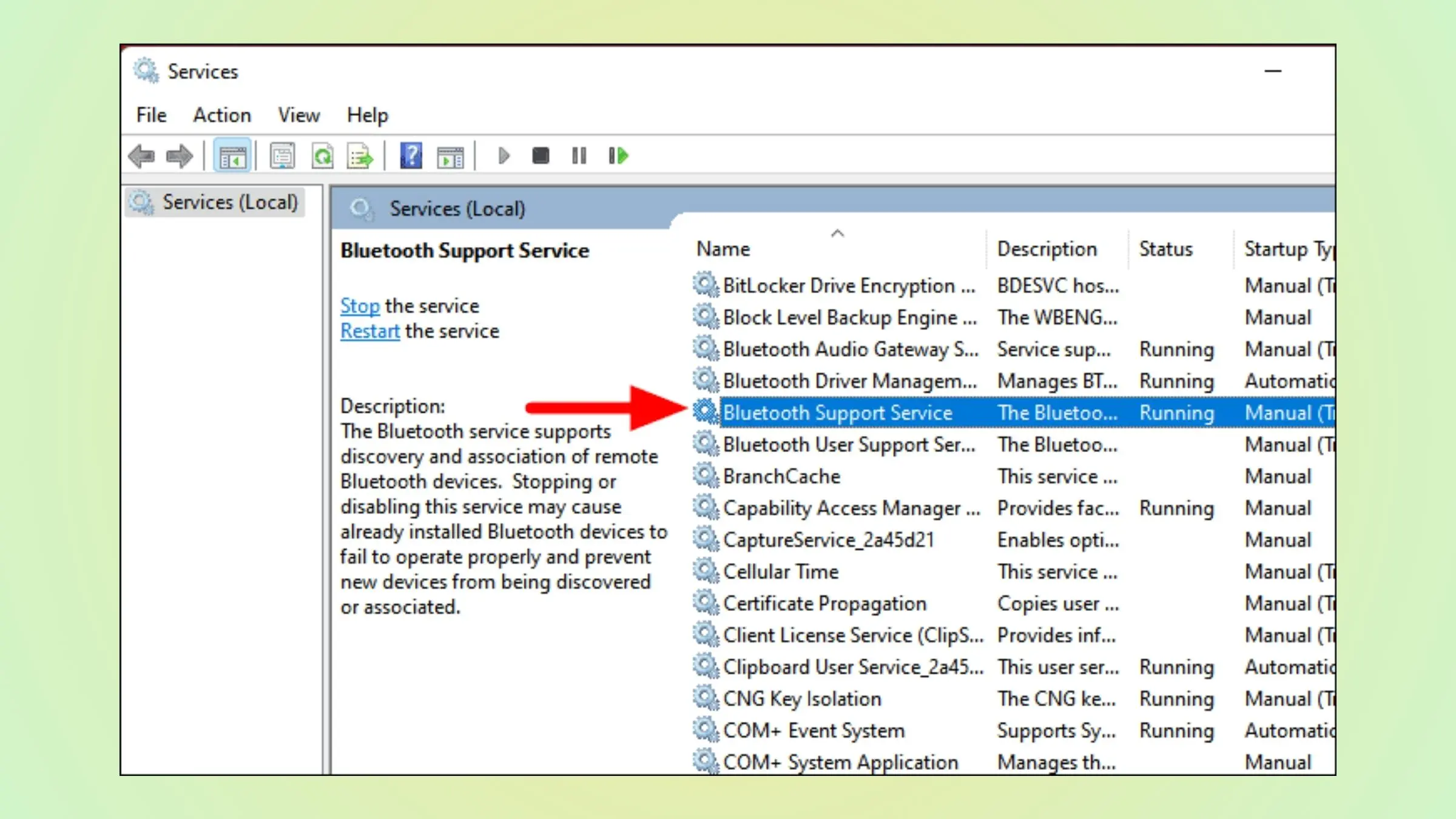
    Fix Bluetooth Driver Windows 11 Issues with Brand Laptops

    Have you recently upgraded to Windows 11 only to find your Bluetooth has stopped working properly? You’re not alone. Bluetooth driver issues seem especially common after upgrading from Windows 10 to 11. Bluetooth driver for Windows 11 is updated for different brands of laptops. You need to check the Microsoft updates or the manufacturer page….

  • 6 Strong Solutions to Monitor No Sound HDMI Problems

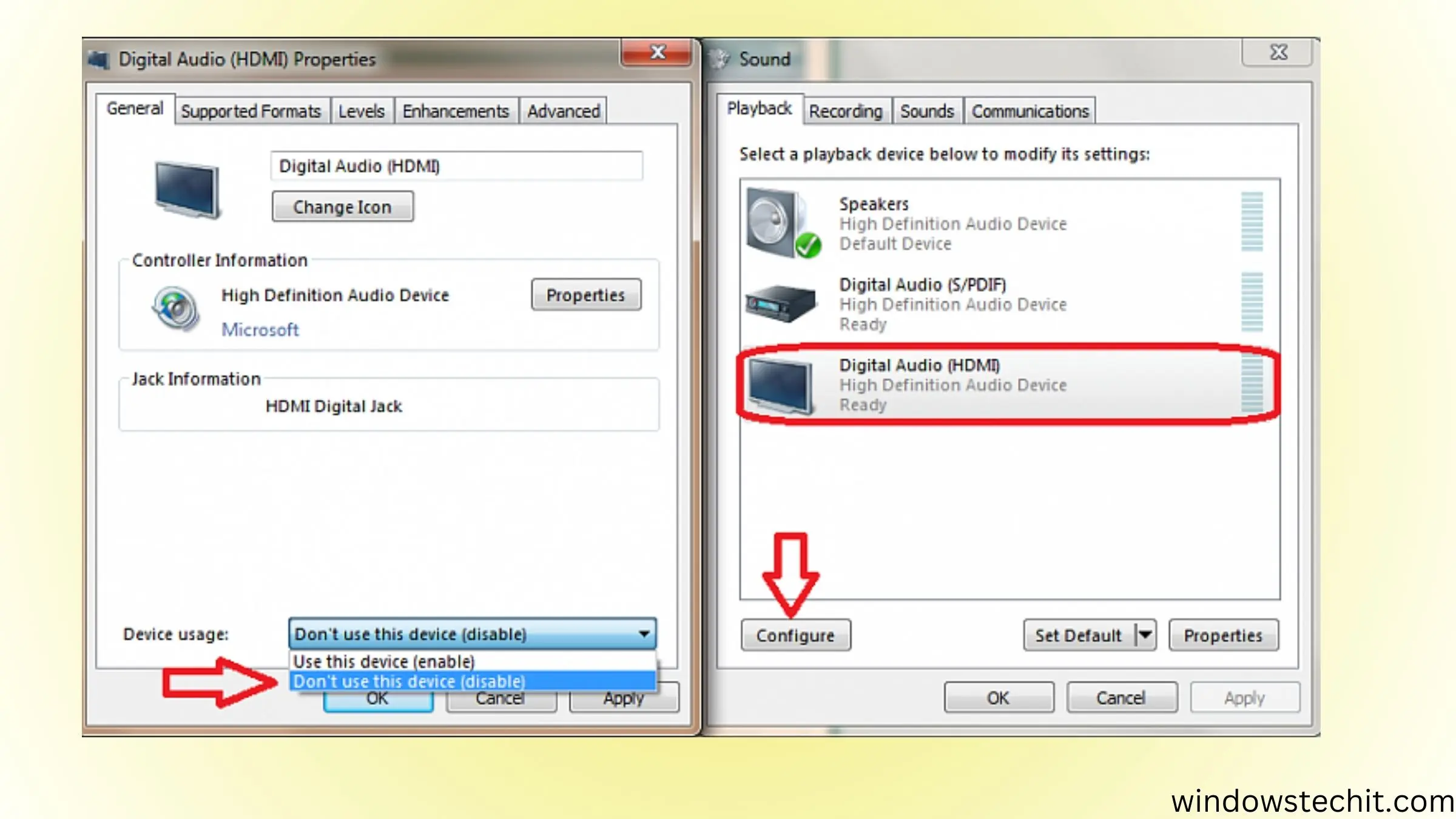
    6 Strong Solutions to Monitor No Sound HDMI Problems

    Having no sound from your monitor when connected via HDMI can be frustrating. Fortunately, there are several troubleshooting steps you can take to resolve the monitor no-sound HDMI issue. This guide will walk you through all the common causes and solutions to help get your monitor audio working again through the HDMI connection. Common Causes…

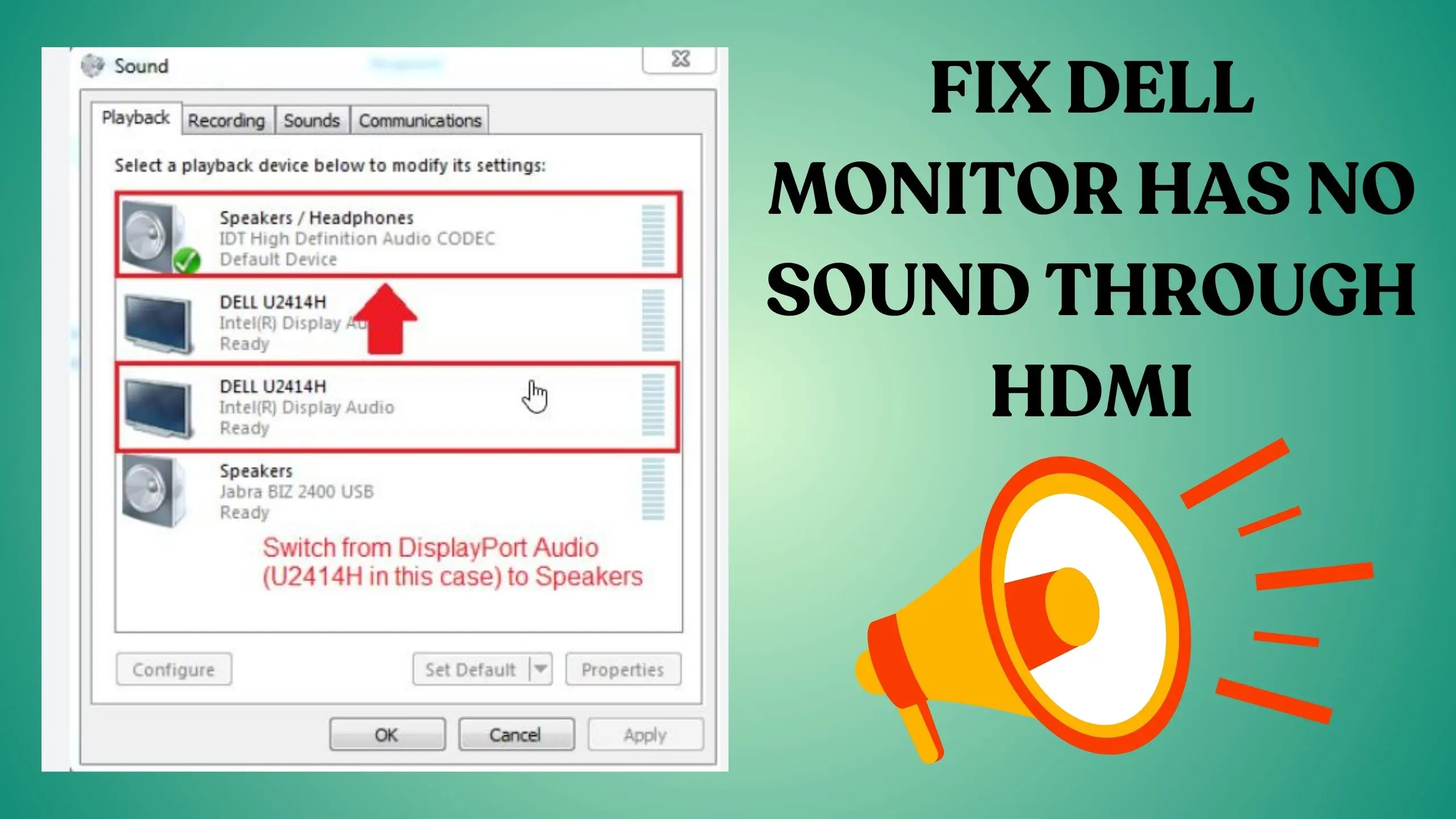
  • 5 Steps to Fix DELL Monitor Has No Sound Through HDMI

    5 Steps to Fix DELL Monitor Has No Sound Through HDMI

    Many Dell monitor users face issues with Dell monitor audio not working, which can be frustrating, especially when you’re relying on your monitor for entertainment or work. The problem may stem from various sources, but understanding the common causes can help you troubleshoot effectively. In this article, we will explore potential reasons why your Dell…