Author: Palla Sridhar

Palla Sridhar is the CEO of DigiPalla IT Services LLP and a seasoned ex-IT professional with over 16 years of blogging experience. He specializes in Microsoft products, including Windows 10, Windows 11, and Office 365, with deep expertise in error code solutions, computer repair, and IT troubleshooting. He publishes practical guides that help everyday users and professionals solve real tech problems quickly and confidently.
  • How to Change Your Profile Picture in Outlook

    How to Change Your Profile Picture in Outlook

    Your profile picture is one of the first things people notice when interacting with you on Outlook. Whether it’s in email conversations or using apps like Teams and Skype, your profile photo represents you. That’s why it’s important to know how to change your profile picture in Outlook when you want to update it. In…
  • How to Boot into Safe Mode on Windows 11 – 7 Methods (Including When Windows Won’t Start)

    How to Boot into Safe Mode on Windows 11 – 7 Methods (Including When Windows Won’t Start)

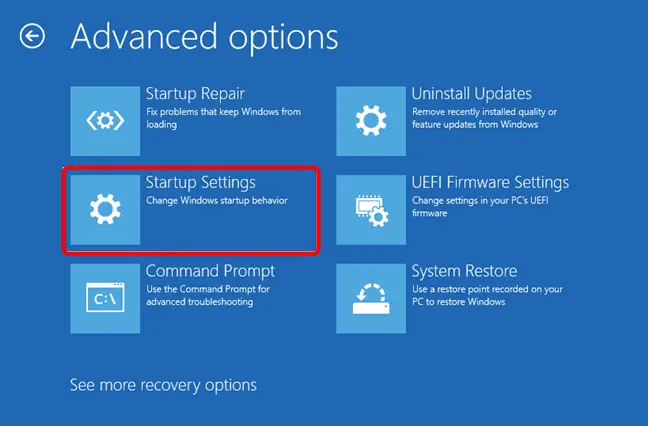
    Windows 11 Safe Mode is a diagnostic startup mode that loads only the essential drivers and services — no third-party software, no conflicting apps, no unnecessary startup programs. If you need to boot into Safe Mode on Windows 11 to fix a crash, remove a stubborn driver, run an antivirus scan, or troubleshoot a black…

  • Uninstall Windows 11 Updates that Works.

    Uninstall Windows 11 Updates that Works.

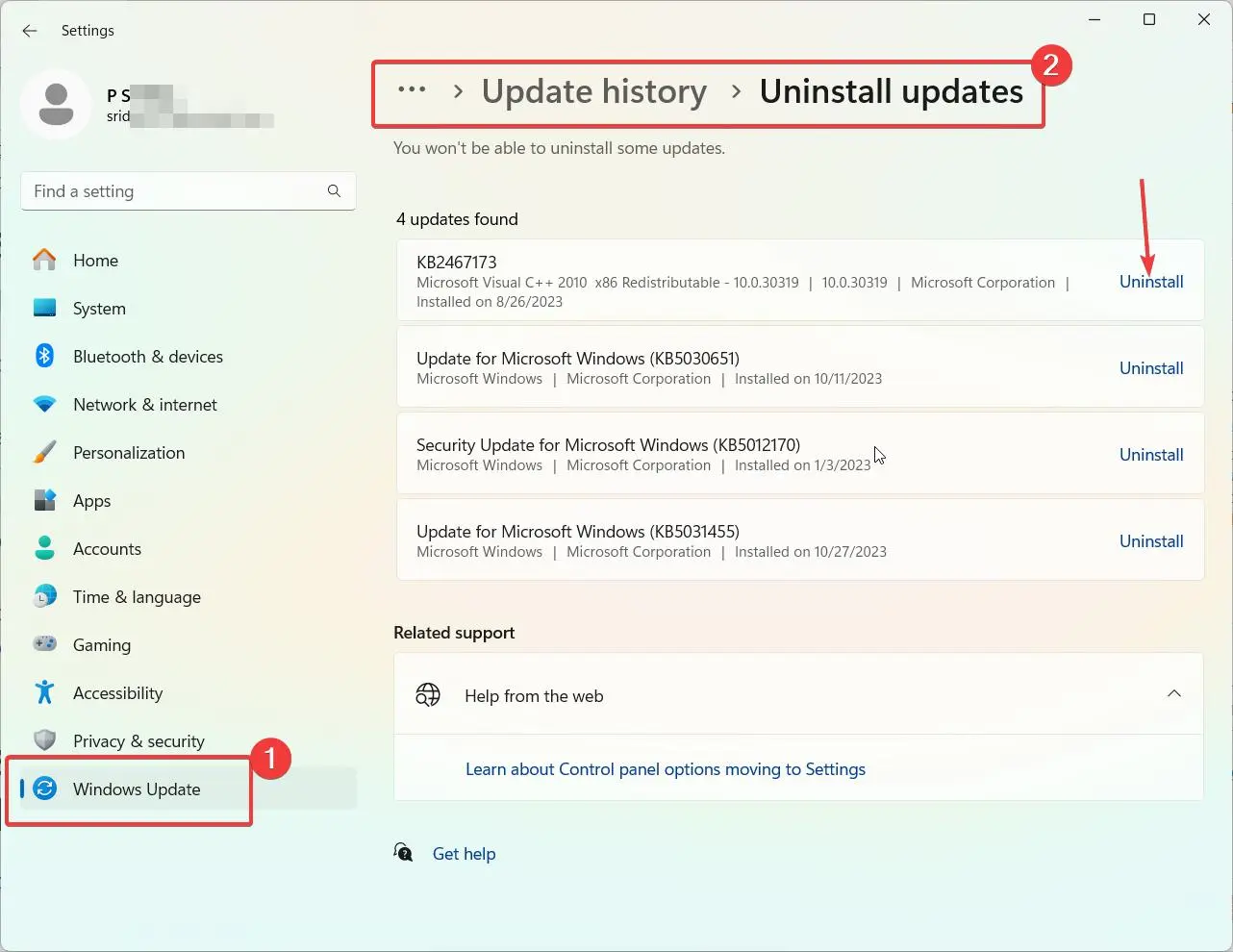
    With Windows 11 being relatively new, users may encounter issues with updates not installing properly or causing problems with their system. Thankfully, there are several methods to uninstall Windows 11 updates to resolve these problems. Recently I found that Local Security Authority (LSA) protection is disable because of a KB update. You are supposed to…

  • Fix Local Security Authority (LSA) Warning in Windows 11

    Fix Local Security Authority (LSA) Warning in Windows 11

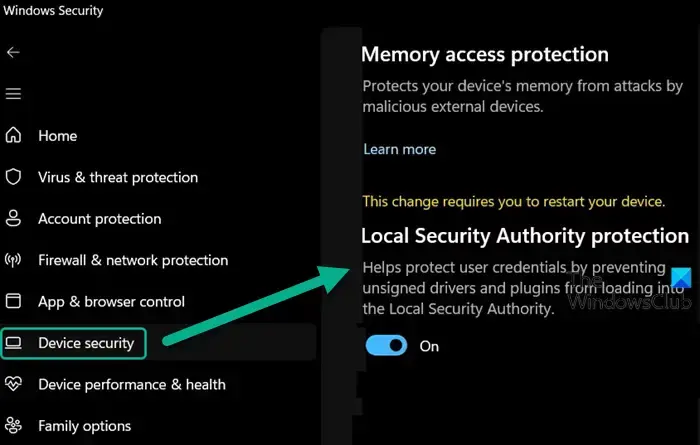
    The “Local Security Authority Protection is off” warning on Windows 11 indicates that an important security feature has been disabled, potentially leaving your device vulnerable. This article will provide a comprehensive guide on understanding the Local Security Authority (LSA) protection in Windows and the various methods to resolve this security notification. Featured Snippet: What is…

  • Turn OFF pIN Login in Windows 11

    Turn OFF pIN Login in Windows 11

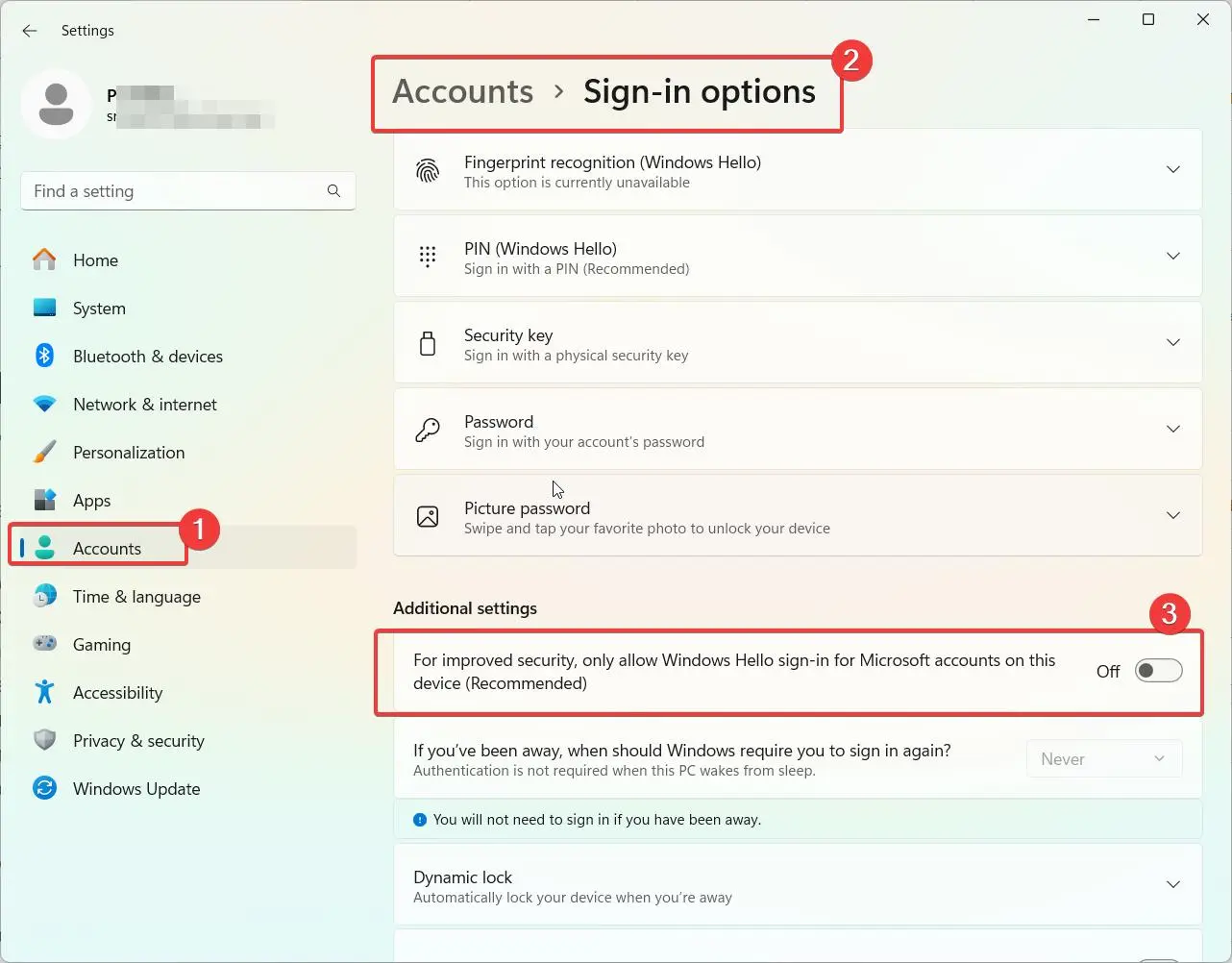
    Looking to disable PIN login on your Windows 11 device? PIN login provides a quick way to sign in to your PC without typing a password. However, you may want to turn it off for security reasons or simple personal preference. In this detailed guide, I’ll show you multiple methods to turn off and disable…

  • Windows 11 Auto Login: Automatic Sign-In Setup & Fixes

    Windows 11 Auto Login: Automatic Sign-In Setup & Fixes

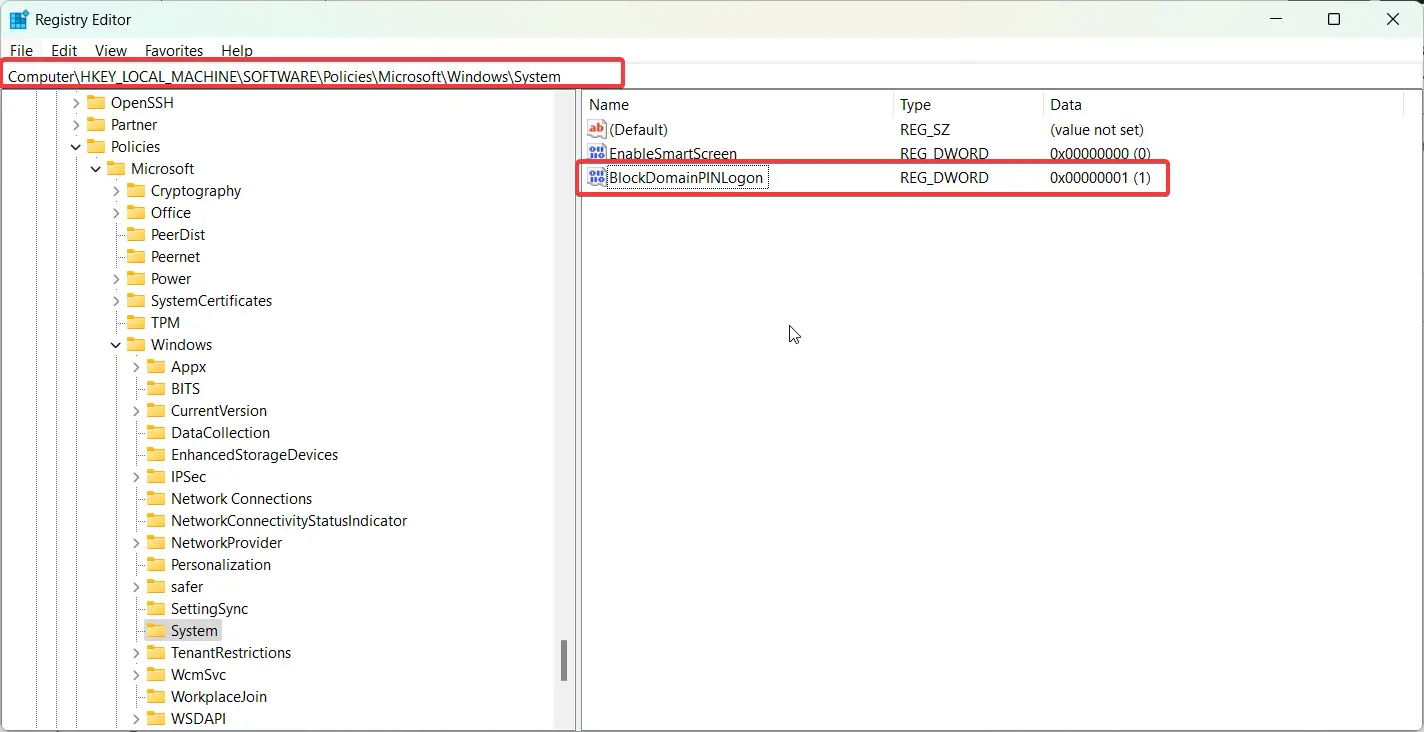
    You’re not alone if you want to enable Windows 11 auto login. Many home users, office workers, kiosk administrators, and small business owners prefer automatic sign-in to save time during startup. With recent updates in Windows 11 23H2 and 24H2, Microsoft has added additional security protections that can make automatic login slightly more complicated than…

  • How to do an In-Place Upgrade to Windows 11

    How to do an In-Place Upgrade to Windows 11

    Upgrading your Windows 10 PC to the latest Windows 11 version is easy with an in-place upgrade. This process upgrades your existing Windows installation to Windows 11 while preserving all your apps, settings, and data. In this guide, we’ll cover when an in-place upgrade makes sense compared to a clean install, walk through the step-by-step…

  • How to Restore Old Context Menu in Windows 11

    How to Restore Old Context Menu in Windows 11

    The new context menu in Windows 11 has been met with mixed reactions. Microsoft redesigned the classic right-click menu to align with Windows 11’s clean, streamlined aesthetics. However, many longtime Windows users prefer the detailed options of the old context menu. In this guide, we’ll cover multiple methods to restore the classic right-click menu in…

  • Fix Outlook not Syncing Errors in Windows and Android

    Fix Outlook not Syncing Errors in Windows and Android

    Outlook’s invaluable email synchronization capabilities allow users to maintain up-to-date mailboxes across multiple devices like desktop, web, and mobile apps. However, Outlook syncing can sometimes stop functioning properly, leading to outdated inboxes and frustration. Outlook’s synchronization capabilities allow your mailbox to stay updated across multiple devices, with emails, calendar events, contacts and tasks kept in…