Author: Palla Sridhar

Palla Sridhar is the CEO of DigiPalla IT Services LLP and a seasoned ex-IT professional with over 16 years of blogging experience. He specializes in Microsoft products, including Windows 10, Windows 11, and Office 365, with deep expertise in error code solutions, computer repair, and IT troubleshooting. He publishes practical guides that help everyday users and professionals solve real tech problems quickly and confidently.
  • Fix Windows Spotlight Not Working Windows 11 Fast

    Fix Windows Spotlight Not Working Windows 11 Fast

    In my experience troubleshooting Windows 11 systems, Spotlight problems are usually caused by corrupted cache files, issues with Microsoft account synchronization, damaged system components, or recent Windows 11 24H2 update bugs. The good news is that you can fix most issues within a few minutes. If Windows Spotlight not working Windows 11, you are not…
  • How to Fix Edge Profile Error – 5 Solutions

    How to Fix Edge Profile Error – 5 Solutions

    Microsoft Edge browser is the default web browser on Windows 10 and 11 devices. However, many users encounter the annoying “Edge profile error” which prevents them from using the browser properly. In this blog post, we’ll discuss what causes this error, the top 5 solutions to fix it, and answers to frequently asked questions about…

  • How to Update All Drivers at Once in Windows 11/10 (2026 Guide)

    How to Update All Drivers at Once in Windows 11/10 (2026 Guide)

    Quick answer: The easiest way to update all drivers at once in Windows 11 is Settings → Windows Update → Advanced options → Optional updates → Driver updates — tick every driver and click Download & install. For a command-line approach, use PowerShell’s PSWindowsUpdate module or pnputil to bulk-install driver packages. There is no single…

  • Fix HDMI Not Working on LG tV

    Fix HDMI Not Working on LG tV

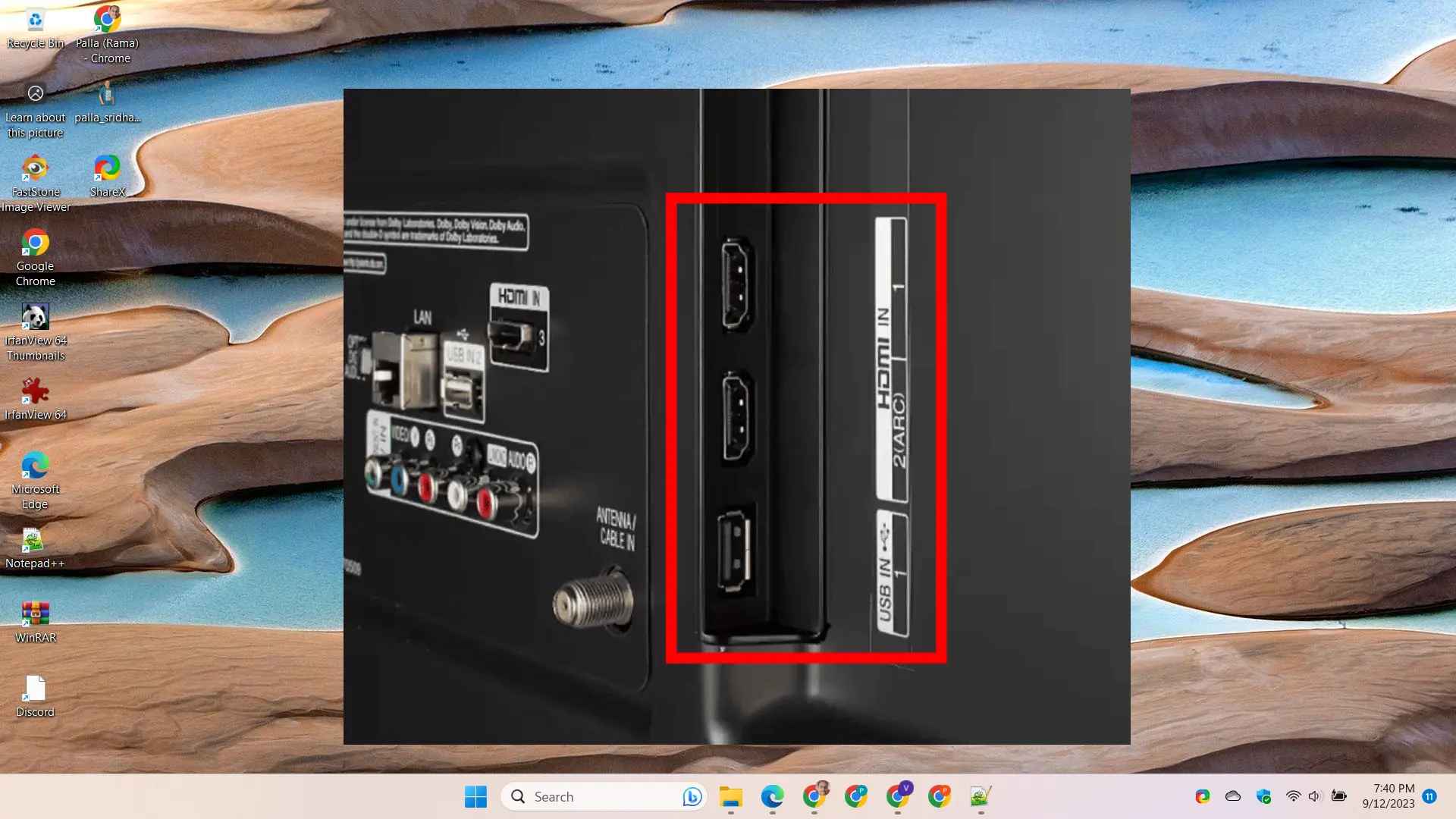
    Having issues with HDMI ports not working properly on your LG TV? HDMI cables failing to transmit audio and video is frustrating. But don’t worry – in most cases it’s fixable. Below we cover 5 effective troubleshooting solutions to get HDMI ports functioning again on LG televisions. There’s nothing more irritating than plugging in a…

  • How to Fix Windows 11 Search Bar Not Working?

    How to Fix Windows 11 Search Bar Not Working?

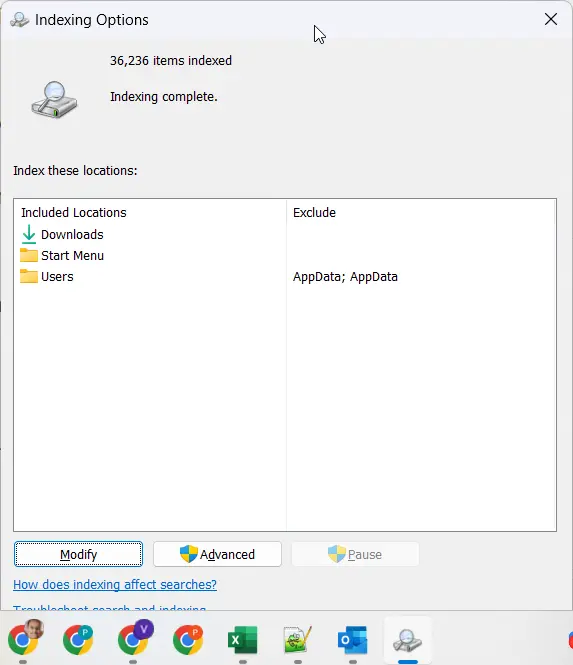
    One of the most frustrating issues users report after upgrading to Windows 11 is the search bar failing to work properly. You click in the search bar and start typing, but no results appear at all. Or the results are totally unrelated to what you’re searching for. A non-functional search is a major productivity killer…

  • 6 Best Windows Update Driver Software Tools

    6 Best Windows Update Driver Software Tools

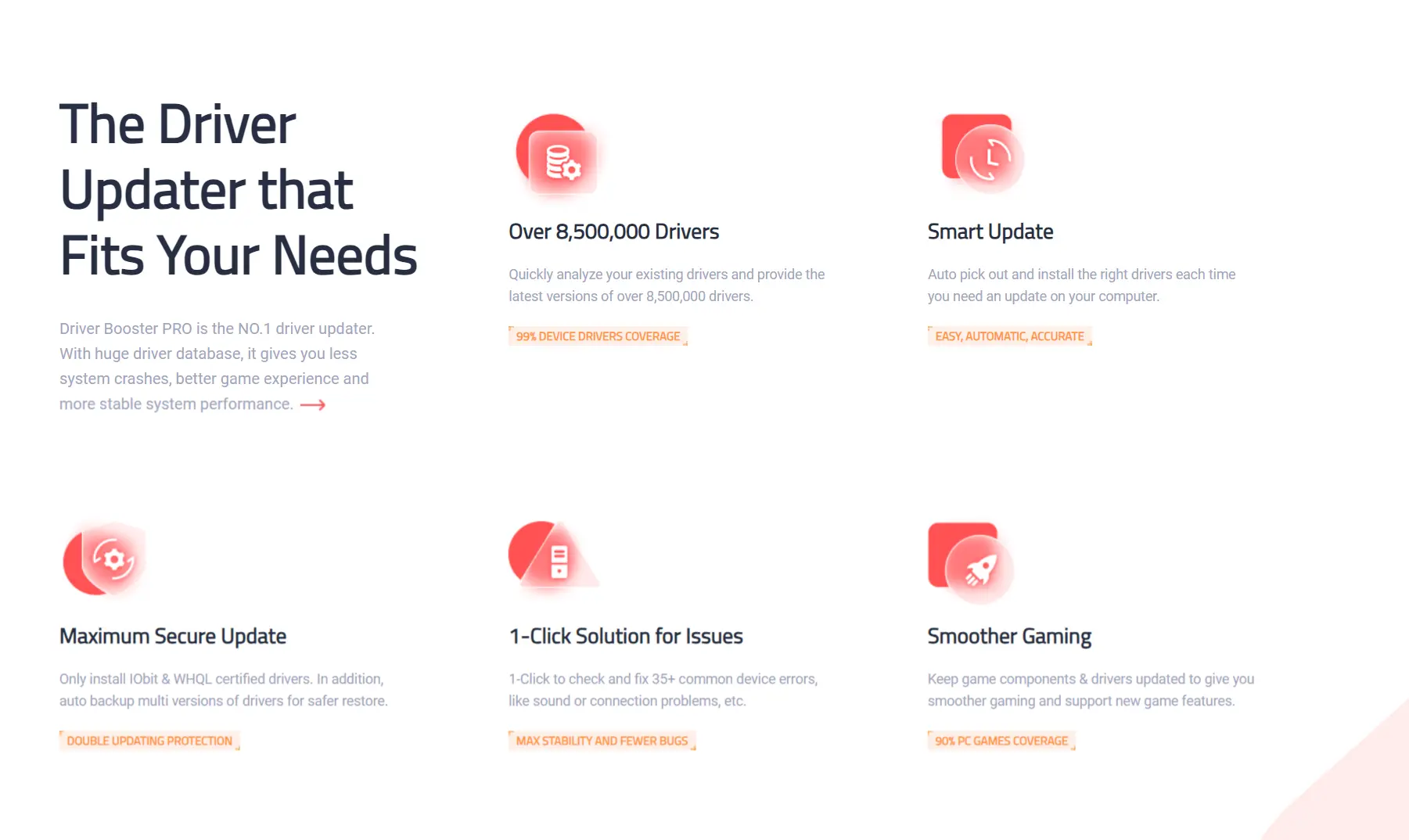
    Outdated, broken, or missing drivers are a huge headache that can cause Windows performance problems, crashes, hardware malfunctions, and a range of other irritating issues. But manually checking for driver updates for each component through Device Manager is an exercise in frustration. That’s why savvy Windows users turn to automated driver update utilities to simplify…

  • Download Bluetooth Drivers for Windows 11 – Acer, HP, aSUS, dell

    Download Bluetooth Drivers for Windows 11 – Acer, HP, aSUS, dell

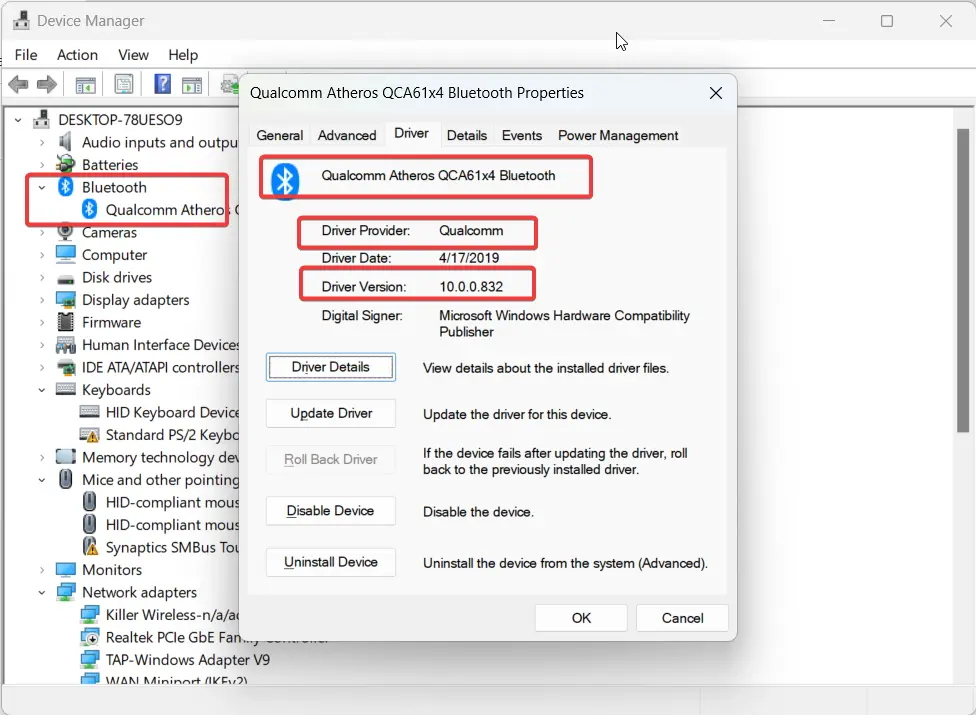
    Bluetooth allows you to connect devices like headphones, speakers, mice and keyboards wirelessly to your Windows 11 PC. Keeping your Bluetooth drivers up-to-date is important for maintaining connectivity and fixing issues with Bluetooth peripherals. In this post, we’ll walk through how to download and update Bluetooth drivers on Windows 11. Find Your Bluetooth Driver Details…

  • Download and Install Acer Monitor Driver on Windows 11/10

    Download and Install Acer Monitor Driver on Windows 11/10

    Having the most up-to-date monitor drivers from Acer can optimize performance and fix problems with display issues or touch screen functionality. In this guide, we’ll show you how to download and install Acer monitor drivers on Windows. Installing the latest monitor driver from Acer is important for getting the full functionality and performance out of…

  • Fix Intel Bluetooth Not Working on Windows 11

    Fix Intel Bluetooth Not Working on Windows 11

    If you recently upgraded to Windows 11 and are having issues with your Intel Bluetooth driver, you’re not alone. Many users have reported Bluetooth connectivity problems like missing driver, not detecting devices, and connection errors. Fortunately, there are a few steps you can take to troubleshoot and solve Intel Bluetooth problems on Windows 11. Here…