Author: Palla Sridhar

Palla Sridhar is the CEO of DigiPalla IT Services LLP and a seasoned ex-IT professional with over 16 years of blogging experience. He specializes in Microsoft products, including Windows 10, Windows 11, and Office 365, with deep expertise in error code solutions, computer repair, and IT troubleshooting. He publishes practical guides that help everyday users and professionals solve real tech problems quickly and confidently.
  • LG TV No Sound? 7 Fixes for Speakers, HDMI & Volume Issues [2026]

    LG TV No Sound? 7 Fixes for Speakers, HDMI & Volume Issues [2026]

    LG TV no sound is one of the most common smart TV problems reported globally—and in most cases, it has nothing to do with broken hardware. Whether your LG TV speakers are not working, the volume is stuck, or the audio disappeared after a WebOS update, this guide covers every fix in the right order….
  • HP Laptop Sound Not Working? 10 Fixes for Windows 11 and 10

    HP Laptop Sound Not Working? 10 Fixes for Windows 11 and 10

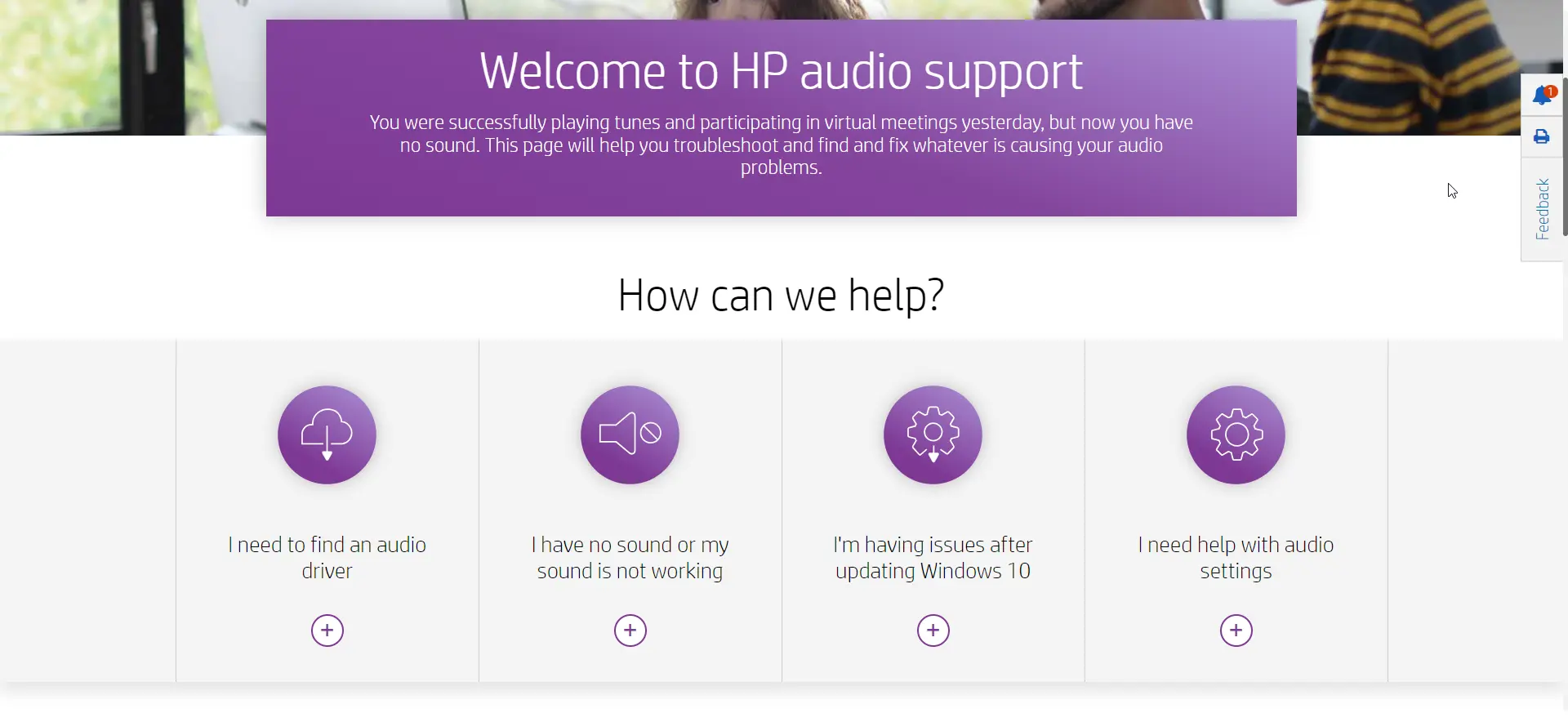
    If your HP laptop sound not working, you’re dealing with one of the most commonly reported Windows 11 and Windows 10 issues on HP devices — from HP Pavilion and Envy to ProBook and Spectre. The good news is that sound problems on HP laptops are almost always caused by a handful of fixable issues:…

  • Fix No Sound with Realtek on Windows 11

    Fix No Sound with Realtek on Windows 11

    Realtek audio drivers provide sound and audio functionality on many Windows 11 laptops and desktops using Realtek audio codecs and chips. Unfortunately the official website does not provide the latest audio drivers for different brand computers. Lenovo and Dell provide their own Realtek drivers for their Windows 11 laptops and systems. Intel motherboards and systems…

  • Play Audio to Multiple Outputs in Windows 11 – 4 Unique Solutions

    Play Audio to Multiple Outputs in Windows 11 – 4 Unique Solutions

    With the right drivers and software like Volume Mixer, Sound Control Panel and virtual cables, sending system and app audio to different outputs is possible in Windows 11. Some other tips are to set communication apps to use a different output from music/media apps, disable unused devices to avoid switching outputs accidentally, and configure individual…

  • Download HDMI Driver Windows 11 for Flawless Display Performance

    Download HDMI Driver Windows 11 for Flawless Display Performance

    If you are using Smart TV and Windows 11, then most likely you would like to cast your display. In certain other cases, you would like to play games and watch movies. Wireless casting is still a new phenomenon and is not adopted to all devices. Still in 2025, many users use HDMI to connect…

  • Fix Taskbar Icons Lost in Windows 11 – 6 Best Solutions

    Fix Taskbar Icons Lost in Windows 11 – 6 Best Solutions

    When you upgrade to Windows 11 or hibernate the system, you may find that taskbar icons disappear. If it’s a recurring problem, it can be irritating. You can restore the health of your pc, by typing the following commands in CMD window in administrator mode. There may be 2 types of graphic drivers that come…

  • Stop Explorer.exe Stealing Focus Windows 11

    Stop Explorer.exe Stealing Focus Windows 11

    Are you experiencing explorer.exe stealing focus in Windows 11 issues? If you are using Windows 11, you might have encountered a frustrating issue where Explorer.exe randomly takes focus from your active window and minimizes it to the taskbar. This can happen when you are playing games, watching videos, or doing any other task that requires…

  • Windows 11 Mobile Hotspot—How to Set Up & Manage

    Windows 11 Mobile Hotspot—How to Set Up & Manage

    In today’s digital era, the vast majority of our device-dependent activities rely on internet connectivity. If, for any reason, you face difficulties accessing the internet on your primary device, consider connecting through an alternate device that’s already online. Mobile hotspots facilitate the sharing of internet connections from one device to other nearby devices. If your…

  • 8 Microsoft Edge Features that you Didn’t Know

    8 Microsoft Edge Features that you Didn’t Know

    Microsoft Edge is promising a bunch of exciting new features in 2023, including advanced privacy and security features, improved productivity tools, streamlined browsing, and cutting-edge web development capabilities. These features will make your browsing experience even better. Security features of Microsoft Edge ● InPrivate browsing: This mode prevents websites from tracking your activity.● SmartScreen Filter:…