Author: Palla Sridhar

Palla Sridhar is the CEO of DigiPalla IT Services LLP and a seasoned ex-IT professional with over 16 years of blogging experience. He specializes in Microsoft products, including Windows 10, Windows 11, and Office 365, with deep expertise in error code solutions, computer repair, and IT troubleshooting. He publishes practical guides that help everyday users and professionals solve real tech problems quickly and confidently.
  • Order Microsoft Edge Favorites for Productive Work

    Order Microsoft Edge Favorites for Productive Work

    Microsoft Edge Bookmark Manager is a robust tool that enables users to effectively organize, manage, and access their saved bookmarks. Create new favorites and rename them if you want in Microsoft Edge. Also known as bookmarks in different other browsers. Manage your favorites to ease your work. Over a course of years, site links build…
  • How to Capture Drop Down Menu Screenshot in Windows 11 or 10?

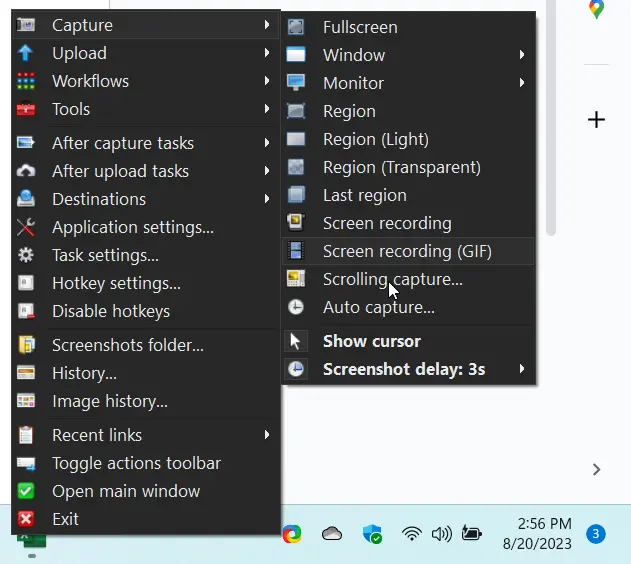
    How to Capture Drop Down Menu Screenshot in Windows 11 or 10?

    Blogging is a multi-faceted endeavor, with images playing an important role. Taking screenshots to illustrate your tutorials is often necessary. Standard screenshots can be taken using the Windows Snipping Tool or any third-party tool. However, you may want to take a screenshot of a drop-down menu for a how-to guide or to simply annotate a…

  • How to Fix Common Windows Audio Driver Problems

    How to Fix Common Windows Audio Driver Problems

    Struggling with a Windows 10 audio problems? The absence of sound on your computer can disrupt various experiences, from music enjoyment to video calls and gaming. But fret not, our comprehensive guide is here to help you overcome these audio issues. Ready to regain your sound experience? Let’s explore practical solutions that resolve audio problems…

  • How to Save All Current Tabs at Once in Microsoft Edge?

    How to Save All Current Tabs at Once in Microsoft Edge?

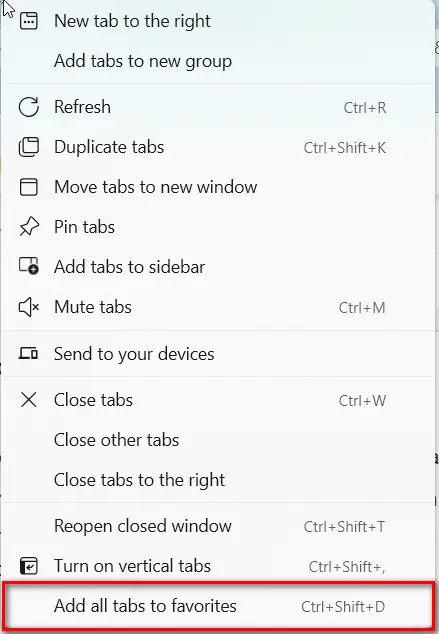
    One of the most sought-after capabilities is Edge’s save tabs, which allows users to manage multiple open tabs effortlessly. Whether you’re working on a project or browsing through various websites, saving your session is crucial to ensuring that your work is not lost. If you’re wondering how to save all open tabs in Edge, the…

  • Change Default Download Location in Windows 11 [Including Edge and Chrome]

    Change Default Download Location in Windows 11 [Including Edge and Chrome]

    In 2023, the 500GB SSD disk is partitioned for different reasons. One for photos, another for videos and one mainly for OS. Let it be Windows, Chrome, Edge, Firefox. When you download something from the Internet, there are some default download locations. These are set by Windows 11 or 10, when you install it. But…

  • How to Fix Microsoft Edge Not Opening Previous Session Tabs Error?

    How to Fix Microsoft Edge Not Opening Previous Session Tabs Error?

    Microsoft Edge does not restore the previous session tabs, which can be frustrating if you are doing some important research or work. You are trying to find the solution to the query of “best laptop in USA.” You opened several tabs to know the tech specifications and another set to know the price. Boom! All…

  • How to Seamlessly Continue Where You Left Off in Microsoft Edge

    How to Seamlessly Continue Where You Left Off in Microsoft Edge

    By default, when Edge starts it opens with a homepage or new tab. Is that good enough? You have opened 20 tabs with important site visits. Now you want to find that 1 site which has that important information. You can search in history.  But if it’s cleaned, what can you do? It’s always better…

  • Exploring Web Capture in Microsoft Edge: A Comprehensive Guide

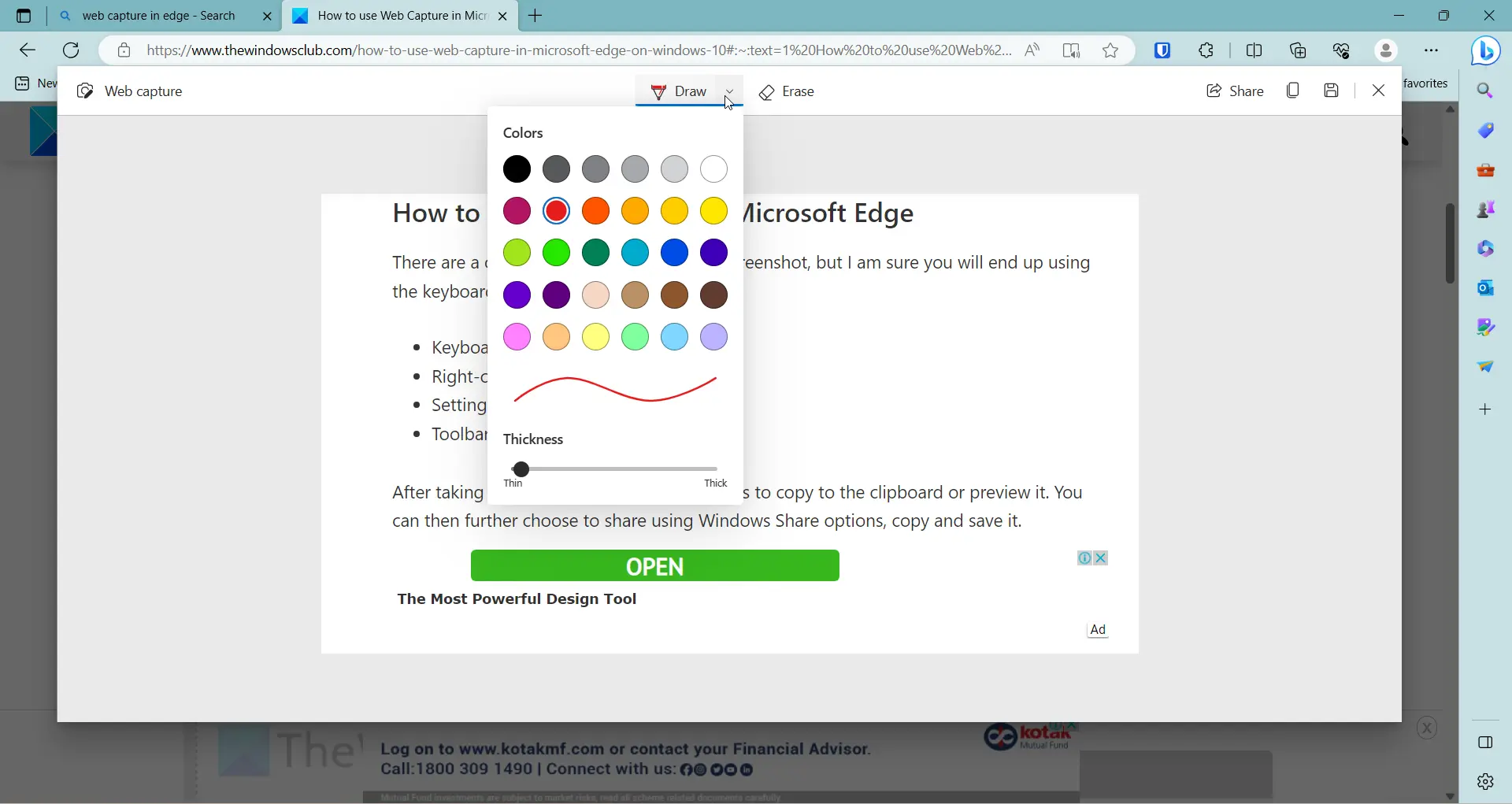
    Exploring Web Capture in Microsoft Edge: A Comprehensive Guide

    Taking screenshots on Windows computers used to be hard with the print-screen command. Things have changed over the past decade, that different extensions and third-party software exist to do the work. If you are using Web Capture Edge as an in-house feature that simplifies screenshot of sites. Most of our office work involves writing emails…

  • How to remove Duplicate Favorites in Microsoft Edge?

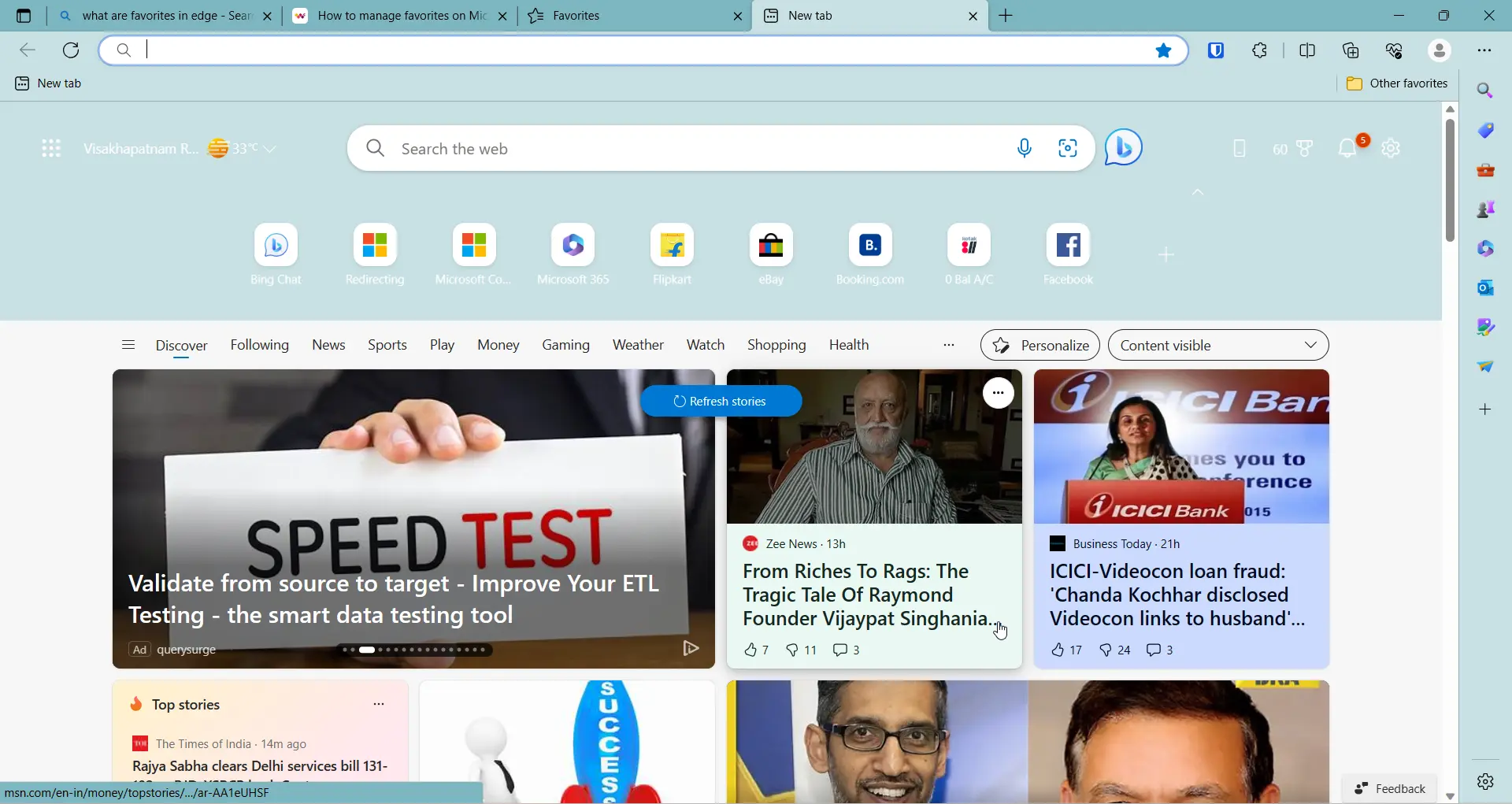
    How to remove Duplicate Favorites in Microsoft Edge?

    Once you add favorites or bookmarks to Edge browser in Windows 11 or 10, they are long to stay. Microsoft account is commonly used to sync your favorites. Otherwise, when you change devices, it becomes difficult to see your last saved bookmarks. In other cases, you can import your favorites to your Android phone from…