Author: Palla Sridhar

Palla Sridhar is the CEO of DigiPalla IT Services LLP and a seasoned ex-IT professional with over 16 years of blogging experience. He specializes in Microsoft products, including Windows 10, Windows 11, and Office 365, with deep expertise in error code solutions, computer repair, and IT troubleshooting. He publishes practical guides that help everyday users and professionals solve real tech problems quickly and confidently.
  • Fix Windows 11 Settings App Not Opening: Every Method

    Fix Windows 11 Settings App Not Opening: Every Method

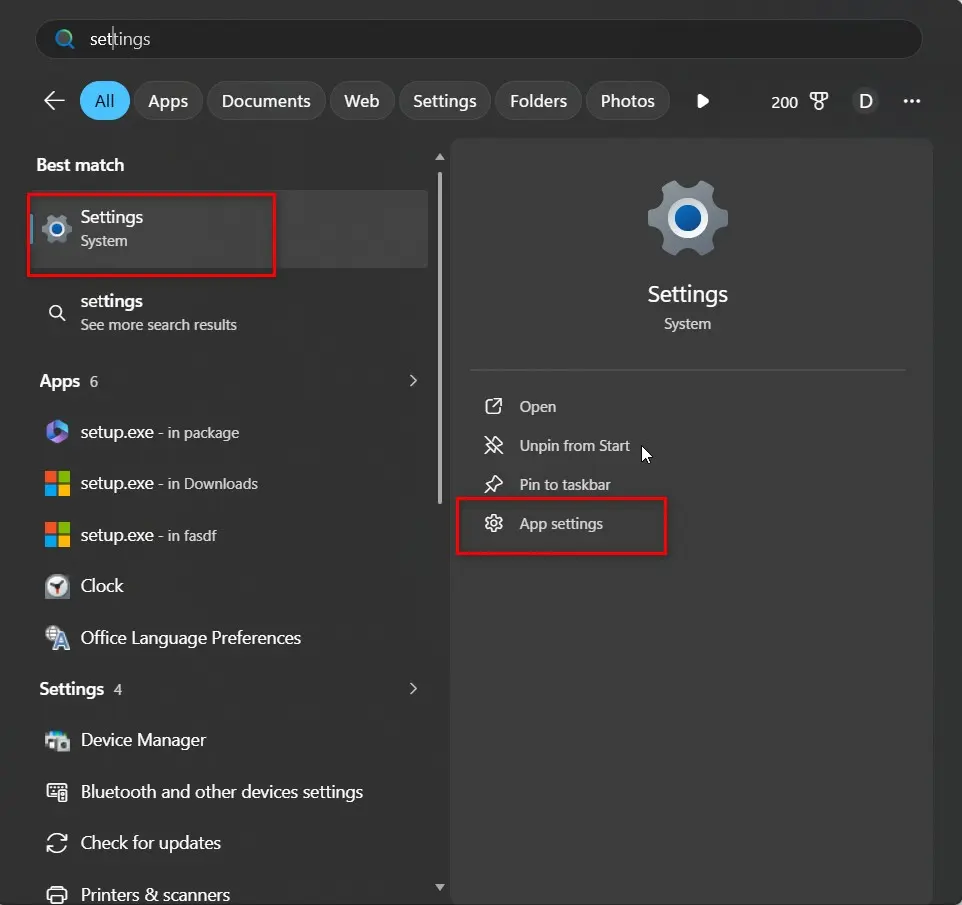
    Key Takeaways Quick answer If the Windows 11 Settings app won’t open, first press Win + I and Win + R > ms-settings: to rule out a Start menu-specific glitch. If neither works, open PowerShell as admin and run the app re-registration command below—this fixes the large majority of cases without a reinstall. If you’re…
  • 10 Windows 11 Virtual Desktop Tips That Actually Work

    10 Windows 11 Virtual Desktop Tips That Actually Work

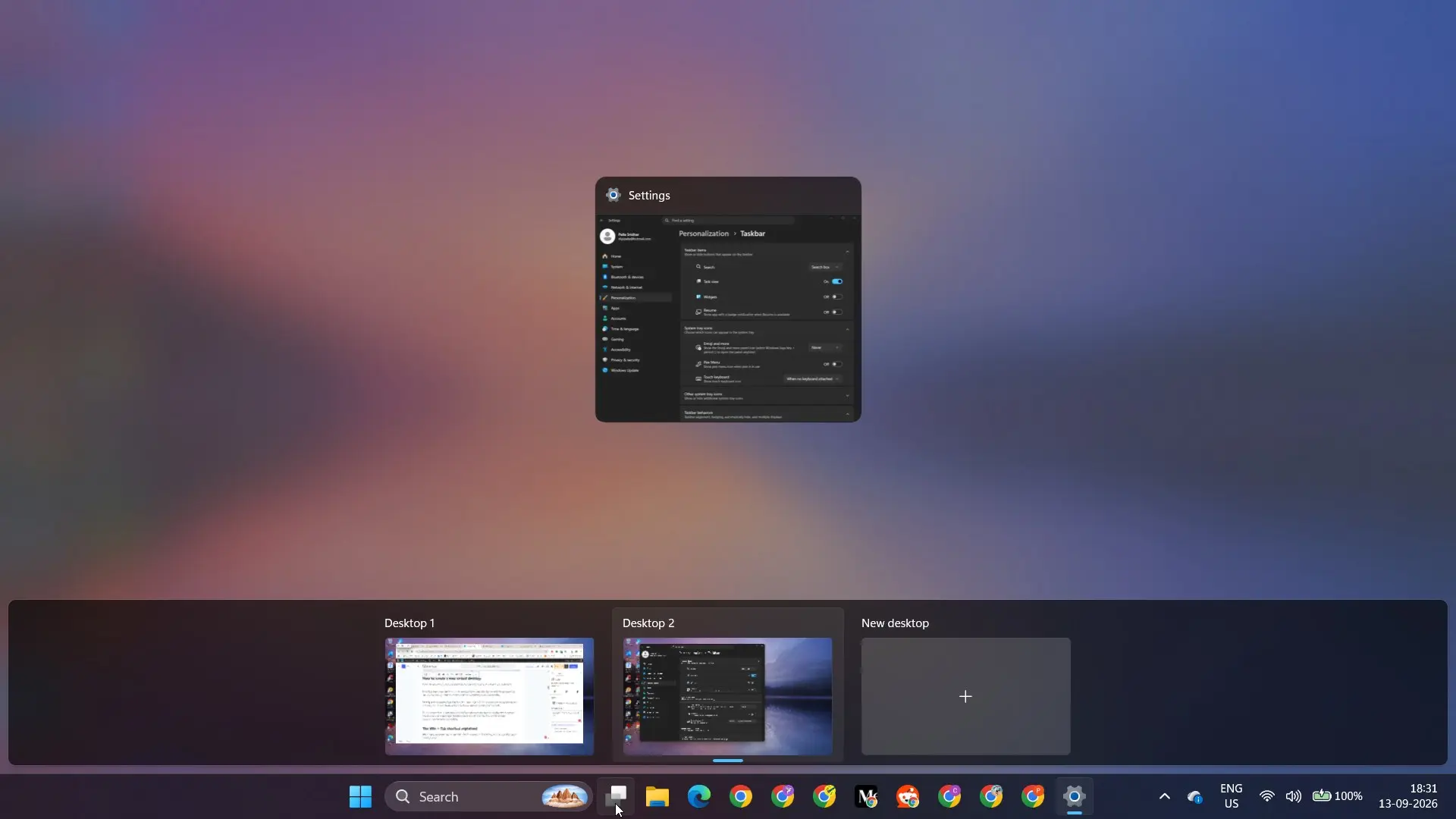
    Key Takeaways Quick answer Windows 11 virtual desktops let you create multiple separate workspaces on a single screen, managed through Task View — opened by pressing Win + Tab or clicking its taskbar icon. Create a new desktop with Win + Ctrl + D, switch between them with Win + Ctrl + Left/Right Arrow, and…

  • 0x8024402C Explained: Cause, Fix, and Prevention

    0x8024402C Explained: Cause, Fix, and Prevention

    Key Takeaways Quick answer Error 0x8024402C means Windows Update couldn’t resolve the server name it needs to connect to—either the internet connection, DNS settings, or (on managed networks) the WSUS server. Start by switching your DNS to 8.8.8.8, then work through the network reset commands below if that doesn’t refix the issue What causes error…

  • Windows 11 Password Manager Guide: Passwords, Passkeys, Edge

    Windows 11 Password Manager Guide: Passwords, Passkeys, Edge

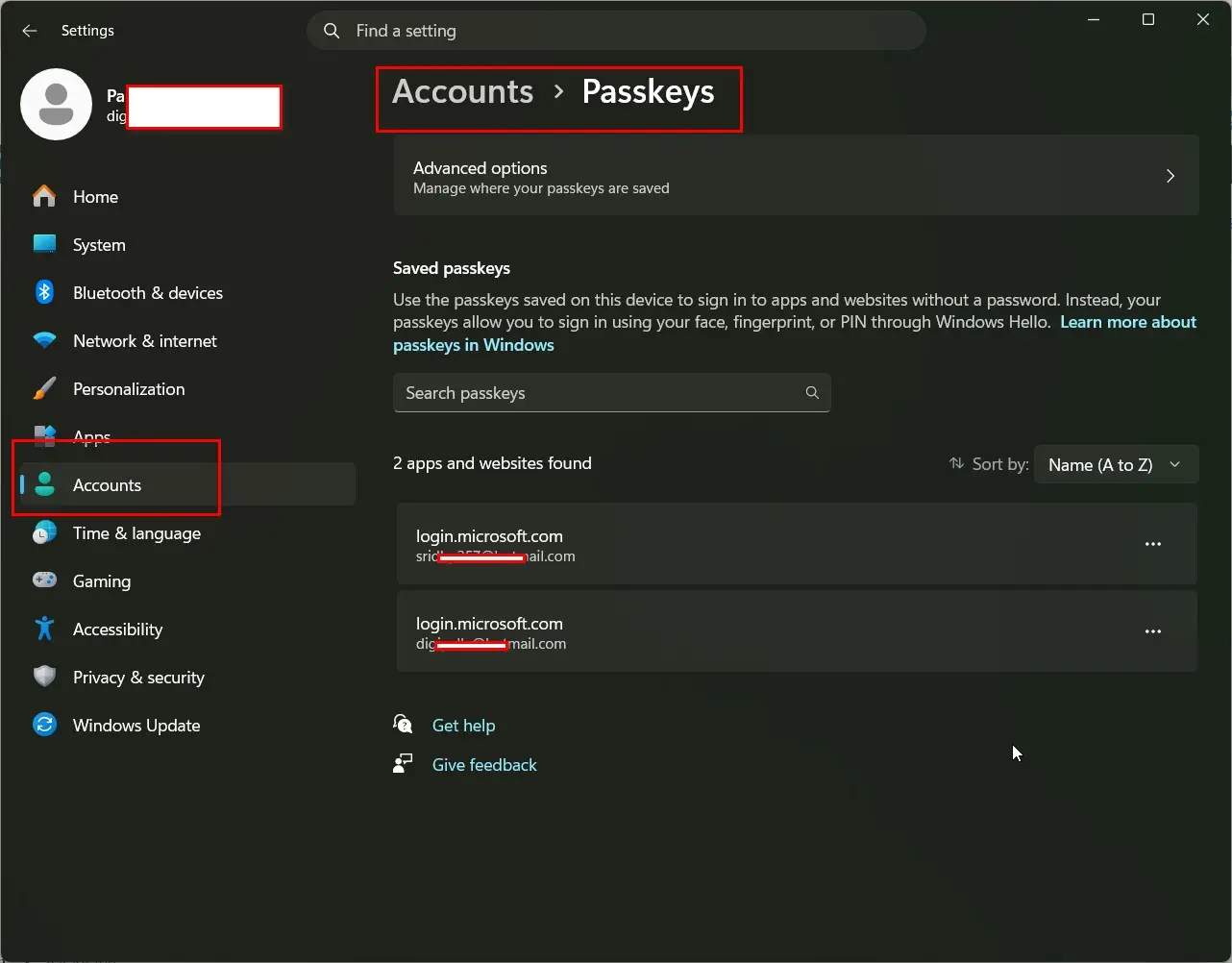
    Key Takeaways Quick answer To manage saved passwords in Windows 11, open Control Panel > User Accounts > Credential Manager for Windows-level saved logins, or Settings > Accounts > Passkeys for passkeys. If your passwords are saved in the browser, go to Edge Settings > Profiles > Passwords instead — that’s where most people’s saved…

  • Create a Bootable USB for Windows 11 (2026): Every Method That Works

    Create a Bootable USB for Windows 11 (2026): Every Method That Works

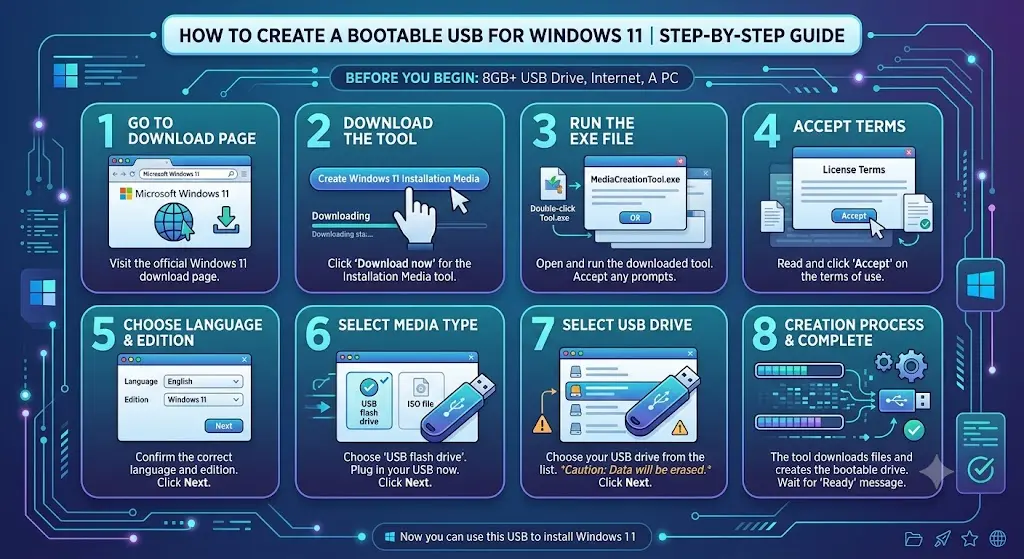
    Key takeaways Quick answer To create a bootable USB for Windows 11, plug in an empty 8 GB or larger USB flash drive, open Microsoft’s Download Windows 11 page and select Download Now under Create Windows 11 Installation Media. Run MediaCreationTool.exe, choose USB flash drive, select your stick and let it download and write the…

  • Create a Recovery Drive in Windows 11 (2026): Full Guide, USB Sizes and Fixes

    Create a Recovery Drive in Windows 11 (2026): Full Guide, USB Sizes and Fixes

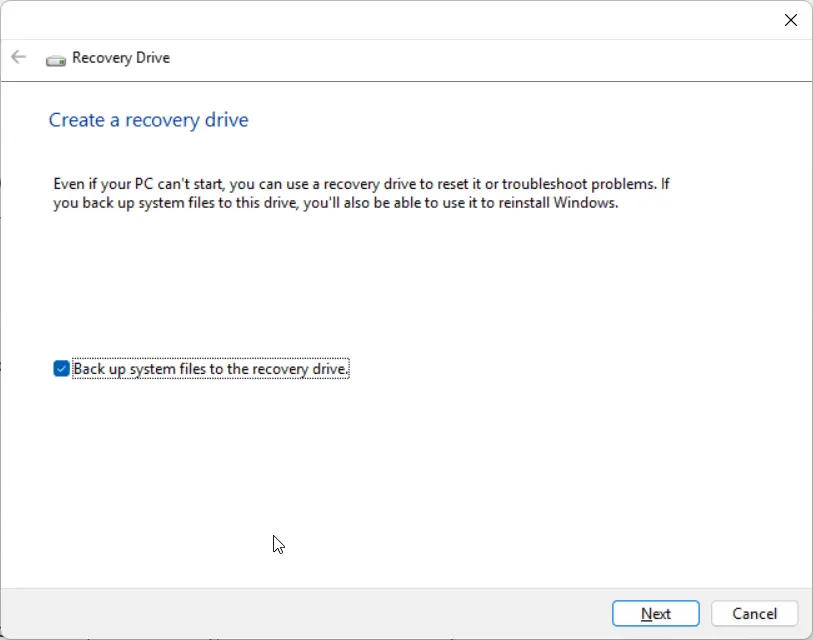
    Key takeaways Quick answer To create a recovery drive in Windows 11, plug in an empty USB flash drive of 32 GB or larger, press Windows + R, type recoverydrive.exe and press Enter. Leave Back up system files to the recovery drive ticked, select your USB drive, then choose Create. The drive is erased and…

  • Windows 11 Start Menu Guide (2026): New Layout, Hidden Settings and Fixes

    Windows 11 Start Menu Guide (2026): New Layout, Hidden Settings and Fixes

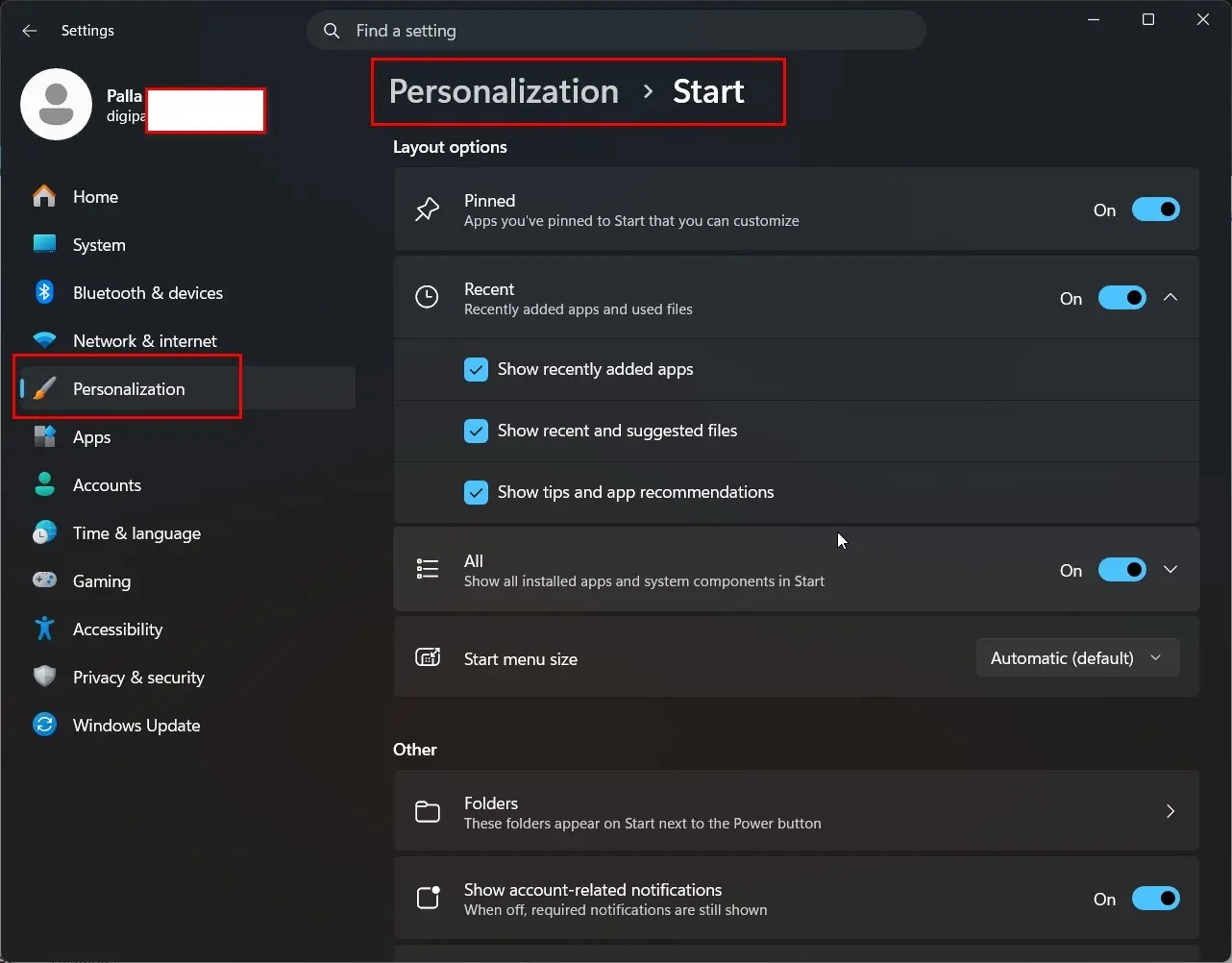
    Key takeaways Quick answer The Windows 11 Start menu in 2026 is a single scrollable panel with three zones — Pinned, Recommended (renamed Recent in the newest builds) and All. Every setting lives in Settings > Personalization > Start. If Start won’t open, end StartMenuExperienceHost.exe in Task Manager first; that alone clears most cases. If…

  • Windows 11 Keyboard Shortcuts: The Complete List Every User Should Know (2026)

    Windows 11 Keyboard Shortcuts: The Complete List Every User Should Know (2026)

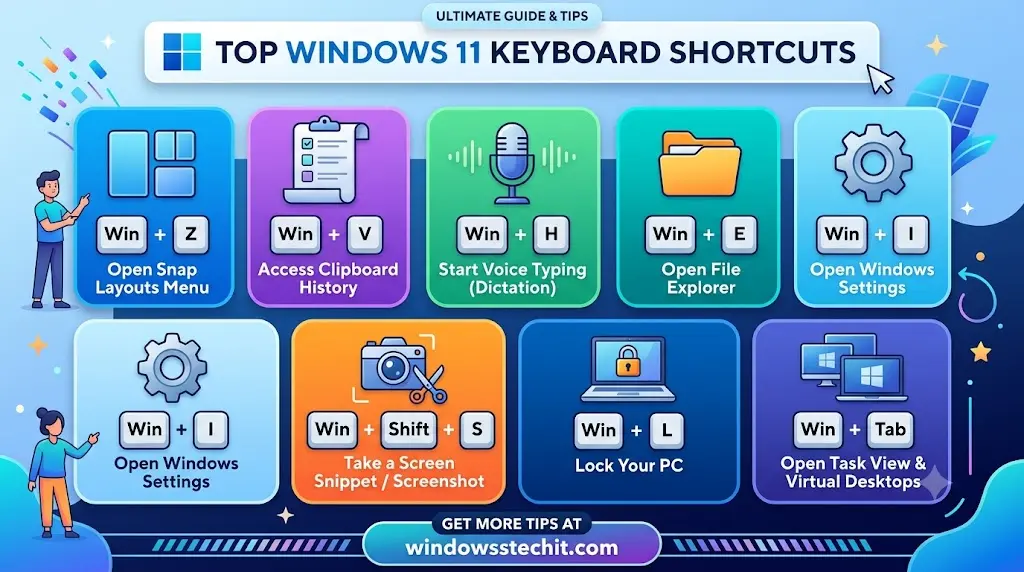
    The Windows 11 keyboard shortcuts worth learning first are Win+E (File Explorer), Win+I (Settings), Alt+Tab (switch windows), Win+Shift+S (screenshot a selection), Win+V (clipboard history), and Win+Z (Snap Layouts). Everything else builds on these six. Key Takeaways Quick answer I’ve been fixing Windows problems for home and office users since 2010, and keyboard shortcuts are the…

  • Windows 11 Gaming Benchmarks 2026: What the Real Test data actually shows

    Windows 11 Gaming Benchmarks 2026: What the Real Test data actually shows

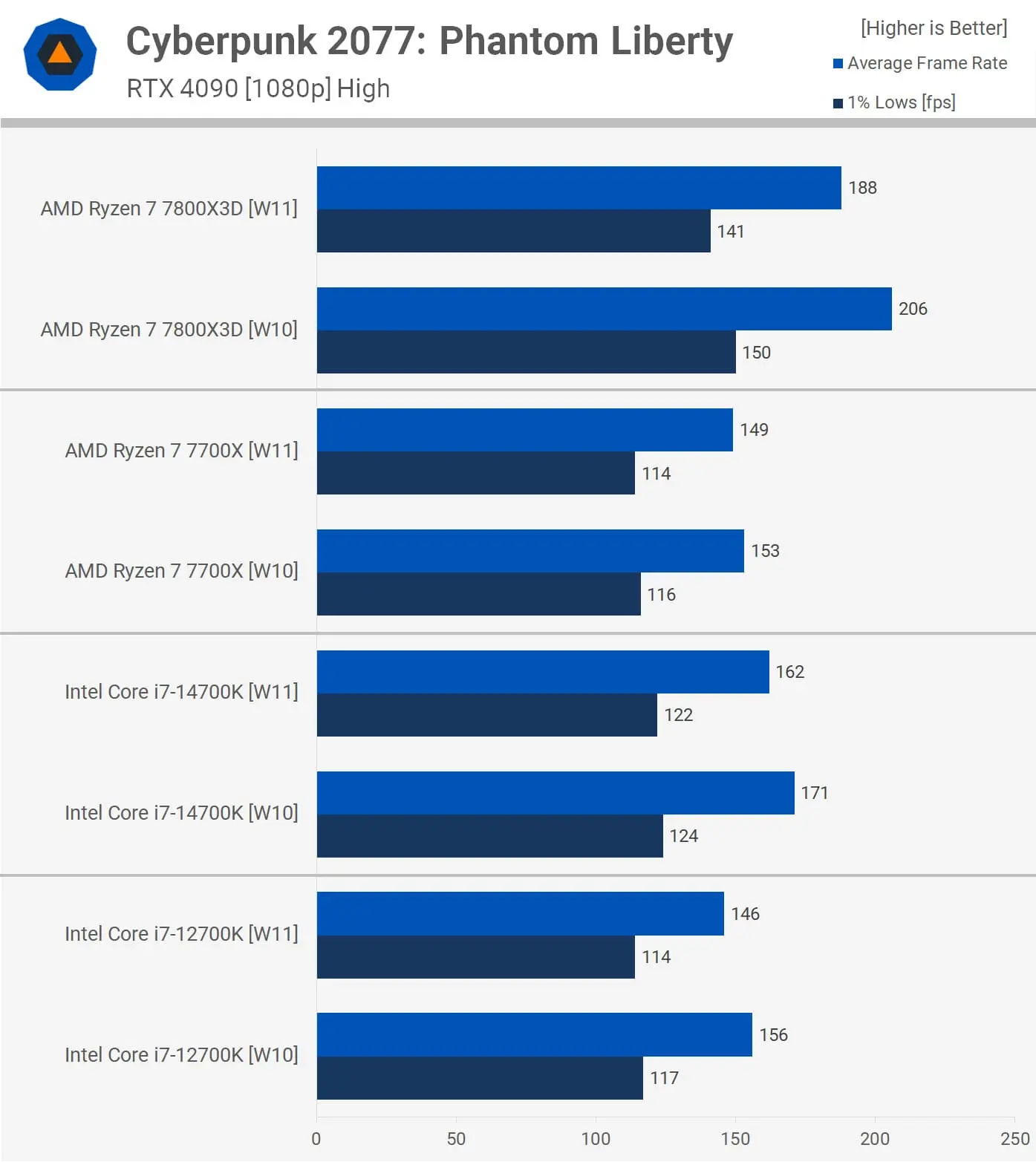
    What do Windows 11 gaming benchmarks show compared to Windows 10? Windows 11 25H2 slightly beats Windows 10 22H2 in most modern games. Gains range from about 1 percent to over 50 percent, depending on the title and hardware. Some games, and some competitive shooters, still run better on Windows 10. Introduction For years, gamers…