Author: Palla Sridhar

Palla Sridhar is the CEO of DigiPalla IT Services LLP and a seasoned ex-IT professional with over 16 years of blogging experience. He specializes in Microsoft products, including Windows 10, Windows 11, and Office 365, with deep expertise in error code solutions, computer repair, and IT troubleshooting. He publishes practical guides that help everyday users and professionals solve real tech problems quickly and confidently.
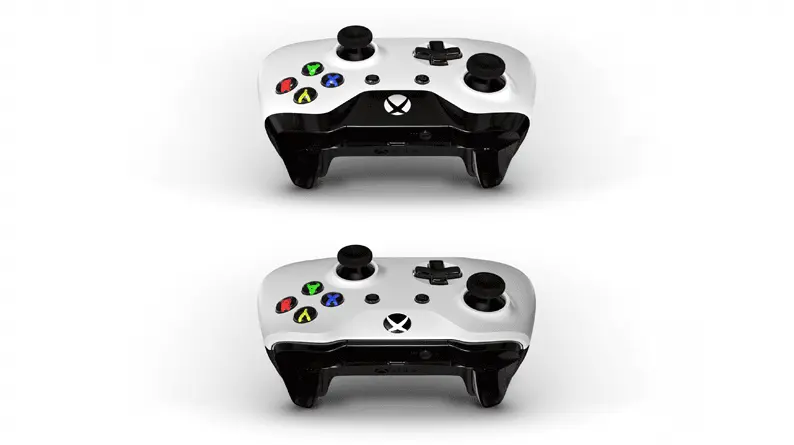
  • Xbox Controller Not Recognized on Windows 10/11 PC – Fixes

    Xbox Controller Not Recognized on Windows 10/11 PC – Fixes

    The Xbox One Controller can be a wired or wireless one. The wireless one is usually connected through Bluetooth while the wired one through USB. Removing the bluetooth driver from the Settings app of Windows 10/11 and then adding the Xbox Controller as a device may fix the problem. The Xbox One controller is an…
  • NVMe SSD Detected in BIOS but not Windows 10/11—Fix it

    NVMe SSD Detected in BIOS but not Windows 10/11—Fix it

    Based on the connector, SSDs are divided into SATA, NVMe, M.2, and PCIe. Non-volatile Memory Express (NVMe) SSD is one of the fastest read and write speed disks. Though it is not supported by legacy motherboards, the latest ones give the required operational speed, allowing users to take full advantage of NVMe’s superior performance compared…

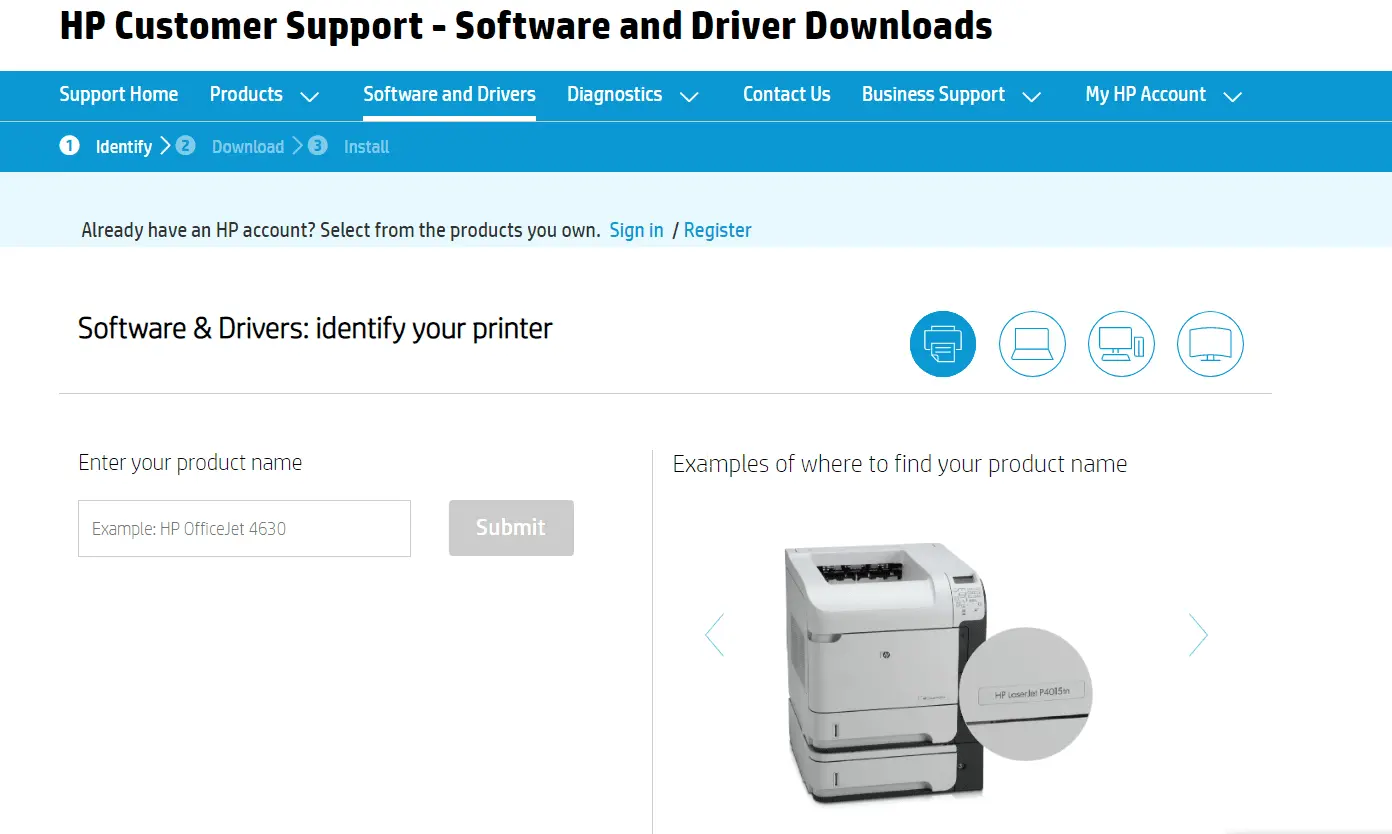
  • Download Windows 11 Printer Drivers for Top 5 Brands

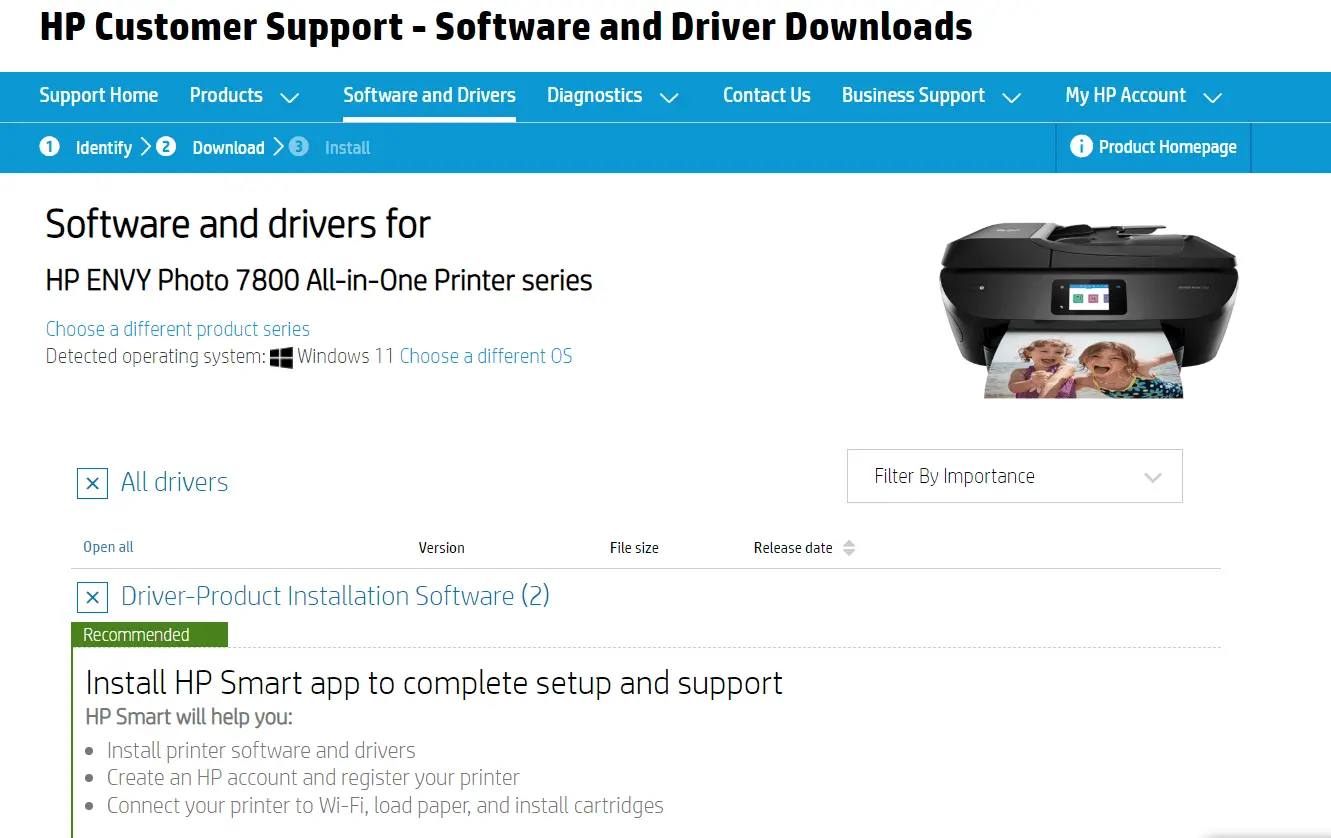
    Download Windows 11 Printer Drivers for Top 5 Brands

    The printer driver is the one that lets you connect between hardware and software. To print normally and with all colors, you need the right drivers. When you upgrade your OS or during reinstall, you also need to update your printer drivers. With Windows 11, new printer drivers are to be updated. Also, many users…

  • Fix Microsoft IPP Class Driver Windows 11 No Color

    Fix Microsoft IPP Class Driver Windows 11 No Color

    Microsoft IPP Class Driver is the default printer driver installed on Windows 11, when no other printer driver is available. IPP driver is an Internet Printing Protocol that allows talk between computer/mobile and the printer/printer server. When Microsoft IPP Class driver is not working or printing gray/monochrome instead of full colors, then you need to…

  • Download Graphic Drivers Windows 11 – Install and Update

    Download Graphic Drivers Windows 11 – Install and Update

    Today’s PC and laptop consoles are equipped with graphic cards for better visuality and gaming. In 2022, you will not find a computer without a graphics chip set or external NVIDIA type card. Since 1995, WYSIWYG is an acronym for the same kind of Adobe colors on your screen and what you see. But graphics…

  • How to Move Windows 11 Start Menu to Left

    The beauty of Windows 11 start menu is that it is placed at the bottom and center. It is a typical kind of Mac taskbar. You have all the apps and program icons in a circle and at the center. Microsoft also thought to bring the same touch to Windows 11. But there is an…

  • Can’t Remove Bluetooth Device Windows 11 – 3 Best Solutions

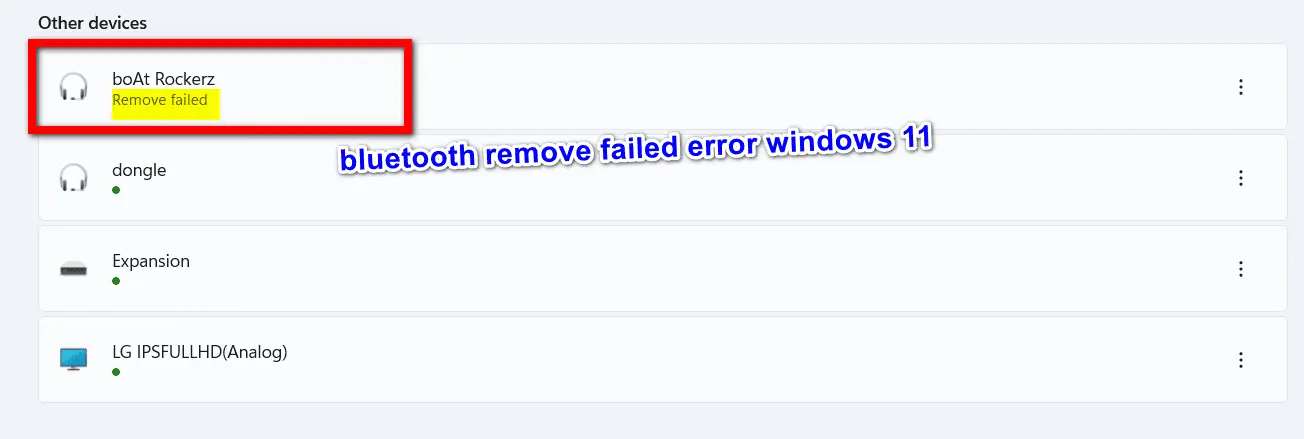
    Can’t Remove Bluetooth Device Windows 11 – 3 Best Solutions

    Bluetooth removal failed is an unusual error that can be irritating. Mostly this happens for audio devices and Xbox controllers. Sometimes, the bluetooth connection between Windows 11 and an external device fails, and you need to reconnect it again. It happened to my bluetooth wireless Boat earphones. It was already paired with Windows 11. But…

  • Make Color Management Work Again in Windows 11

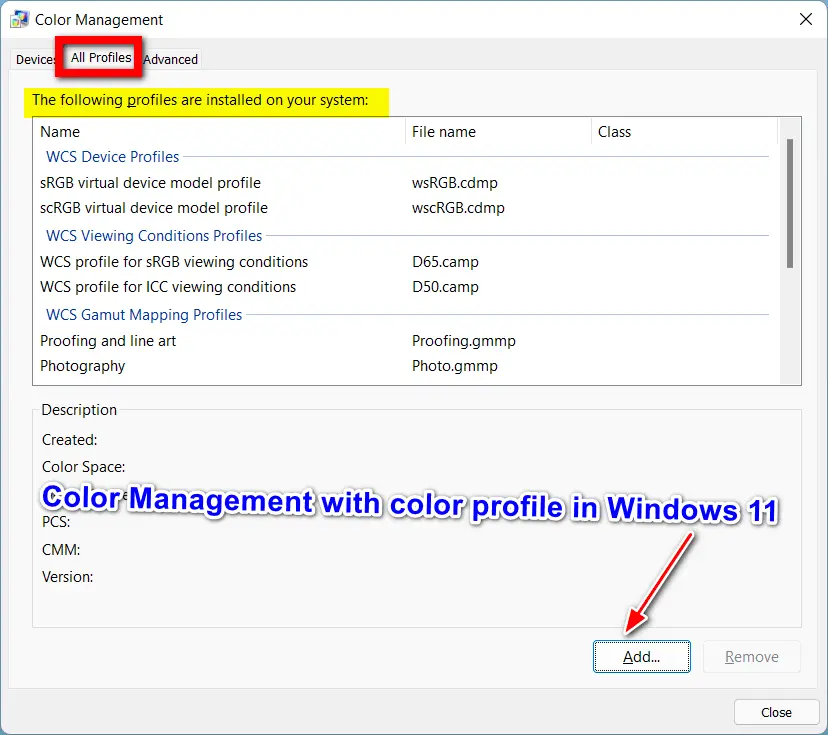
    Make Color Management Work Again in Windows 11

    Windows 11 display setting will show the color profile of your monitor. It is the reason why some monitors display better colors than others.  If you have a single monitor, then most of your color management problems are reduced. But gaming players, Adobe photoshop designers, video editors would like precise colors for their specific app….

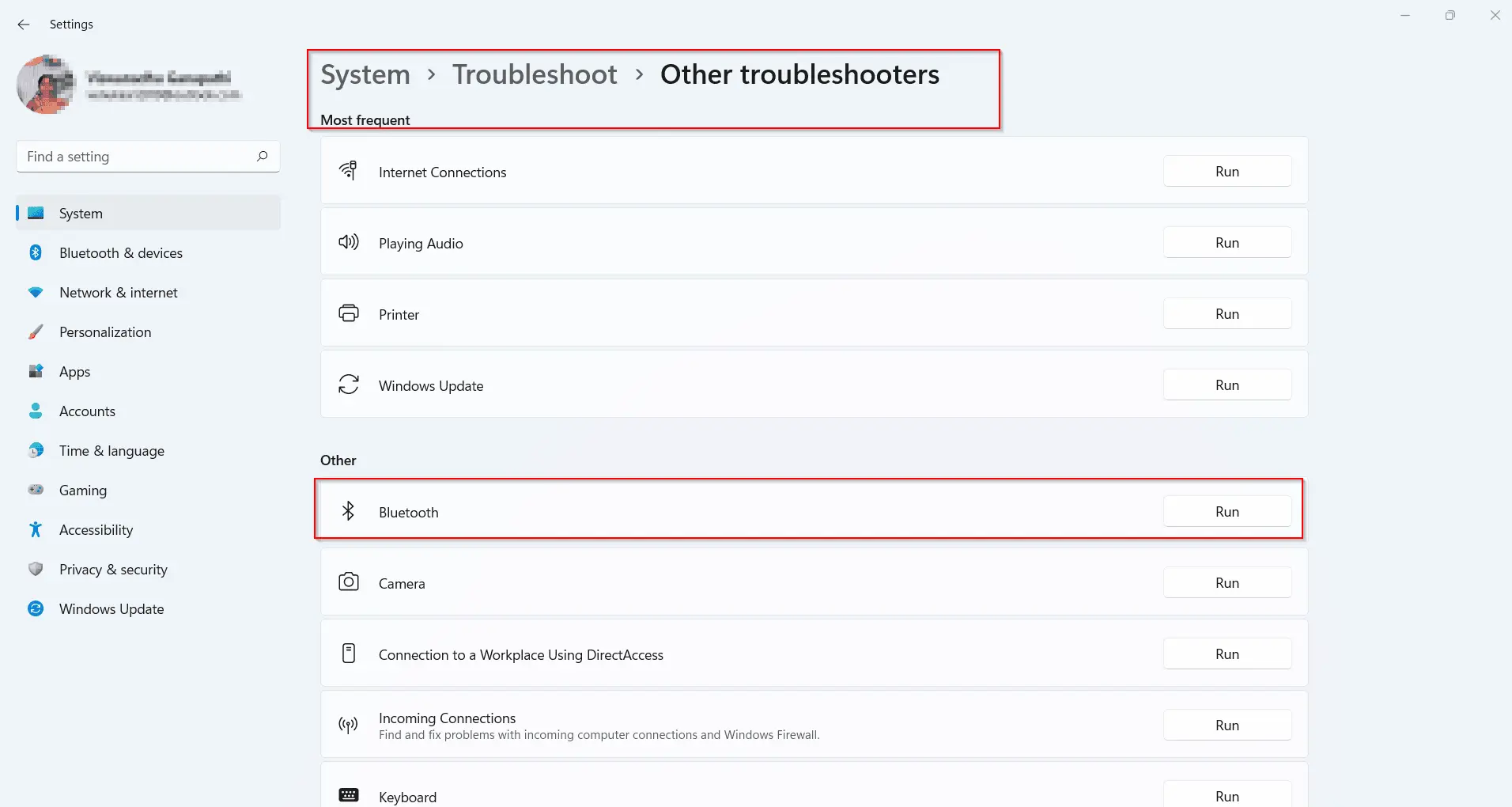
  • Windows 11 Bluetooth Not Working – 9 Simple Solutions

    Windows 11 Bluetooth Not Working – 9 Simple Solutions

    The first thing to check when your windows 11 bluetooth is not working is whether it’s turned on. If it’s a laptop make sure that the bluetooth indicator is glowing (generally blue). It means that both bluetooth hardware and setting are enabled. As some old PCs and laptops do not have an in-built bluetooth adapter,…