Author: Palla Sridhar

Palla Sridhar is the CEO of DigiPalla IT Services LLP and a seasoned ex-IT professional with over 16 years of blogging experience. He specializes in Microsoft products, including Windows 10, Windows 11, and Office 365, with deep expertise in error code solutions, computer repair, and IT troubleshooting. He publishes practical guides that help everyday users and professionals solve real tech problems quickly and confidently.
  • How to Turn On Bluetooth in Windows 11 – Connect and Pair

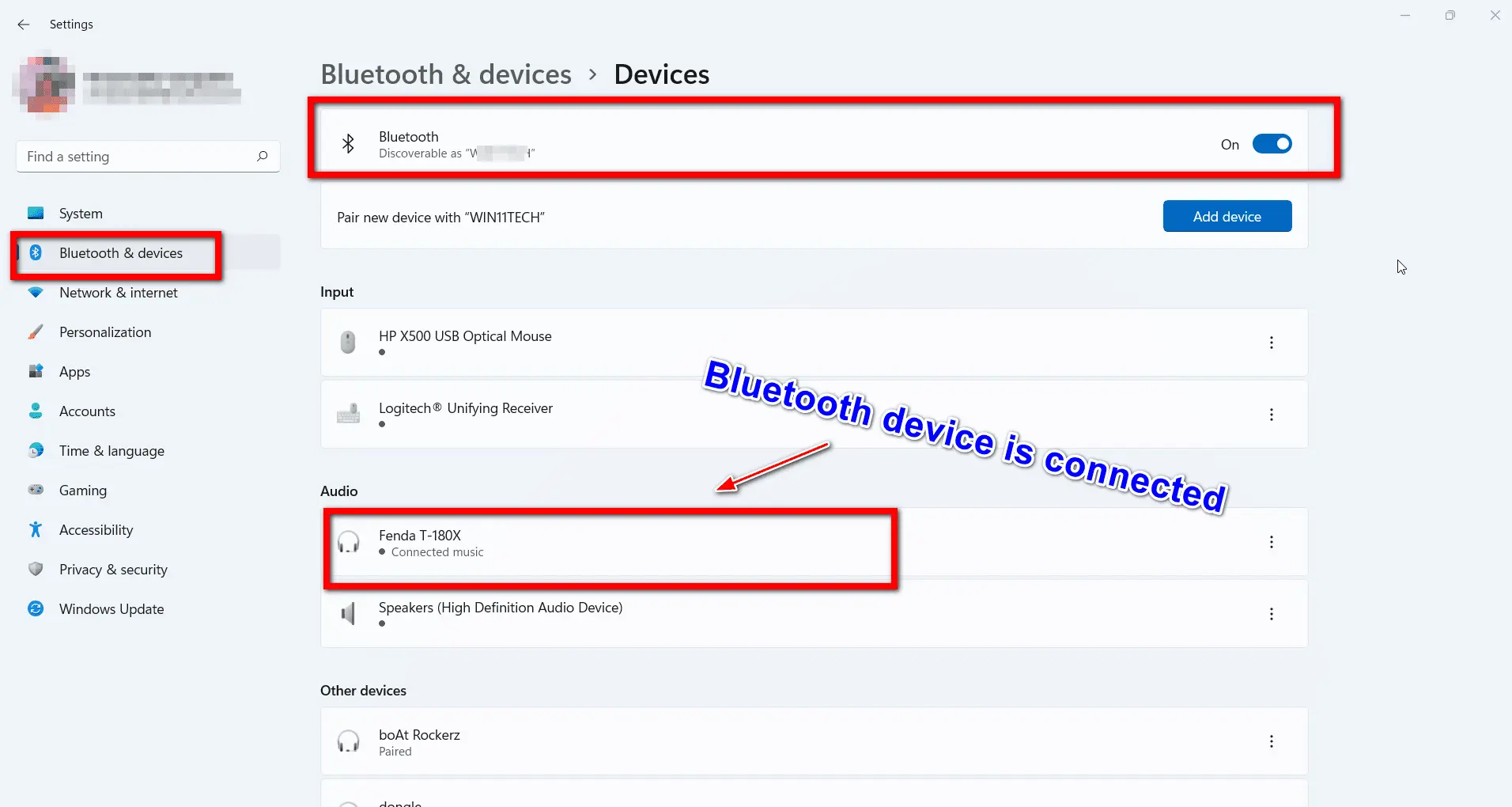
    How to Turn On Bluetooth in Windows 11 – Connect and Pair

    Pair a Bluetooth device with Windows 11 to play songs, watch videos, and send files. In case your computer doesn’t support this technology, you can buy a Bluetooth adapter. It is a small USB dongle that can be attached to your computer. Bluetooth is a wireless technology that uses radio frequency to share data over…
  • How to Fix Windows 11 Photos App “Next/Previous” Not Working?

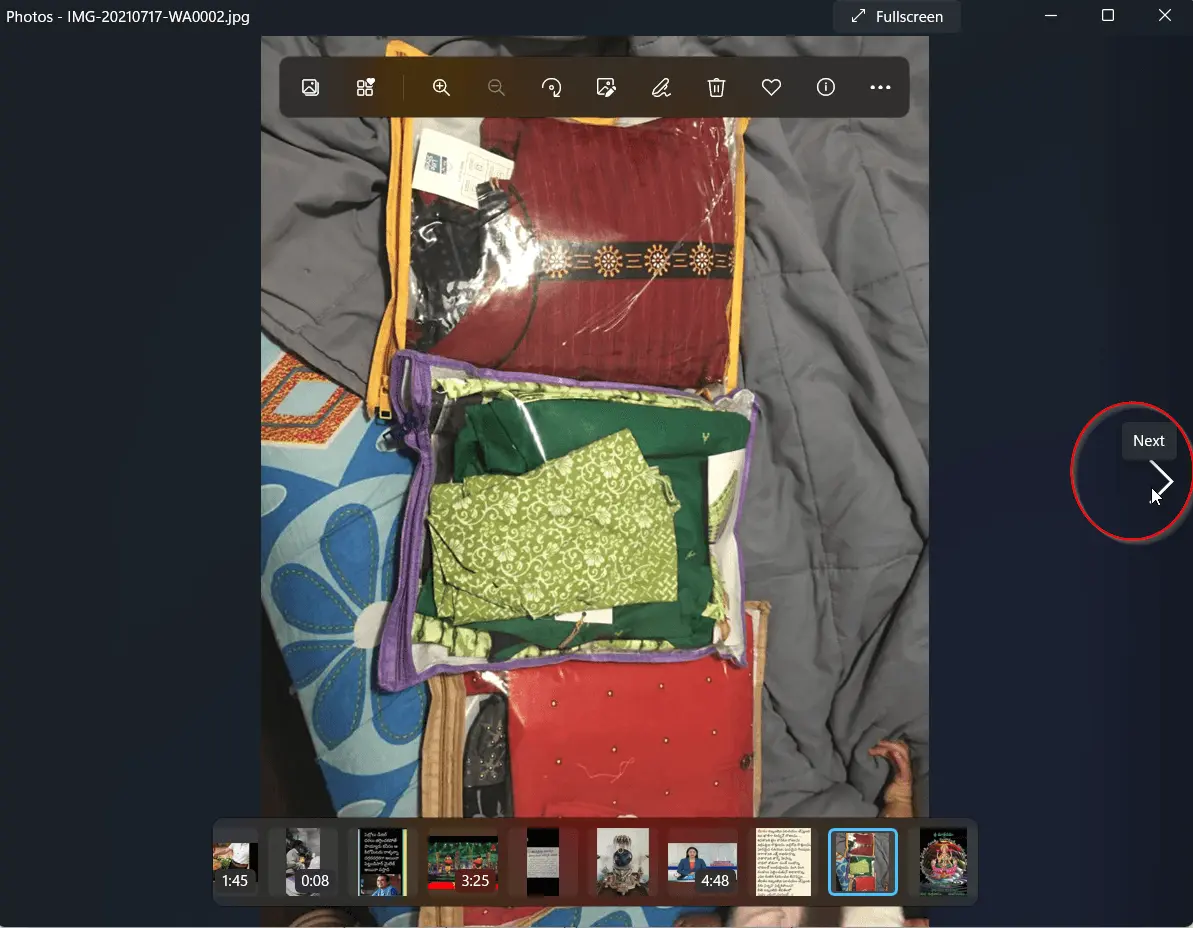
    How to Fix Windows 11 Photos App “Next/Previous” Not Working?

    Windows 11’s Photos app is redesigned from the old one. It is in-line with the latest visual design. New rounded corners, updated typography style and theme specific color properties are its appealing features. A new “filmstrip” appears below the bottom of the app which includes all the images in that folder. Multi-view experience by selecting…

  • How to Fix Mouse Busy Icon Windows 10

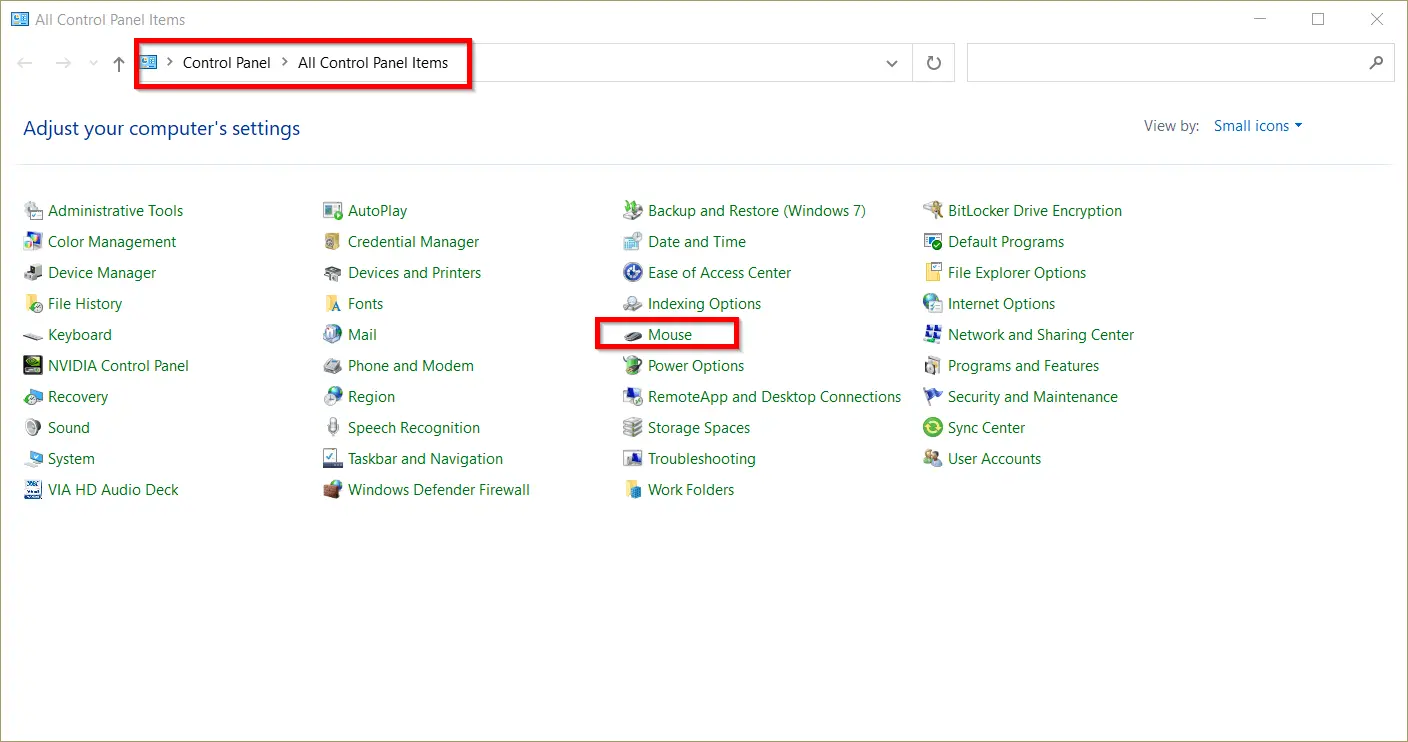
    How to Fix Mouse Busy Icon Windows 10

    Windows 10 mouse cursor with a blue circle and busy icon are some common issues. From 2015 to 2022, users had different problems with the mouse cursor. Even in laptops, touchpads can have some concerns. In recent times, we can see that at the bottom part of the screen there is a rectangular region where…

  • Fix News and Interests taking up Memory in Windows 10 – It works

    Fix News and Interests taking up Memory in Windows 10 – It works

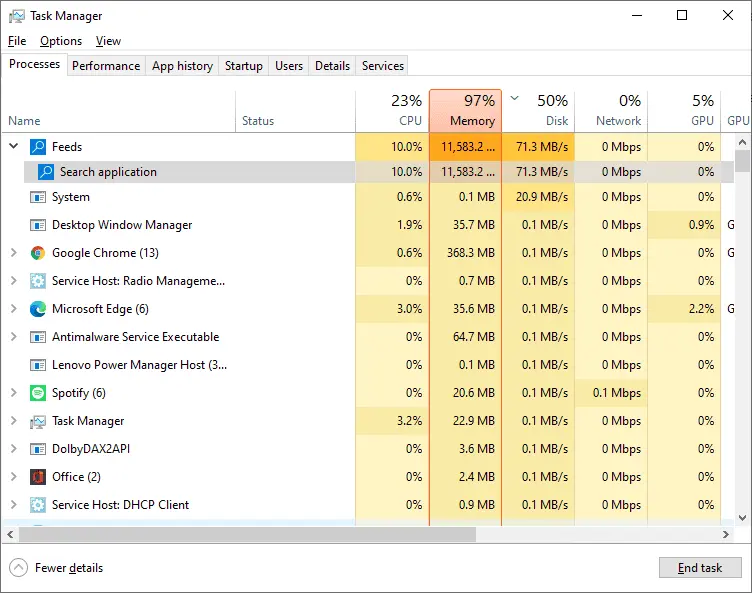
    Small widgets can display important information in Windows 10. News and Interests is one such widget which shows weather, stocks, sports and other news. But there is a disadvantage with this app! Windows 10 users who are using old builds have complained of high memory usage. Even people with 36GB RAM have 99% usage when…

  • Fix Can’t Remove Work or School Account Windows 10

    Fix Can’t Remove Work or School Account Windows 10

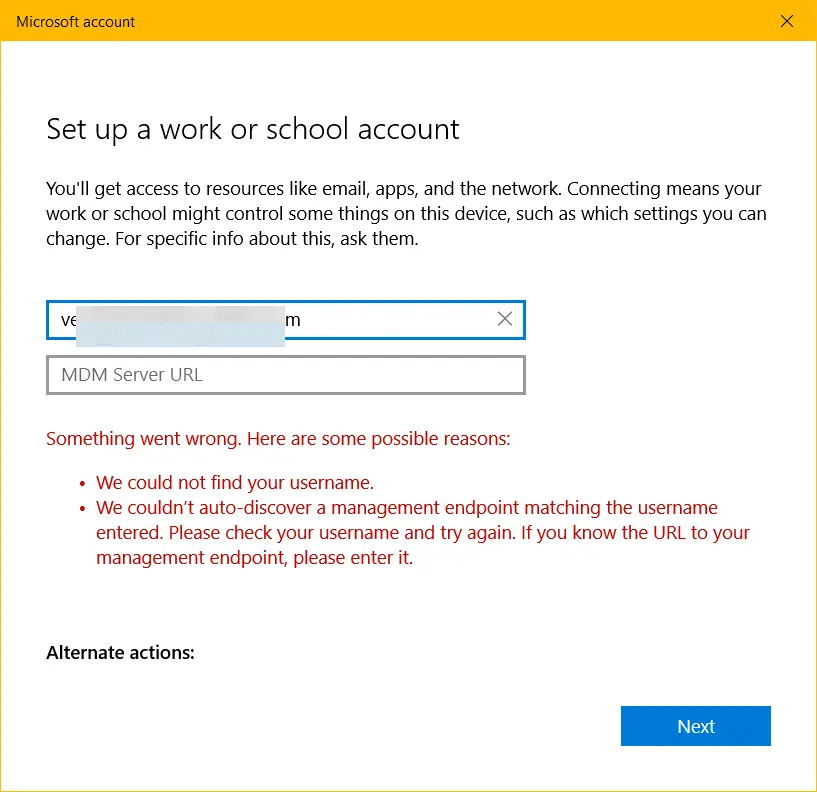
    A Microsoft account and a work account can be somewhat confusing. Many users tend to work with both on the same computer. It may be in the office or at home. The IT department of your school or company provides work or school accounts. Windows 10 provides a way to connect to work or school…

  • 12 Clever Ways to Open Settings App in Windows 11 – Save Time

    The Settings App has a new role and interface in Windows 11. Customize Personalization, Gaming, Security, Network, Display, Sound, System, Bluetooth devices, Background, etc with ease. Central location to update and configure Windows 11, instead of the Control Panel. Microsoft is in line to remove the Control Panel tool. Whether you like it or not,…

  • How to Enable Remote Desktop in Windows 10 — 3 Methods for Pro and Home [2026]

    How to Enable Remote Desktop in Windows 10 — 3 Methods for Pro and Home [2026]

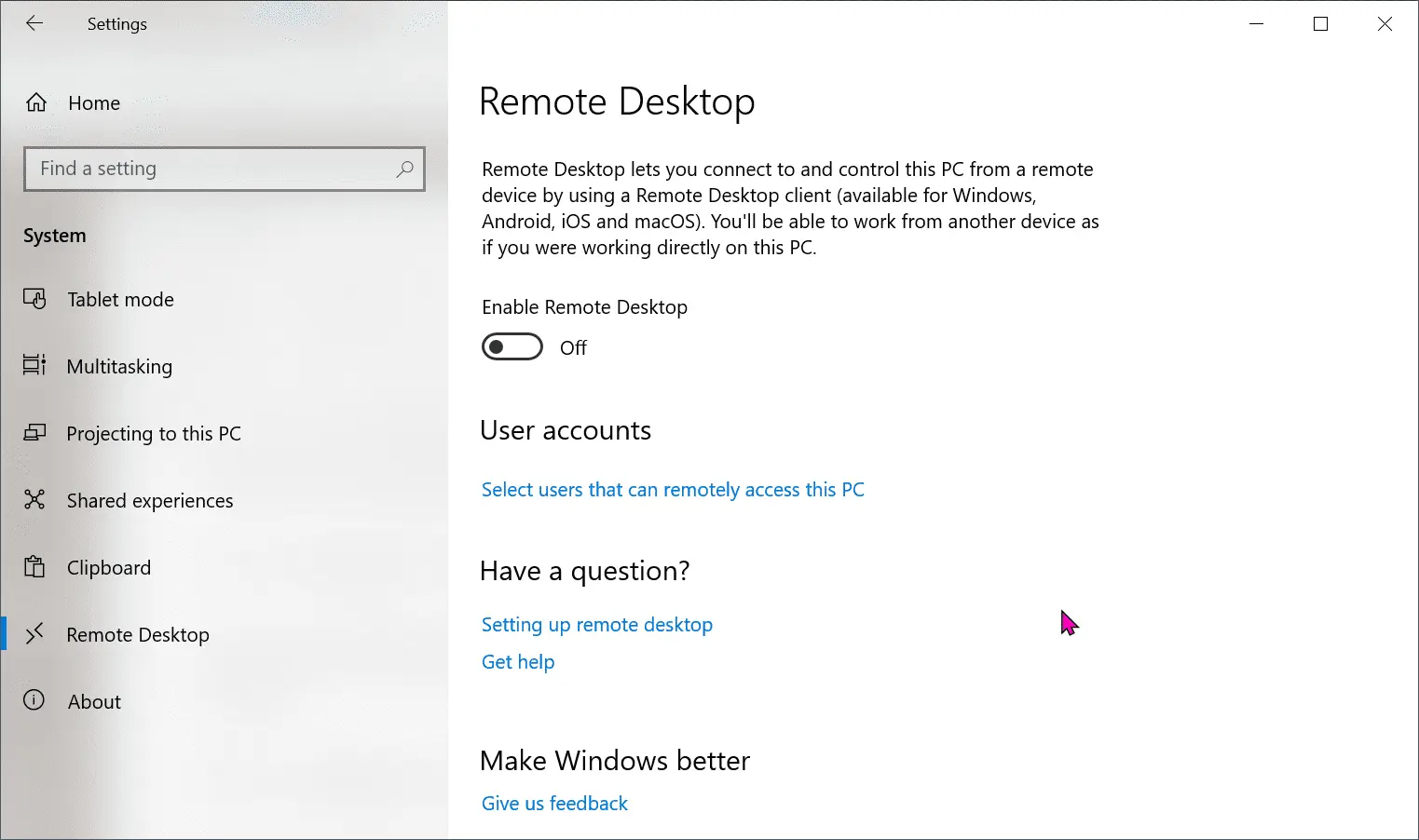
    Need to enable remote desktop Windows 10 to access your PC from another location? Whether you’re working from home, supporting a family member’s computer, or managing an office machine remotely, Windows 10 remote desktop is one of the most powerful built-in tools available. The issue is that Windows 10 Home does not include the Remote…

  • Customize Taskbar—Show Notification Area Icons Windows 10 or 11

    Customize Taskbar—Show Notification Area Icons Windows 10 or 11

    If you use Windows 10 or 11, you may have noticed that some icons appear on the right side of your taskbar, next to the clock and date. These are called notification area icons, and they provide you with quick access to various settings and features of your PC. For example, you can click on…