Author: Palla Sridhar

Palla Sridhar is the CEO of DigiPalla IT Services LLP and a seasoned ex-IT professional with over 16 years of blogging experience. He specializes in Microsoft products, including Windows 10, Windows 11, and Office 365, with deep expertise in error code solutions, computer repair, and IT troubleshooting. He publishes practical guides that help everyday users and professionals solve real tech problems quickly and confidently.
  • Samsung TV HDMI Not Working? 5 Fixes That Actually Work in 2026

    Samsung TV HDMI Not Working? 5 Fixes That Actually Work in 2026

    Samsung TV HDMI not working is one of the most reported TV problems in home and office setups—and it usually has nothing to do with a broken port. In most cases, the fix takes under 5 minutes. The culprit is almost always a wrong input source selection, a disabled input signal plus setting, or an…
  • How to Disable Background applications Windows 11 – Safe Methods

    How to Disable Background applications Windows 11 – Safe Methods

    Windows 11 closes most of the apps when you are not using them. But some of them are still running in the background. For example, Feedback Hub, Get Help, Maps, People, Sticky Notes, and many others are included. Widgets in Windows 11 need to run in the background to get the latest updates of weather,…

  • Top 5 Fixes For HDMI Cable Problems in 2022 – [Practical]

    Top 5 Fixes For HDMI Cable Problems in 2022 – [Practical]

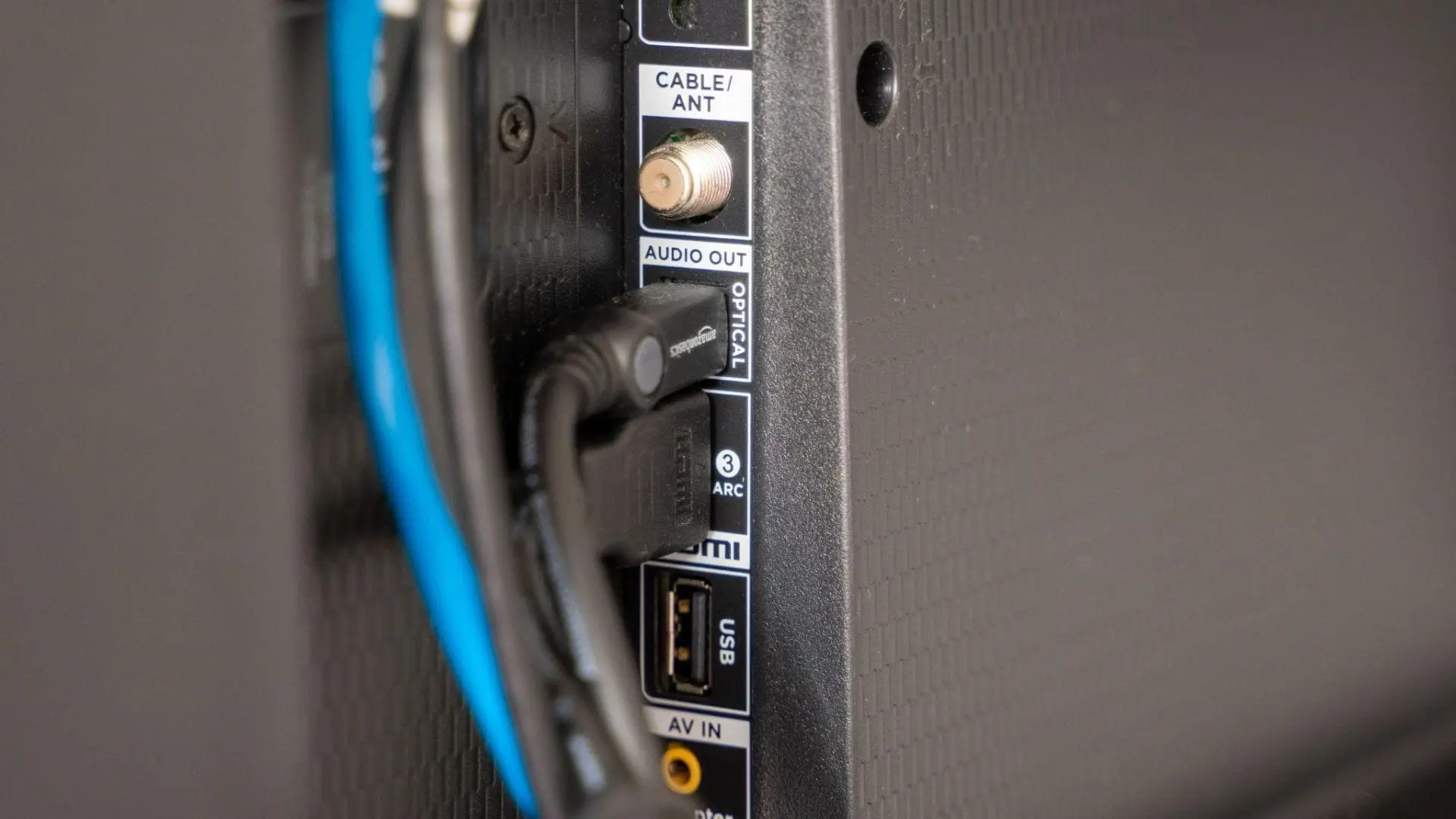
    Imagine your Xbox One HDMI not working at a moment when you are about to topple your archenemy at the Fortnite Battle Royale. HDMI cable problems comes with different devices like xbox, TV, and laptop and brands like samsung, sony, dell, Panasonic, etc. Wouldn’t it be a disappointing experience? Well, an HDMI cable not working…

  • Top 5 Best Free Driver Updater Tools for Windows

    Top 5 Best Free Driver Updater Tools for Windows

    Key Takeaways Quick answer: The safest and best way to update all drivers for free is Windows Update (Settings → Windows Update → Advanced options → Optional updates → Driver updates), plus your PC manufacturer’s app for laptop-specific drivers. If you want a dedicated tool, Snappy Driver Installer Origin is the only genuinely free, no-strings…

  • Can’t Sign Out of OneDrive—How to Fix

    Samsung Galaxy phone users have faced a peculiar problem using OneDrive on their phones. They can’t sign out of their OneDrive account on their Android phones. Coming to other mobile phones, like Xiaomi, Oppo, Realme, OnePlus, and Vivo, we need to check if the issue exists. In April 2021, the company notified Samsung users about…

  • Folder Size Windows 10 – Manual and Free Tools

    Folder Size Windows 10 – Manual and Free Tools

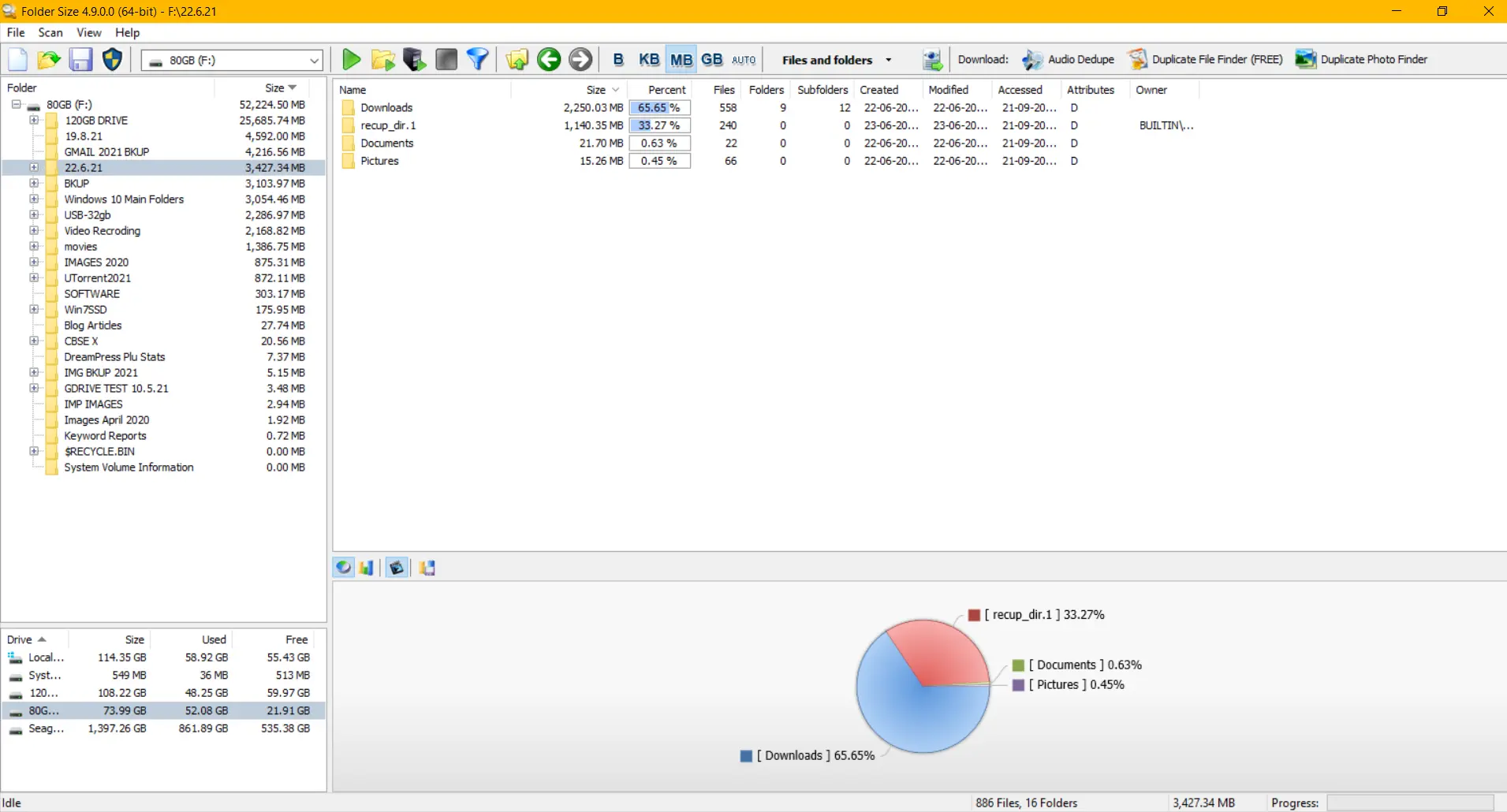
    Windows 10 Folder Size is an important metric to delete unnecessary files. We can see an increase in cache and temp file sizes when there is a virus or corrupt update. Windows 10 has a lot of new system folders. Because of errors and dumps, some of them get overloaded. Folder size: Windows 10 can…

  • Fix—That didn’t work. Make sure your Bluetooth device is still discoverable, then try again—Windows 10

    Fix—That didn’t work. Make sure your Bluetooth device is still discoverable, then try again—Windows 10

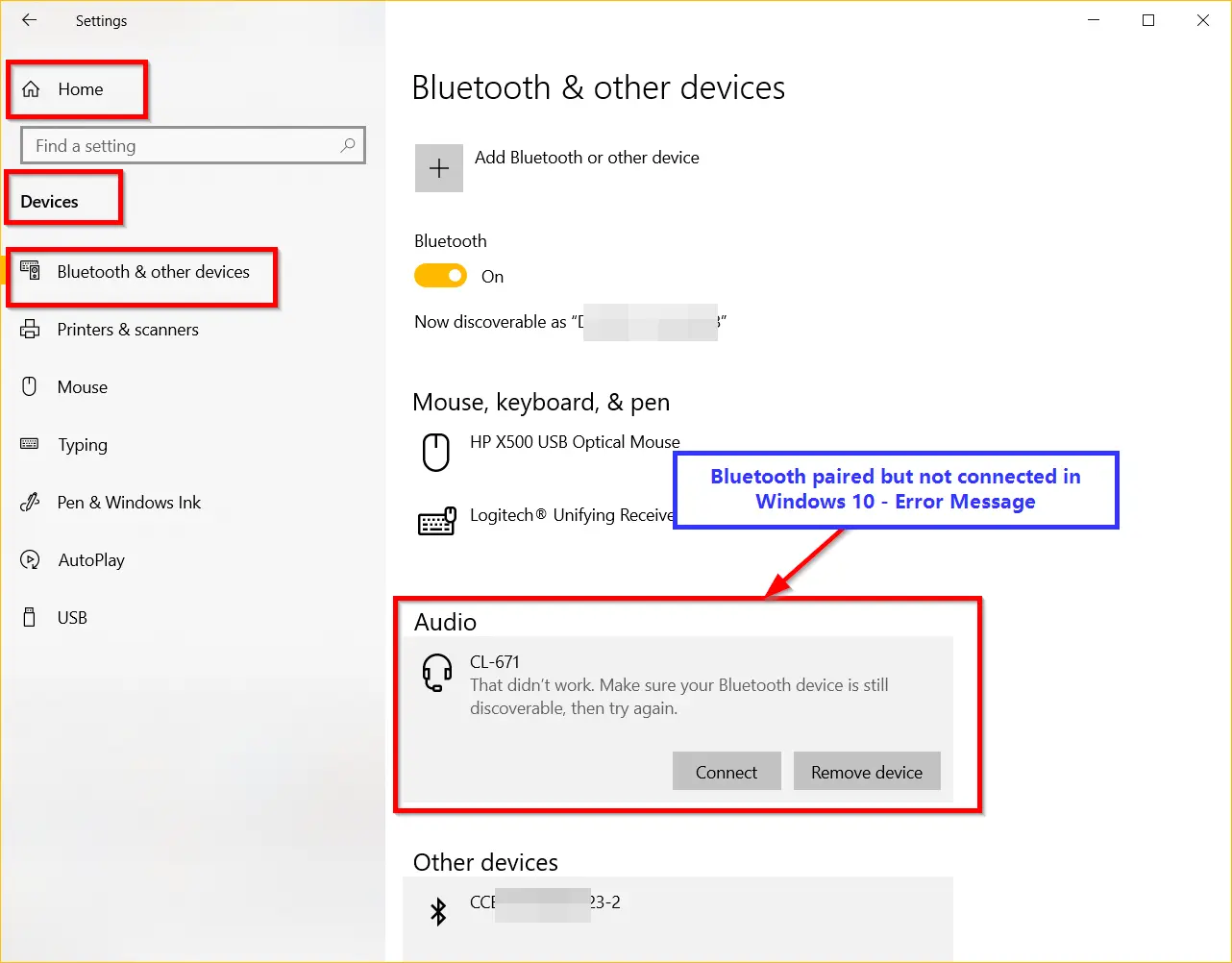
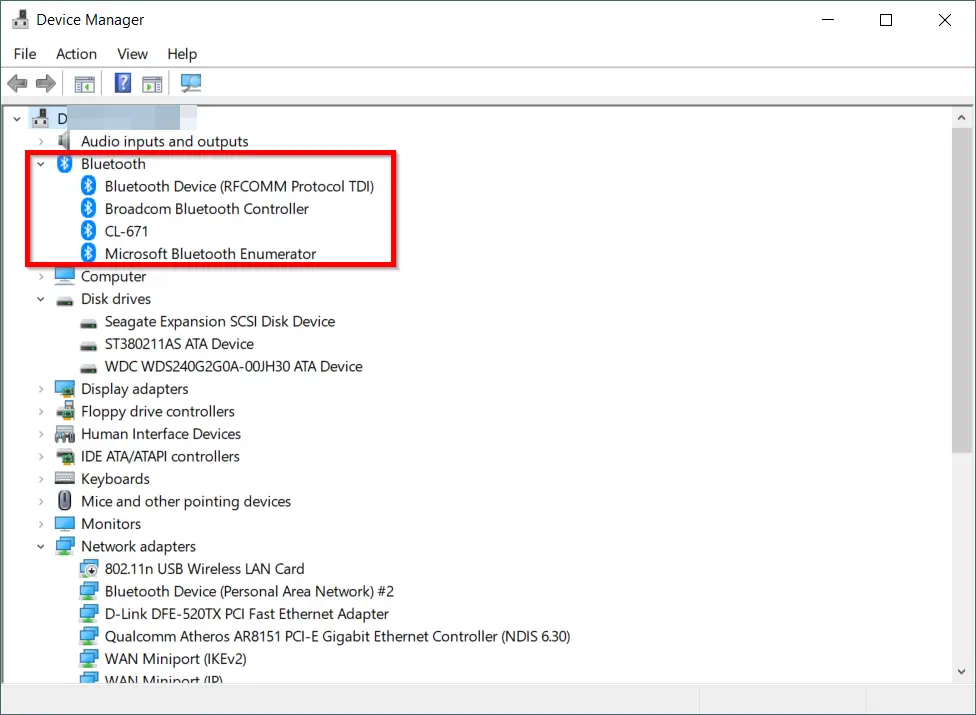
    Windows 10 and Bluetooth devices connect using pairing. PIN key entered for security. For non-typing hardware, pairing happens automatically. Once Bluetooth is turned on, speakers, sound bars, earphones, and headsets are discoverable.  You have to click on that device to connect them. Windows 10 Bluetooth couldn’t connect, resulting in no audio or connectivity. But, the…

  • How to Disable Searching Windows Update for Device Drivers in Windows 7 and 10

    How to Disable Searching Windows Update for Device Drivers in Windows 7 and 10

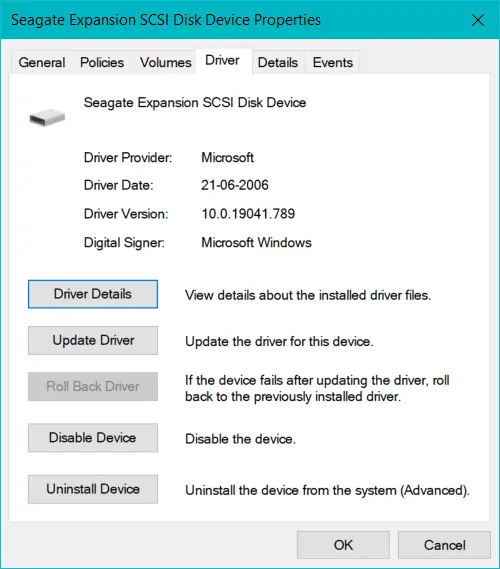
    Windows 7 and 10 are different on installing drivers. Bluetooth adapters need to establish their drivers based on laptop and computer models. Acer will have different drivers compared to DELL, HP, and Samsung.  Windows can install Microsoft generic drivers for Windows. Also Read – CCleaner – The Best Driver Update Utility for Windows 10 The…

  • Fix Bluetooth not detecting devices Windows 10

    Fix Bluetooth not detecting devices Windows 10

    Bluetooth devices are still in demand in 2021. If Windows 10 Bluetooth is not working, then it can be a pairing issue, a connectivity problem, drivers, an update, or any other reason. Many earphones, speakers, headphones, soundboxes, network connectivity, and smart TVs still rely on this technology.  If Bluetooth is paired but not connected, it…