Author: Palla Sridhar

Palla Sridhar is the CEO of DigiPalla IT Services LLP and a seasoned ex-IT professional with over 16 years of blogging experience. He specializes in Microsoft products, including Windows 10, Windows 11, and Office 365, with deep expertise in error code solutions, computer repair, and IT troubleshooting. He publishes practical guides that help everyday users and professionals solve real tech problems quickly and confidently.
  • How to Fix Audio Issues in Windows 10 – Easy Simple Steps

    How to Fix Audio Issues in Windows 10 – Easy Simple Steps

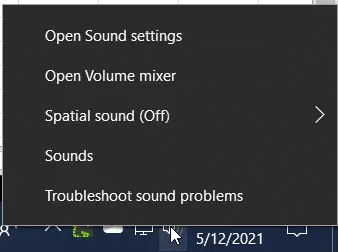
    When sound is not working in Windows 10, first check the playback devices. Make sure the current audio device is the default one. Uninstall the audio device driver and scan for hardware changes. Check whether the speaker and master volume are above a particular value. Windows 10 updates are a scare and boon. Sometimes, they…
  • [Review] The best Windows 10 Privacy Tool with Easy Settings – O&O ShutUp10

    [Review] The best Windows 10 Privacy Tool with Easy Settings – O&O ShutUp10

    Windows 10 privacy issues are one of the crucial aspects of the OS. Data collected through diagnostic information, access to app activity, and websites visited through cookie and browser activity are ways data is leaked. Some are managed for analytics purposes to know the statistics of the site. But we are not sure whether those…

  • How to Disable Microsoft Defender in Windows 10 (Temporarily and Permanently)

    How to Disable Microsoft Defender in Windows 10 (Temporarily and Permanently)

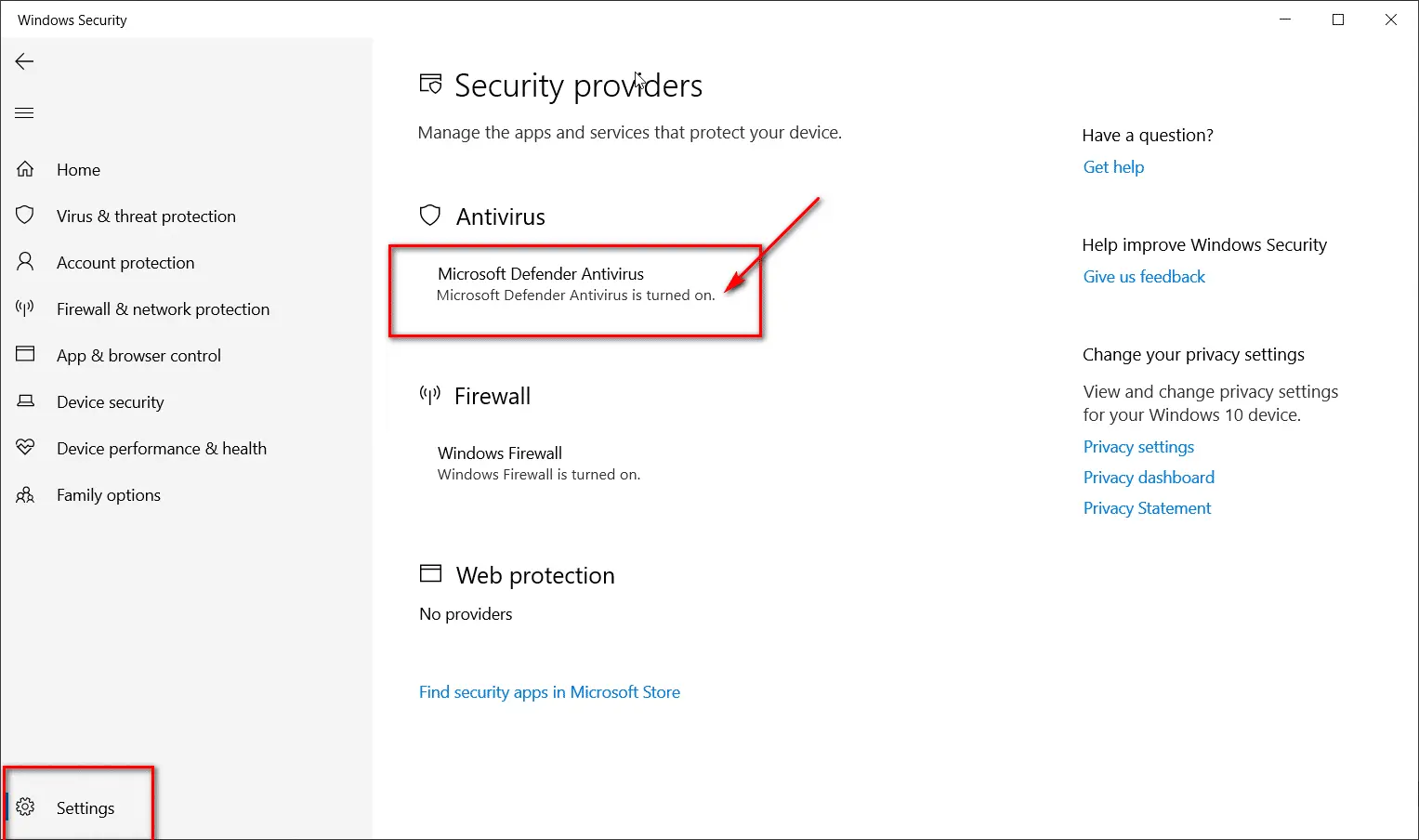
    Windows Defender is also known as Microsoft Defender Antivirus in the latest versions of Windows 10. Check Windows Security to see if it’s turned on. It has built-in spyware, rootkits, ransomware, and cloud protection. The best way to permanently disable Microsoft Defender is using the Local Group Policy Editor and Registry Settings. It should work…

  • 2 Shared Experiences Error in Windows 10 – Fix It tools

    2 Shared Experiences Error in Windows 10 – Fix It tools

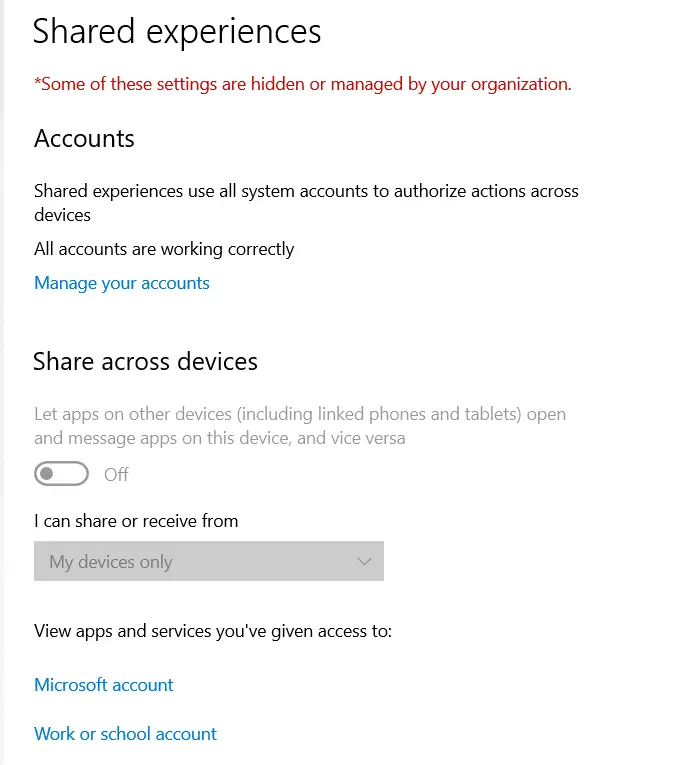
    Shared Experiences and Microsoft Account have an inter-dependency in many ways. Try to disable this Windows 10 feature to fix this type of issue. If that doesn’t work out, then you can try troubleshooting the Microsoft account error. The Shared Experiences feature came into existence after the Creators Update. Problems started from then on. The…

  • 10 Answers to Your Questions About Microsoft Account Problem In Windows 10

    10 Answers to Your Questions About Microsoft Account Problem In Windows 10

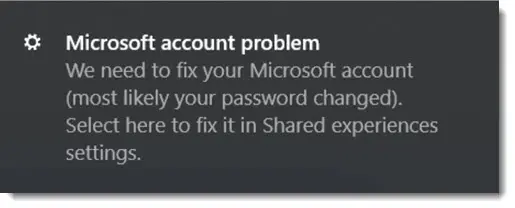
    In Windows 10, Microsoft Account issues are common. Irrespective of 2004 or 20H2 or earlier update, this has been a problem for the naïve user. Most people ignore this notification error message and proceed using the system. But I prefer to keep a clean slate and work without distractions. After the Creators Update and above,…

  • How to Use Shared Experiences Settings in Windows 10

    How to Use Shared Experiences Settings in Windows 10

    Shared Experiences is for cross-platform support in Windows 10. Bluetooth devices. Mobile phones. Wireless adapters. Wi-Fi. Tablets. All these devices can communicate using this feature. Moreover, enable this feature to connect Android apps, which allows users to seamlessly integrate their mobile applications with their desktop experience. In order to send/receive phone messages and see phone…

  • Fix—Windows 10 Brightness Not Working after Update—11 Solutions

    Fix—Windows 10 Brightness Not Working after Update—11 Solutions

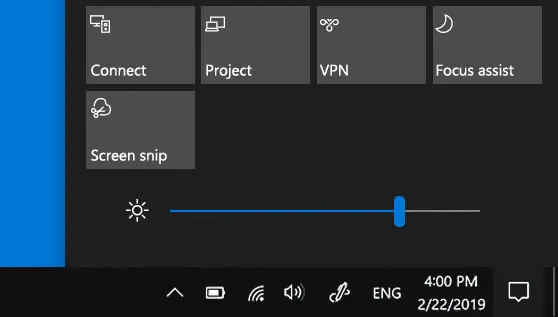
    One of the major issues is the lack of a brightness slider in Windows 10. Suffocation to the eyes. The screen displays either too high or too low brightness. There are hardware and software controls to make the recommended adjustments. But in recent times, after a few updates, the screen brightness change refuses to work….

  • How to Block App with FireWall in Windows 10 – 3 Easy Ways

    How to Block App with FireWall in Windows 10 – 3 Easy Ways

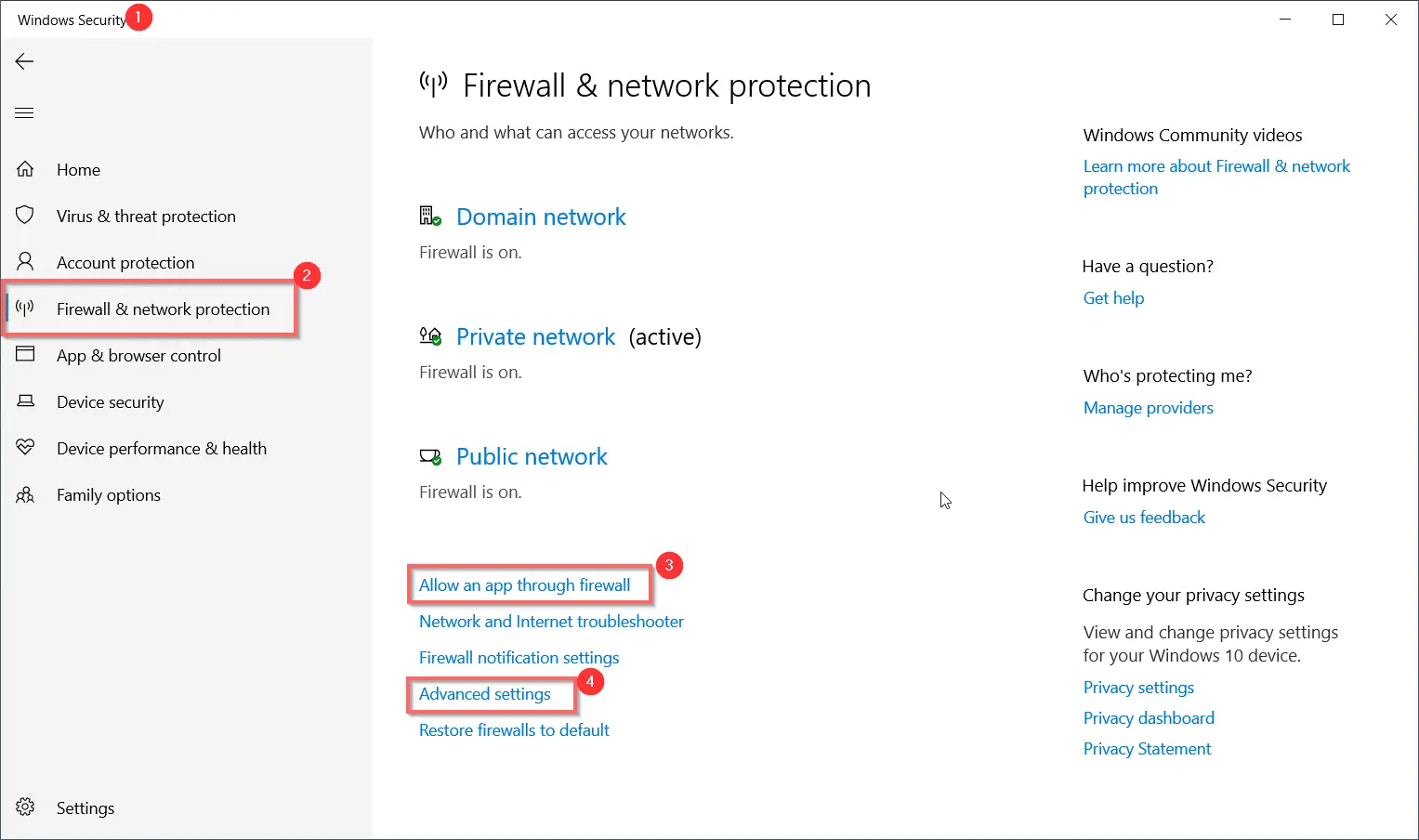
    In Windows 10, you can block an app using Windows Security. This is using the Firewall & network option available in Settings. The same process can be applied using the Control Panel. In the 2004 and 20H2 version this option is still available. But in future versions we are not sure the Control Panel will…

  • How to Improve Microsoft Edge usage of RAM and CPU by 26% and 29%

    How to Improve Microsoft Edge usage of RAM and CPU by 26% and 29%

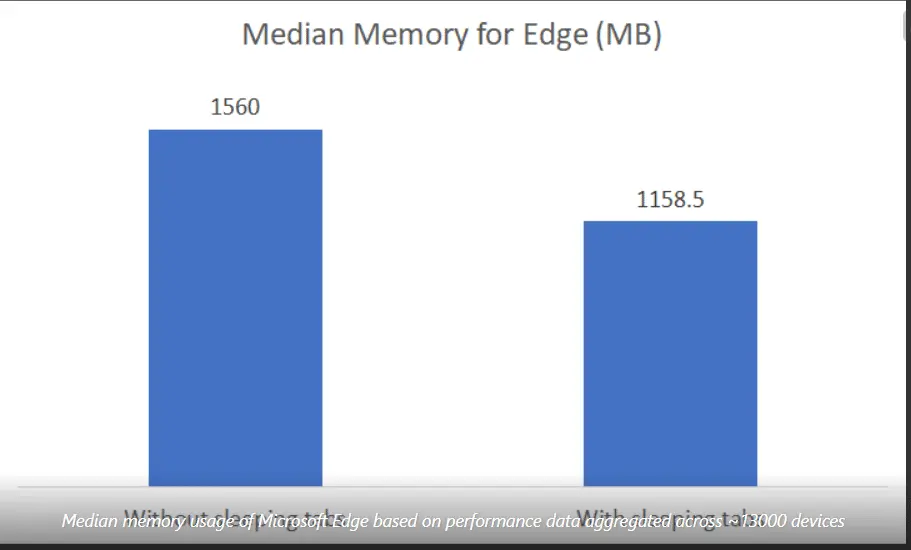
    Microsoft Edge had the notoriety of having high CPU and RAM usage after some updates. If several tabs were opened at the same time, the amount of memory required also increased. Though it is based on the Chromium project, it had its share of difficulties. In 2021, a new feature called “Sleeping tabs” was introduced….