Author: Palla Sridhar

Palla Sridhar is the CEO of DigiPalla IT Services LLP and a seasoned ex-IT professional with over 16 years of blogging experience. He specializes in Microsoft products, including Windows 10, Windows 11, and Office 365, with deep expertise in error code solutions, computer repair, and IT troubleshooting. He publishes practical guides that help everyday users and professionals solve real tech problems quickly and confidently.
  • Fix Windows 10 Update Error 0xc1900104 – 5 Solutions

    Fix Windows 10 Update Error 0xc1900104 – 5 Solutions

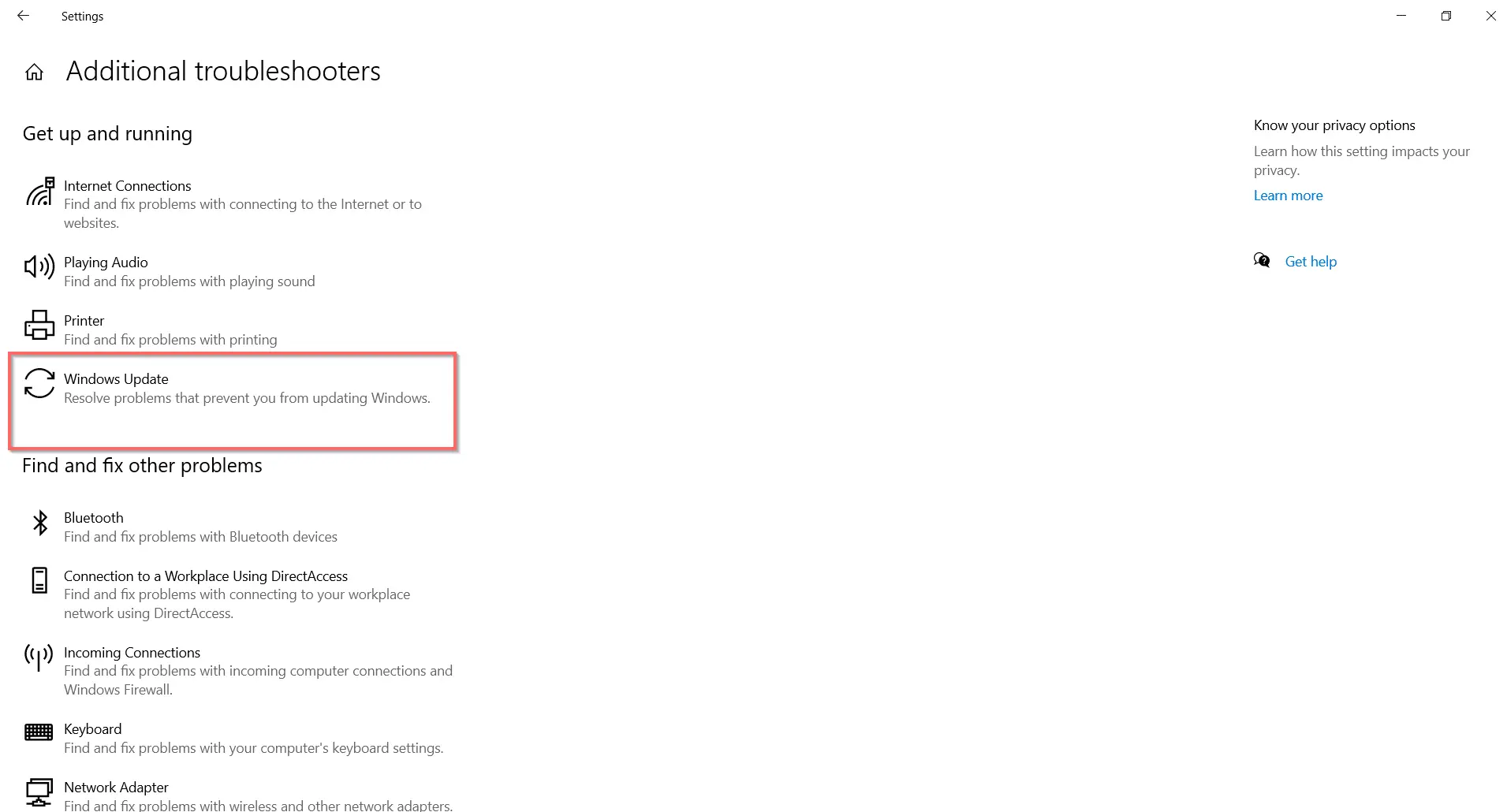
    Trying to update from the 1909 version to 2004 or 20H2? Error 0xc1900104 cropping up in Windows 10? This kind of update error was seen in the earlier version of 1703 too. But the main reason could be the system partition size. It needs to be 500MB of size for normal things to work out….
  • Fix Windows Update Not Showing in Settings – Something went Wrong Error

    Fix Windows Update Not Showing in Settings – Something went Wrong Error

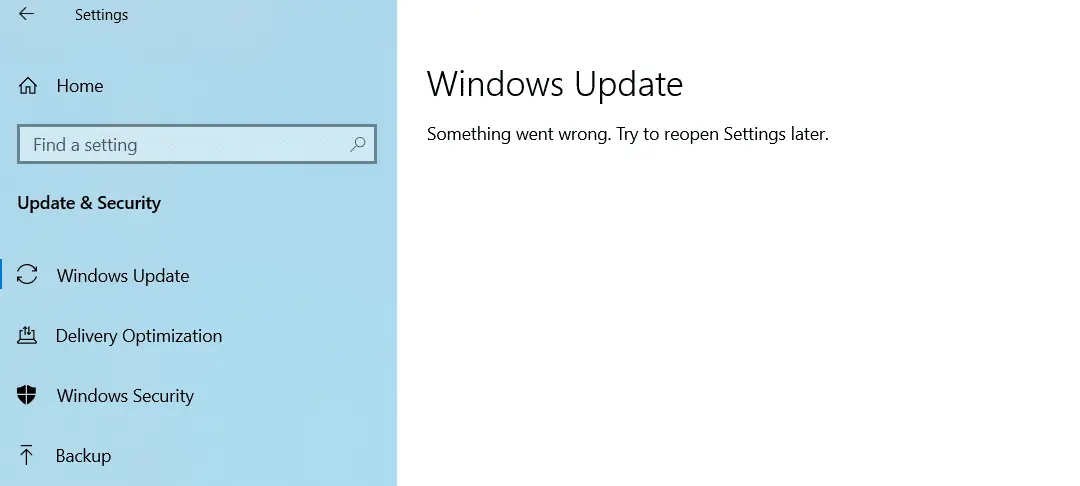
    To see the latest Windows 10 updates, you can go to “Settings”. In the latest 20H2 update, you see it as “Update & Security”. On the left-hand side, you see it as “Windows Update”. When you click this tab, the right-hand side shows the “Check for updates” option. In addition to that you can also…

  • How to Fix “This device is currently in use” on Windows 10/8.1/7 – 8 Solutions

    How to Fix “This device is currently in use” on Windows 10/8.1/7 – 8 Solutions

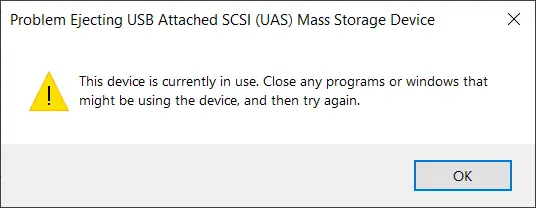
    Safely Remove Hardware is the best way to remove USB and devices. Files and Folders are open? This will prevent device corruption. External HDD and flash drives need to close all the associated programs and processes. If any process related to the device is running, you get a error message that This device is currently…

  • How to Remount Ejected USB Drive Window 10 without “Unplugging”

    How to Remount Ejected USB Drive Window 10 without “Unplugging”

    The best way to reconnect a USB drive without unplugging it is to just enable and disable it a couple of times. There are a lot of problems when you disconnect a flash drive from your Windows 10 computer. The USB port can malfunction and also the device can become useless A proper mechanism is…

  • Arctis 3—Fix Windows 10 Microphone Volume Too Low—15 Solutions

    The SteelSeries Arctis 2019 edition wired gaming headset works for PC, PlayStation 4, Xbox One, Android, and iOS. In this related post, you can read about microphone low volume and its solutions. The Discord-certified ClearCast microphone given with it produces studio-quality voice clarity and background noise cancellation. It also gives Windows Sonic spatial sound.  This…

  • 3 Easy Ways to Fix STOP CODE – SYSTEM SERVICE EXCEPTION in Windows 10

    3 Easy Ways to Fix STOP CODE – SYSTEM SERVICE EXCEPTION in Windows 10

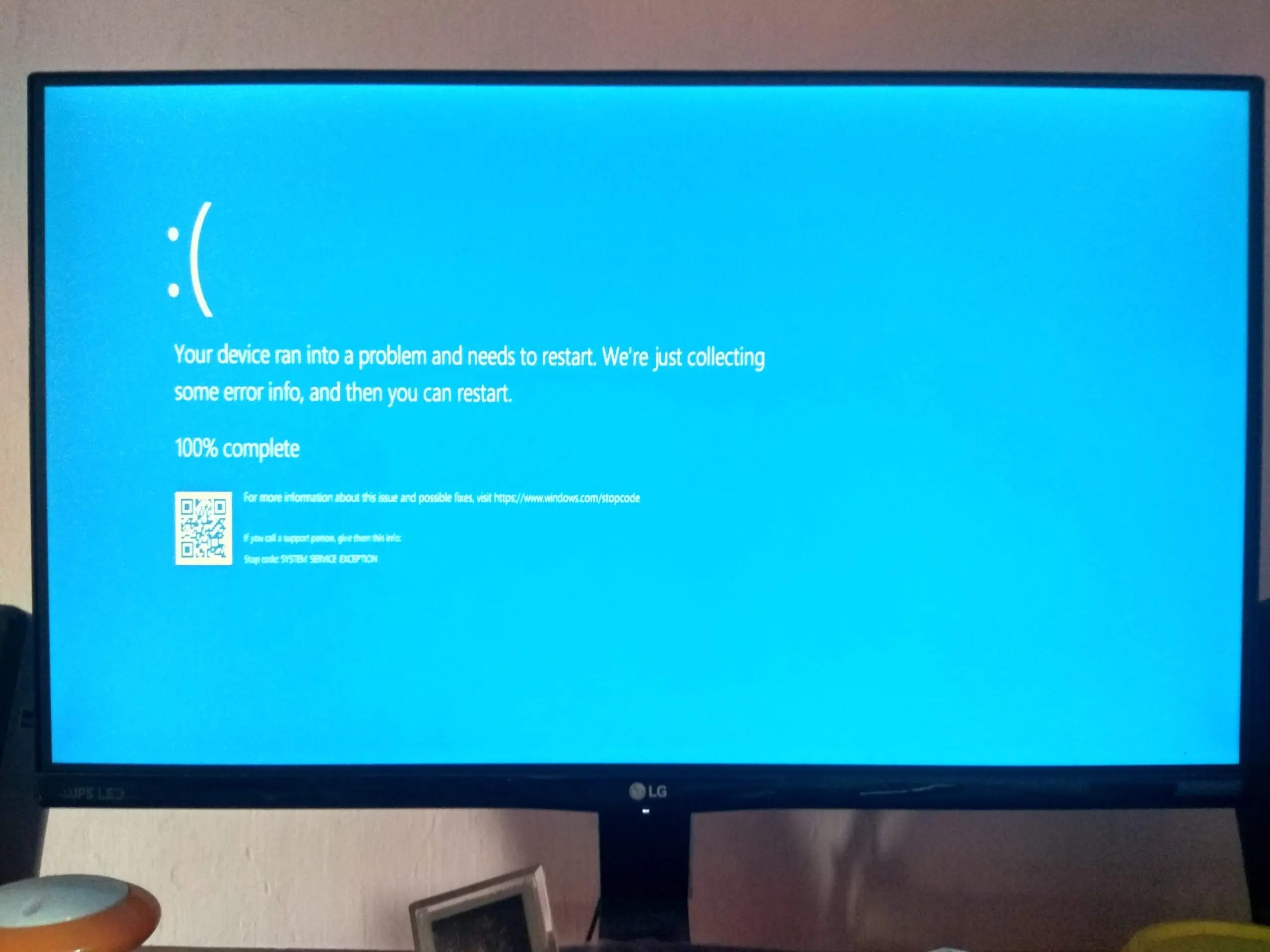
    The May 2020 update of Windows 10 also causes a restart failure with a blue screen error crash. A common stop code error—SYSTEM SERVICE EXCEPTION—is one of them. Though it may be because of incompatible drivers of different apps or applications, you should read the documentation of the source: https://support.microsoft.com/en-us/help/14238/windows-10-troubleshoot-blue-screen-errors Most of the time, this BSOD…

  • Find Parental Controls in Windows 10 using Security app

    Find Parental Controls in Windows 10 using Security app

    To access parental controls in Windows 10, you can make use of Windows Security. The app is generally located in the notification area. On the left-hand side, you can see the various security features. You can also search for this app using the “Search box” of Windows 10. Type its name in the text box,…

  • How to Manage Multiple Profiles in Microsoft Edge

    How to Manage Multiple Profiles in Microsoft Edge

    Profiles are the default way to store your browsing history, bookmarks, website activity, and search activity in Microsoft Edge. You can use your email account to create a profile. But is one profile enough? Office, home, and school are some of the different places where you use Microsoft Edge. If you use the same profile…

  • Microsoft Family Safety Review – Parent and Kid’s Settings

    Microsoft Family Safety Review – Parent and Kid’s Settings

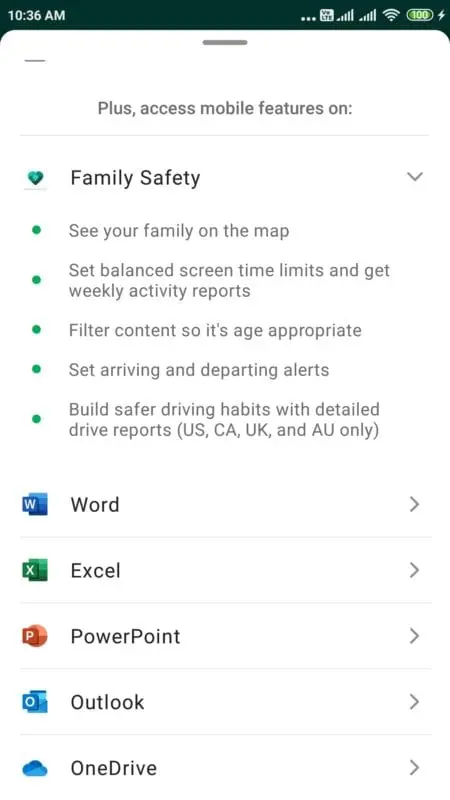
    If you are a parent looking for a way to keep your kids safe online, you might be interested in Microsoft Family Safety, a free parental control app that works across Windows, Android, iOS, and Xbox devices. In this blog post, I will review some of the features and limitations of Microsoft Family Safety and…