Author: Palla Sridhar

Palla Sridhar is the CEO of DigiPalla IT Services LLP and a seasoned ex-IT professional with over 16 years of blogging experience. He specializes in Microsoft products, including Windows 10, Windows 11, and Office 365, with deep expertise in error code solutions, computer repair, and IT troubleshooting. He publishes practical guides that help everyday users and professionals solve real tech problems quickly and confidently.
  • How To Delete Edge Profile in Windows 10

    How To Delete Edge Profile in Windows 10

    Windows 10 introduced a new browser in the form of Microsoft Edge. To personalize browsing experience, store bookmarks, import browser data, sync passwords and payment methods, you need to create a profile. If you are using different email accounts on your Windows 10 device, then you need a new profile for each one. Edge is…
  • Microsoft Family Safety—8 Parental Controls

    Microsoft Family Safety—8 Parental Controls

    Safety and online activity are of chief importance for kids using Windows 10, Android, and iOS devices. Microsoft Family Settings makes sure that you have the right parental controls and permissions for your child’s online account. As an organizer, you can add a child or adult as a member in your Microsoft account. Monitor the…

  • How to set SBI Credit Card Transaction Limit in Windows 10 and Android

    How to set SBI Credit Card Transaction Limit in Windows 10 and Android

    In Sept 2020, RBI issued guidelines to credit card and debit cards to prevent fraud and security lapses. You can opt-in or opt-out for each category of transaction and set Spend limits. According to the new guidelines, card users will now be able to register preferences (opt-in or opt-out of services, spend limits, etc.) for…

  • How to Create Local Administrator Account in Windows 10 Home

    How to Create Local Administrator Account in Windows 10 Home

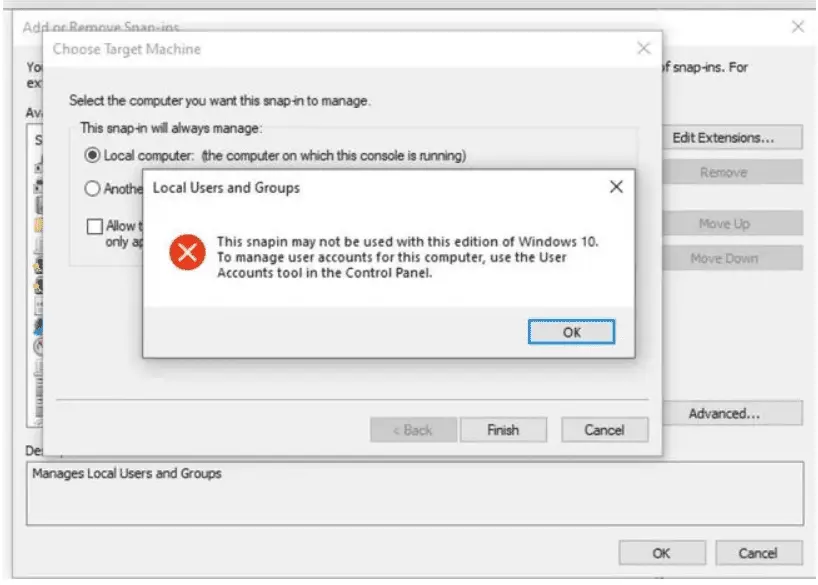
    The Windows 10 Home version does not have a direct way to create a local administrator account. You might need to tweak a few settings before you create one, such as enabling the local account option in the settings menu or using a command prompt to create the account manually. Even after the 2004 update,…

  • How to Create Windows 10 Local Account—4 Methods

    How to Create Windows 10 Local Account—4 Methods

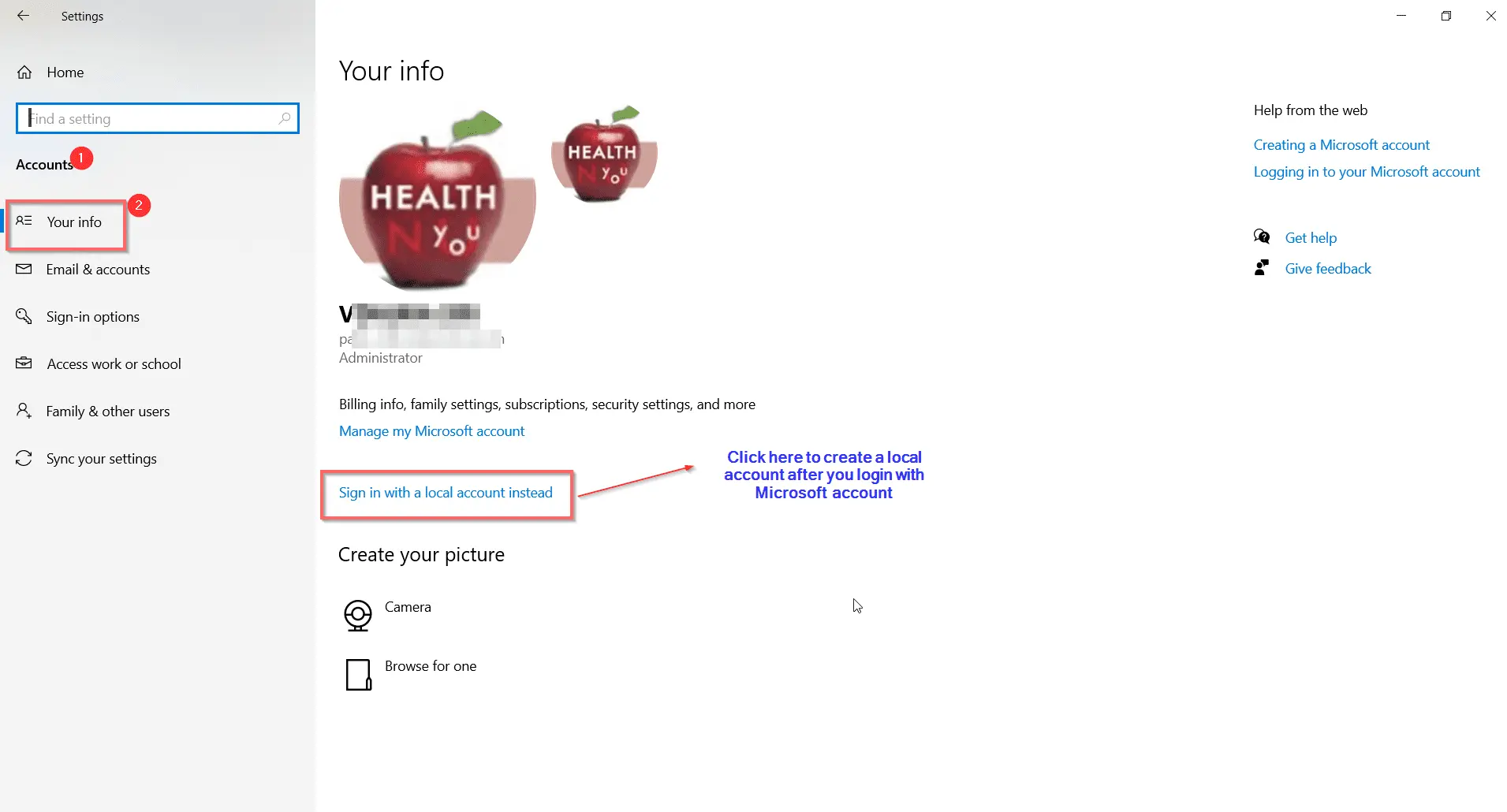
    The Windows 10 Pro version can have a local account. In version 1903, this facility was not possible. Creation of a Microsoft account is the first preference, even after the 2004 version. This update is also referred to as the May 2020 update. The sad part is that most of the Windows Store apps and…

  • 14 Privacy Settings on Microsoft Account—A Complete Review

    14 Privacy Settings on Microsoft Account—A Complete Review

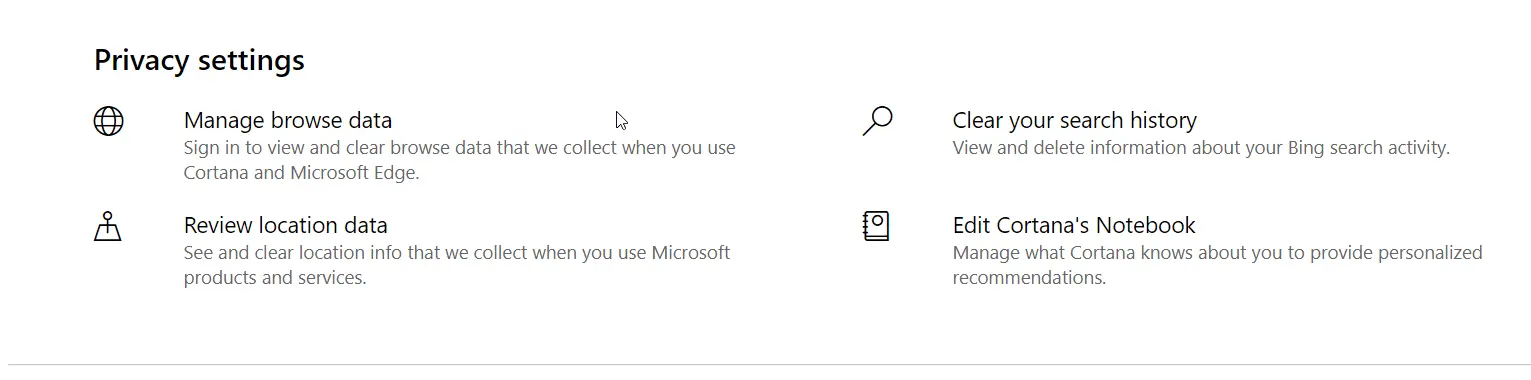
    Microsoft account is the backbone for services like Skype, Office, OneDrive, and Xbox. Privacy of such apps is of paramount importance. The goal is to keep safe from hackers. Cortana and Microsoft Edge also use this account. They store personal information. In 2020, Microsoft Account privacy settings have changed. Changing advertising preferences is another requirement…

  • Fix Error Code 0x800f081f and Installation of KB4571756 in Windows 10

    Fix Error Code 0x800f081f and Installation of KB4571756 in Windows 10

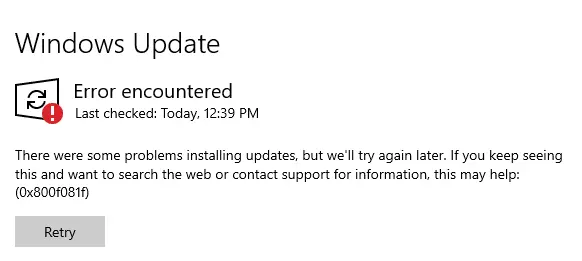
    The recent problem with Windows 10 Build 19041.450 is that it gives error 0x800f081f during installation of KB4571756. This kind of error is related to .NET Framework Installation in the earlier KB updates. As seen in this article, this update was released in Sep, 2020. There is a known issue in KB4571756 update. Users of…

  • Fix Windows 10 Slow Boot after Update 2004—Some Solutions

    What steps can you take to speed up the boot time of Windows 10? One of the primary solutions is to disable the “SysMain” and “Windows Search” services. Startup items, old hardware, and services can also be the cause of slow boot. Simple tweaks like disabling some services and changing to SSD can solve the…

  • 6 Solutions to Realtek Audio Driver Problems in Windows 10 and 7

    If you are a user of Windows 10, quite likely you may have Realtek as your audio driver. It’s the most commonly equipped audio card used by the manufacturers for any integrated computer system. Related – You can have ordinary problems with the audio driver, especially if it’s a Realtek driver. But if you want…