Author: Palla Sridhar

Palla Sridhar is the CEO of DigiPalla IT Services LLP and a seasoned ex-IT professional with over 16 years of blogging experience. He specializes in Microsoft products, including Windows 10, Windows 11, and Office 365, with deep expertise in error code solutions, computer repair, and IT troubleshooting. He publishes practical guides that help everyday users and professionals solve real tech problems quickly and confidently.
  • How to Connect PC to TV using HDMI and Wireless in Windows 10

    PC Screen may not be sufficient to do big tasks like video editing. Connecting to a 32″ or 49″ or 55″ TV will increase the aspect ratio. Windows 10 makes this opportunity very easy to do. HDMI source is required on the PC and TV. Then you can connect using an HDMI cable. 10 feet…
  • How to Fix Remote Desktop Connection Error in Windows 10 or 8.1 or 7

    In an earlier post, we have seen how to enable remote desktop in Windows 10 or 8.1 or 7. You can repair “mstsc” in Windows 10 using the below solutions. If you can find the right reason why your RDP is not working, then the fix is easier. There are multiple services related to remote…

  • Windows Explorer Not Refreshing in 11 or 10 – [It Works]

    Windows Explorer Not Refreshing in 11 or 10 – [It Works]

    Windows Explorer is built into the PC system. It has multi-functionality in 10/11. You can easily browse through your files and folders. In addition you can view the image files in different sizes. File Explorer not auto refreshing can be a major time-breaking tackle. Cloud-drives and network drives are also seen in the same window….

  • Fix: Can’t Copy Files to USB due to Unspecified Error

    Copying files from one USB to another can cause errors. Reduction of speed when you copy large files of more than 4GB in size. A typical error, “The specified network resource or device is no longer available,” can occur if Windows is powering down the USB device. The motherboard can have a USB 2.0 configuration….

  • [Review] – What are the Microsoft Account Settings in Windows 10

    [Review] – What are the Microsoft Account Settings in Windows 10

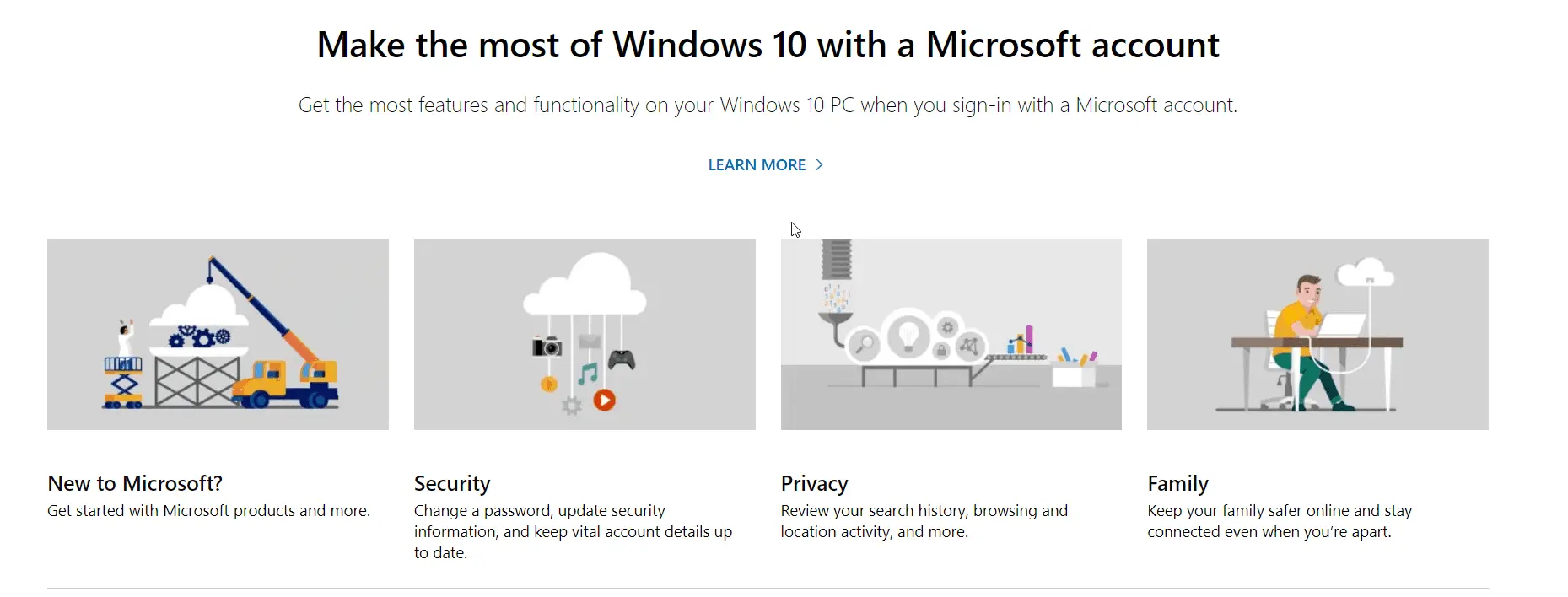
    To login to Windows 10 you can either use a local account or Microsoft account. You can sync your device settings. Change the sign-in options. Access work or school to control some settings on your Windows 10 device. Add an account used by Email, calendar, and contacts. See your account details like the account name,…

  • Microsoft Account Settings—Things that can be managed in 2020

    Microsoft Account Settings—Things that can be managed in 2020

    Microsoft account payment options, family settings, privacy, and security can be managed on one page. Payments & billing, subscriptions and services, device history, Xbox and Skype profiles, OneDrive files and folders, Microsoft Office 365 subscription, Mixer, Cortana, and MSN are the other settings. As of Oct 2020, you can view and change payment methods, billing…

  • Your Phone Review—App to connect Windows 10 PC to Android

    There are different ways to share your photos, documents, and files between your Android phone and PC. Windows 10 has an inherent way to connect your smartphone. The advantage of this method is that the hurdles in using a third-party app are reduced, making it more user-friendly and efficient for transferring files without the need…

  • Fix Windows 10 Photos App Slow to Load and Open – 4 Different Methods.

    The default apps in Windows 10 are not necessarily the best. For example Windows 10 photo app is slow to open even after the 1903 update. It is annoying when you click some image. The problems don’t end there. Read More – Fix File Explorer Not Refreshing Error in Windows 10 or 8.1 When you…