
Author: Palla Sridhar

Palla Sridhar is the CEO of DigiPalla IT Services LLP and a seasoned ex-IT professional with over 16 years of blogging experience. He specializes in Microsoft products, including Windows 10, Windows 11, and Office 365, with deep expertise in error code solutions, computer repair, and IT troubleshooting. He publishes practical guides that help everyday users and professionals solve real tech problems quickly and confidently.
  • How to Change Startup Settings in Windows 10/8.1/7

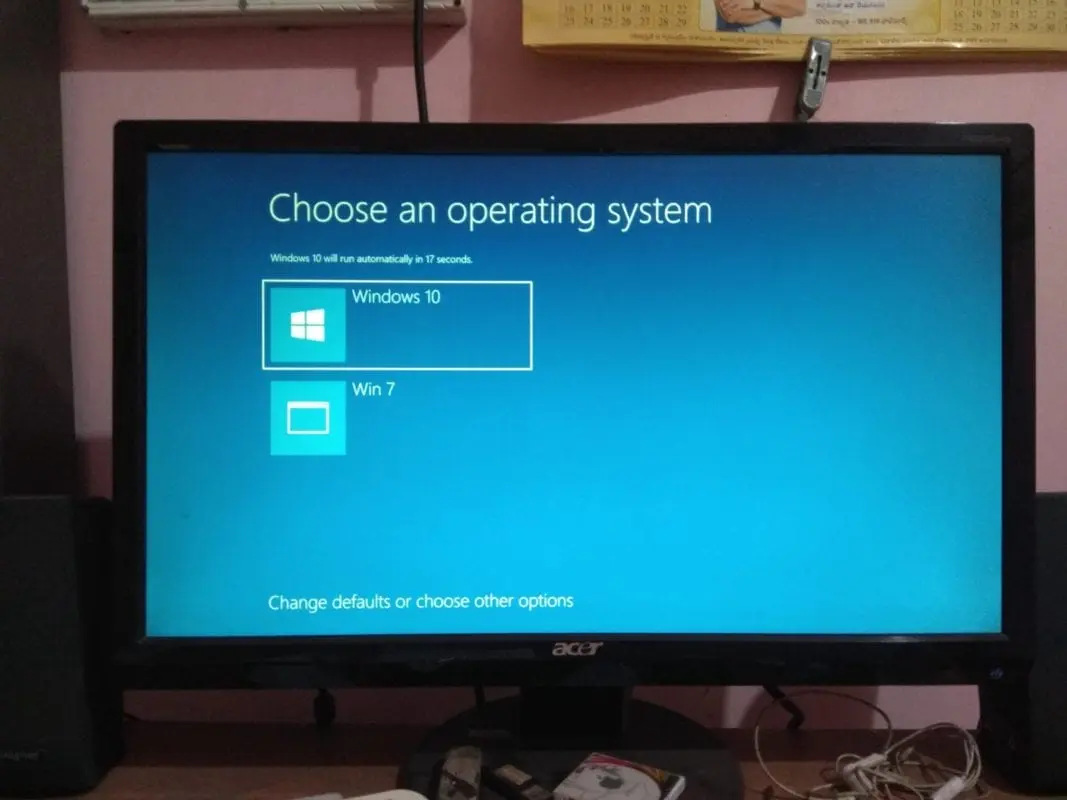
    How to Change Startup Settings in Windows 10/8.1/7

    To take control of startup settings in Windows 10, 8.1, or 7, you need to go through the following screens. In dual boot mode, you might have installed the Metro BootLoader of Windows 10. You are likely to have Windows 7 and 8.1 and/or Windows 10 as your OS. This option allows you to modify…
  • How SSD can Improve Boot Time in Windows 10 and Windows 7

    In today’s PC world, the question is SSD vs. HDD boot time. 10 years back, people were not aware of the benefits of SSD. Also, the price difference between an HDD and SSD was too high. In 2019, OEMs of both PCs and laptops have included SSD as an OS booting device. HDD serves the…

  • Fix High DPC Latency Spikes after 1903 Update—Some Solutions

    The 1903 update of Windows 10 was tested well before its release. It was a more stable version than the October 2018 update. But it still had a few issues, which include DPC latency spikes. On my computer, the startup time was very high, and it took a long time to become active. It is…

  • How to Speed Up Windows 10 PC after 1903 update in Legacy Hardware

    The Windows 10 1903 update has seen minor enhancements, which are beneficial enough to speed up PC performance. For example, Windows Updates are reformed so that you can pause them. Another major improvement is the blocking of Spectre attacks. It is a design flaw in CPUs. This change will allow it to find loopholes to…

  • Microsoft Store All Downloads Pending—How to Fix?

    If the Play Store is stuck on downloading, you need to find the right cause. The Microsoft Store cache could be a problem, the time & date & region settings could be wrong due to a battery problem, and Windows Update may not be working correctly. Sometimes app downloads are in a pending state forever….

  • Fix NVIDIA Graphics Card Error Code 43 in Windows 10 or 8.1 or 7 – Solutions

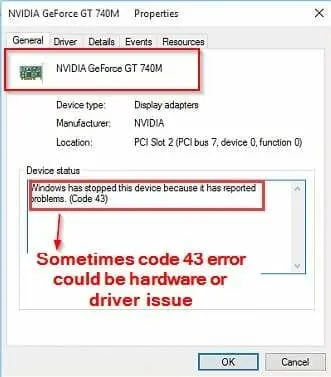
    Fix NVIDIA Graphics Card Error Code 43 in Windows 10 or 8.1 or 7 – Solutions

    When NVIDIA GTX 1070 kind of GPUs face error code 43, knowing the right reason is very important. Windows 10 users cannot decipher the problem with error message. It may look simple, but using the right diagnostic steps can fix the exact cause. According to Microsoft, graphic devices show error code 43 for the following…

  • How to Use Windows 10 Fax and Scan

    Fax messaging is one of the oldest forms of communication. Today, it has been replaced with social media platforms like WhatsApp. However, you should know that fax messaging is still used up-to-date. That is why Windows 10 fax messaging features are available in modern computers. Apart from that, there are other current faxing options in…

  • Windows 10 : 9 New Tips To Speed Up PC or Laptop [Works for me]

    Once you clean install Windows 10, you would expect it work quicker.  To some people’s dismay, it may boot slowly and freeze sometimes. There are lot of complaints in Windows forums that Windows 10 is much slower than 7 and 8.1. But if you make the right tweaks, then this “sick” feeling can go away….

  • 12 Methods to Fix Cortana Search Not Working in Windows 10

    Till April 2019, Cortana and Search were tied together in Windows 10. But according to Microsoft’s Windows Insider chief, Dona Sarkar, it may separate both of them as individual processes. This is a major help to Windows 10 community. In the earlier builds of Windows 10 from 2015 to 2018, Cortana and Search were tied…