Author: Palla Sridhar

Palla Sridhar is the CEO of DigiPalla IT Services LLP and a seasoned ex-IT professional with over 16 years of blogging experience. He specializes in Microsoft products, including Windows 10, Windows 11, and Office 365, with deep expertise in error code solutions, computer repair, and IT troubleshooting. He publishes practical guides that help everyday users and professionals solve real tech problems quickly and confidently.
  • Why is there No Sound on Computer? 9 Solutions and Tips

    Why is there No Sound on Computer? 9 Solutions and Tips

    The PC is used to listen to music, podcasts, YouTube music and videos. Suddenly if there is no sound on computer, it could be a driver or hardware or technical glitch. There are a few troubleshooting steps you need to perform before you take it to a support center or technician. Before you jump to…
  • Fix Search Application Task Manager Issues on Windows 11/10

    Fix Search Application Task Manager Issues on Windows 11/10

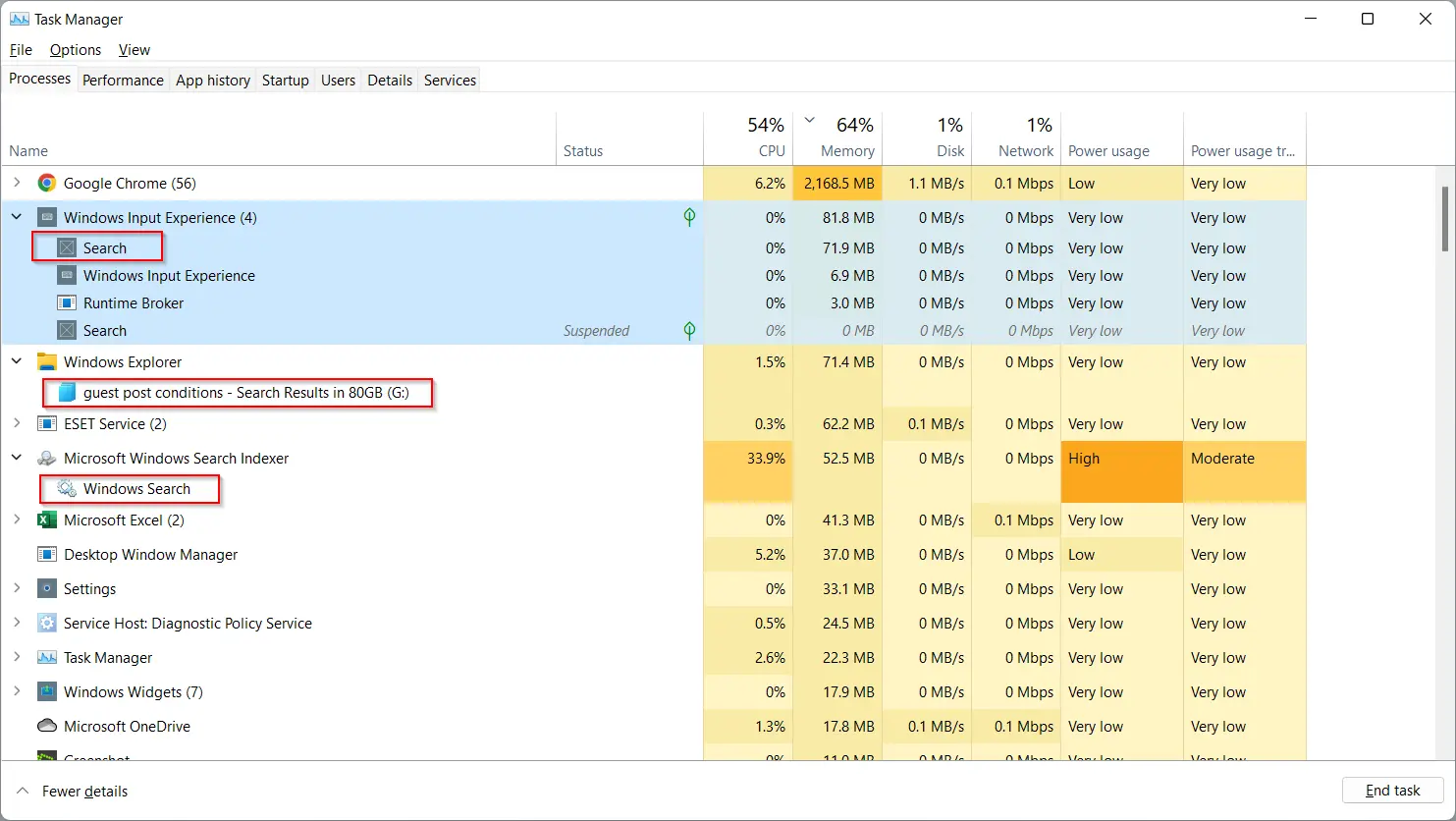
    To open Task Manager you can press the Ctrl + Shift + Esc keys together. It works on both Windows 11/10. Task Manager will have – Processes Performance App history Startup Users Details Services I will explain about the main feature of the Task Manager of Windows 11. Microsoft Store and Microsoft Edge also have…

  • How to Reduce Windows 11 Feeds High RAM usage

    How to Reduce Windows 11 Feeds High RAM usage

    Feeds is a process that can be seen in the Task Manager. Windows 11 feeds high memory usage problems that can be dealt with by ending the related task or killing the process. When you dig deeper into the process it can be seen that it is nothing but the search application. Microsoft Edge comes…

  • Fix Windows 11 High RAM Usage – 10 Solutions

    Fix Windows 11 High RAM Usage – 10 Solutions

    Windows 11 high ram usage depends on the apps, browsers, background processes and startup items. If you disable most of them it should reduce. You could also kill the tasks causing memory leaks in Windows 11 Task manager. Adjust for best performance by reducing the visual effects. Windows security is another important factor. Do a…

  • Fix Brother Scanner Not Working Windows 11 – Right Drivers

    Fix Brother Scanner Not Working Windows 11 – Right Drivers

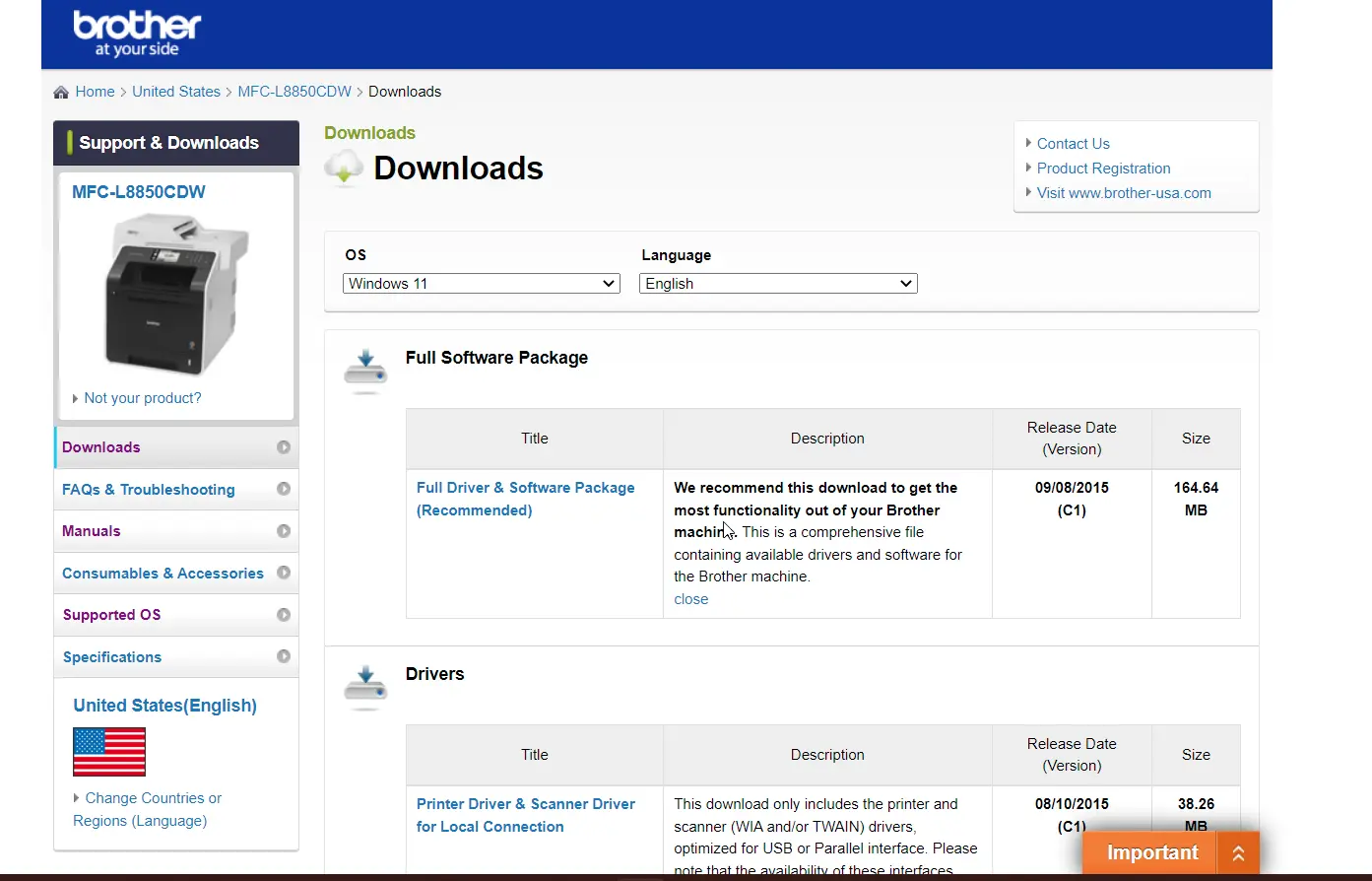
    Brother printers & scanners are one of the most popular brands in the USA. Microsoft community users complained that the model MFC-L8850CDW brother scanner not working Windows 11 wirelessly. It looks like Brother has not released the latest scan drivers for Windows 11. Some people tried using the Windows 10 drivers, but out of luck….

  • Windows 11 Audio Not Working – 8 Practical Solutions

    Windows 11 Audio Not Working – 8 Practical Solutions

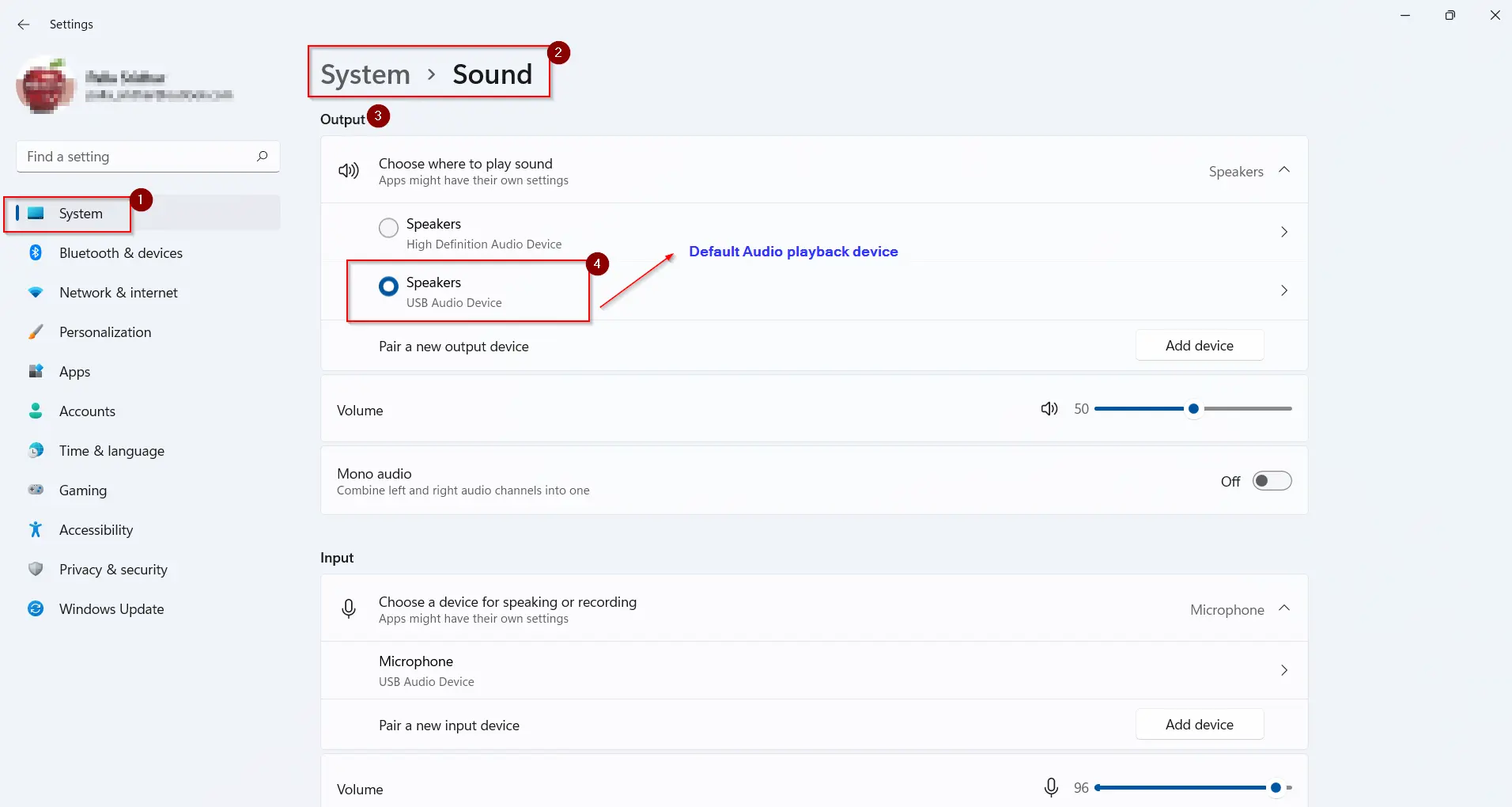
    Sound is a major feature to Windows 11 pcs, laptops, tablets and notebooks. You need audio while gaming, reading books, watching videos, playing songs etc. Bluetooth headsets, speakers, USB headphones, earphones are some of the sound output hardware. If the Windows 11 audio is not working, then the money spent on the above devices is…

  • Disable Cortana Windows 11 – 4 Methods [Settings and GPO]

    Disable Cortana Windows 11 – 4 Methods [Settings and GPO]

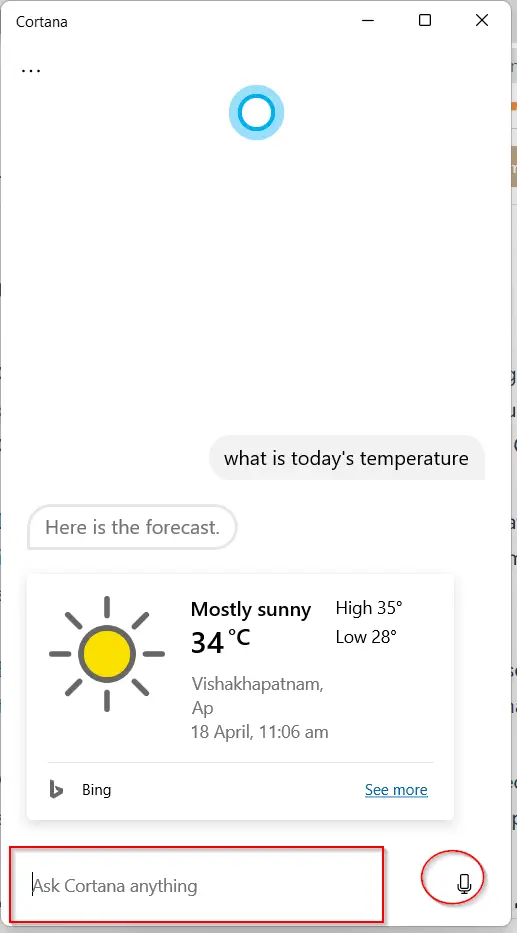
    Cortana as a voice assistant can be helpful to find Bing answers more quickly. It will open the search engine page and provide the search results. You need a Microsoft account to use Cortana for email typing, documents etc. To disable Cortana in Windows 11 you can either use Settings or Group Policy Editor. Due…

  • You’ll need a new app to open this Defender link—fix this error in Windows 11/10

    You’ll need a new app to open this Defender link—fix this error in Windows 11/10

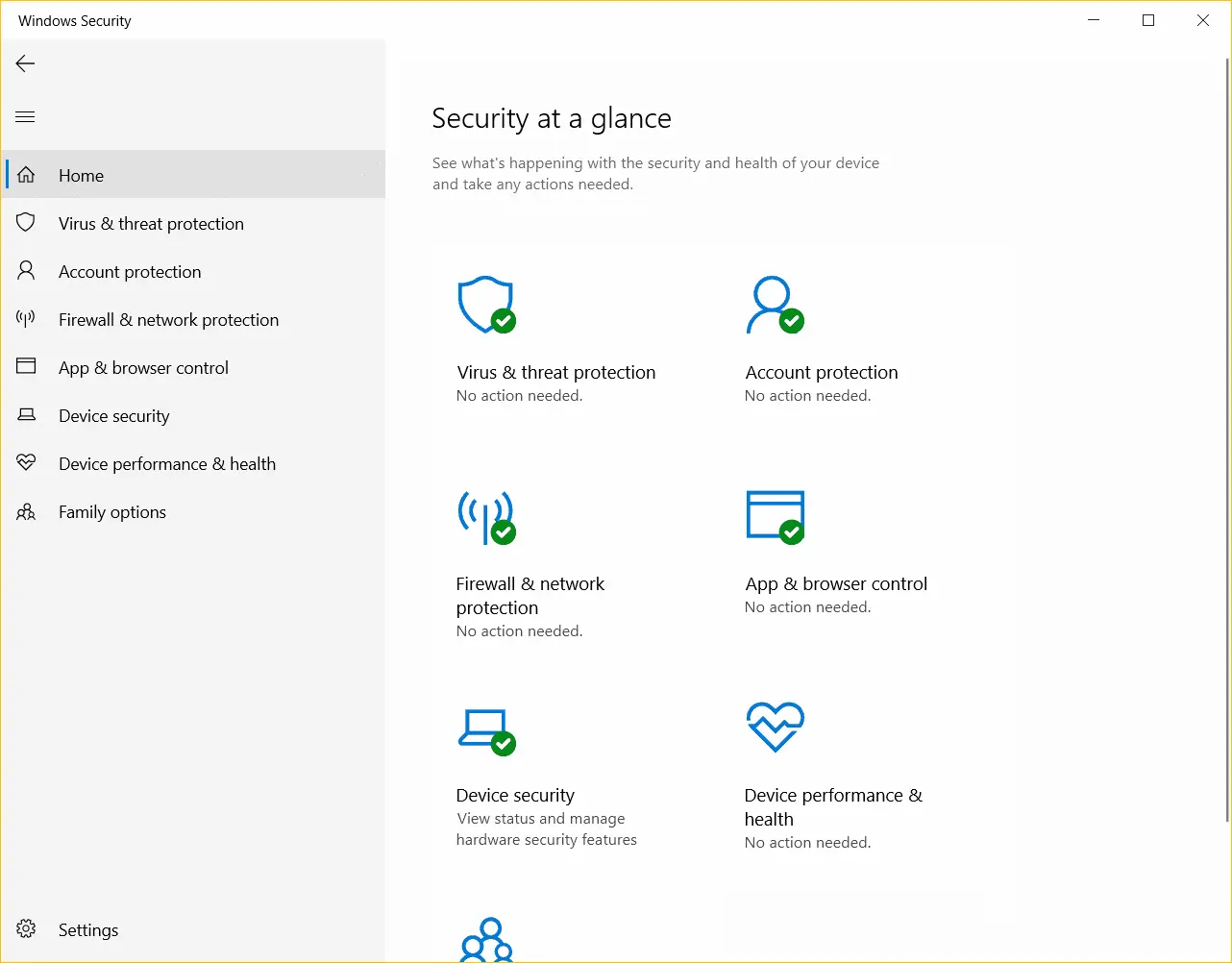
    Windows Security is a powerful protection service in Windows 10 and 11. It consists of several features. These include the following at a broad level. They are present on the Home tab of Windows Security. Real-time protection is part of Virus & threat protection. It also includes Microsoft Defender to check for viruses and malware….

  • Microsoft Print to PDF Missing Windows 10/11 – Get it back

    Microsoft Print to PDF Missing Windows 10/11 – Get it back

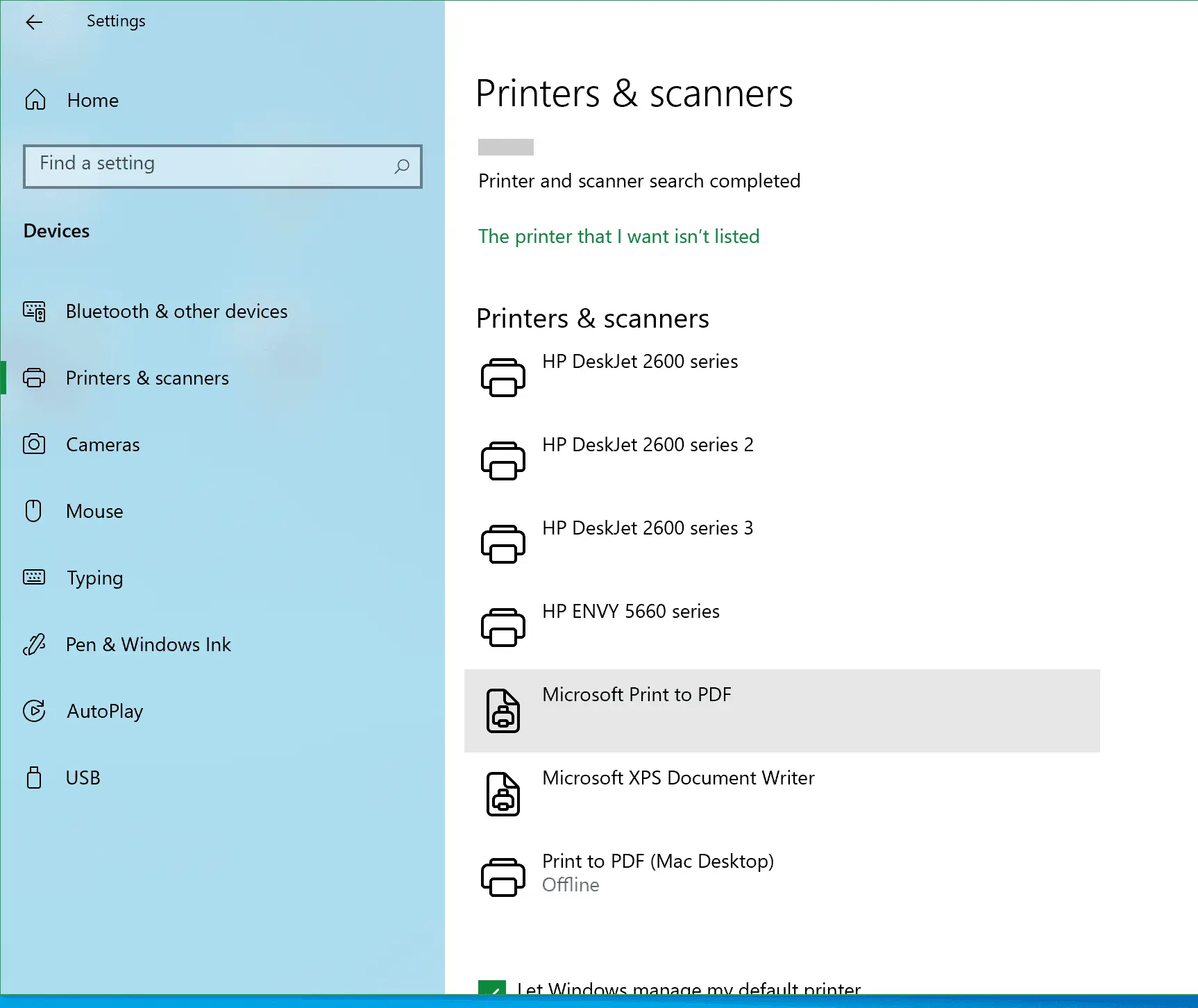
    In some cases, you don’t really want to print the document in Microsoft Edge or Word. You just want to save a page in PDF form for further reading or sharing. In such cases, little features built into the browsers like Microsoft Print to PDF are useful. You can check it in Settings to know…