How to Check for Outdated Drivers in Windows 11 (Before You Update Anything)

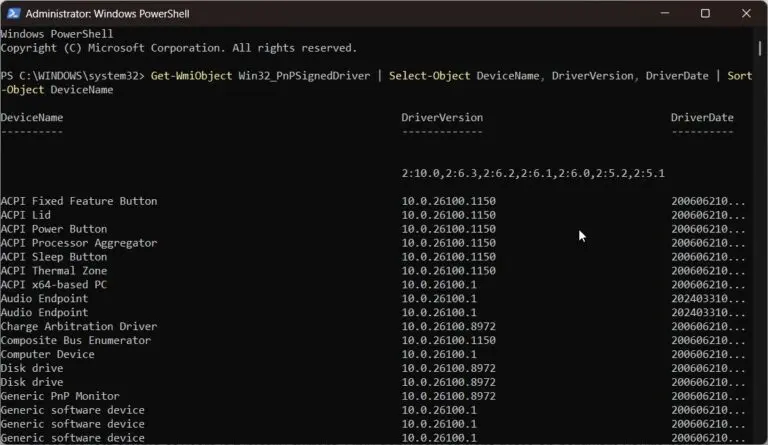
Key Takeaways Quick answer: To check for outdated drivers in Windows 11, open Device Manager and look for yellow warning icons—those flag drivers with problems. For a full inventory, run Get-WmiObject Win32_PnPSignedDriver | Select-Object DeviceName, DriverVersion, DriverDate in PowerShell to see every driver’s version and date, then compare against the manufacturer’s website. Introduction Before you…