How to Change the Default Account in Microsoft Edge (2 Accounts Explained)

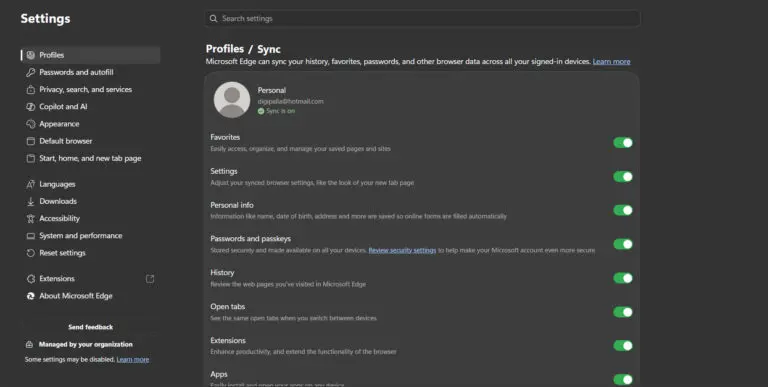
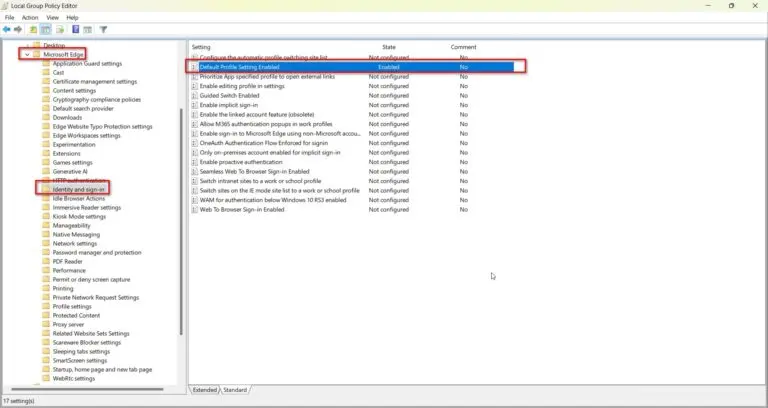
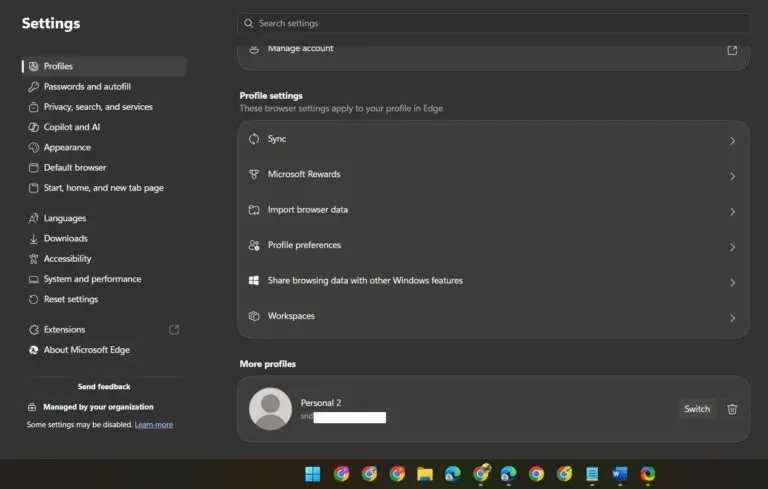
Key Takeaways (Change Default Account Microsoft Edge) Quick answer: To change the default account in Microsoft Edge, open edge://settings/profiles, and set your preferred profile under Multiple profile preferences → Default profile for external links. To make that account open on launch too, edit the Edge shortcut and add –profile-directory with that profile’s folder name from…