Author: Palla Sridhar

Palla Sridhar is the CEO of DigiPalla IT Services LLP and a seasoned ex-IT professional with over 16 years of blogging experience. He specializes in Microsoft products, including Windows 10, Windows 11, and Office 365, with deep expertise in error code solutions, computer repair, and IT troubleshooting. He publishes practical guides that help everyday users and professionals solve real tech problems quickly and confidently.
  • Download the Latest Brother Printer Drivers for Optimal Performance

    Download the Latest Brother Printer Drivers for Optimal Performance

    Brother Printer Drivers are the software that helps the printer communicate with your computer. The drivers provide the printer with the information it needs to print correctly. Without the driver, your printer will not work correctly. They are available for many models of Brother Printers and can be downloaded from the Brother website. Why You…


  • How to Install and Download Brother Drivers Windows 11 – 3 Use Cases

    How to Install and Download Brother Drivers Windows 11 – 3 Use Cases

    It’s no secret that Brother drivers Windows 11 for printers are some of the most reliable on the market. But even with the highest-quality printers, you may still need to download new drivers. Else, make adjustments to your current ones. If you’re running Windows 11 and need help downloading Brother drivers, this blog post is…

  • Solutions with Brother Control Center 4 on Windows 11

    Solutions with Brother Control Center 4 on Windows 11

    Brother Control Center 4 is a powerful and comprehensive software application. Designed to allow Brother printer owners to access and manage their printers from their computers. It offers an intuitive user interface. That makes it easy to configure and use. Brother Control Center 4 (ControlCenter4, or CC4) is the Windows utility that lets you scan…

  • Solving Brother Scanner Error Messages – A Comprehensive Guide

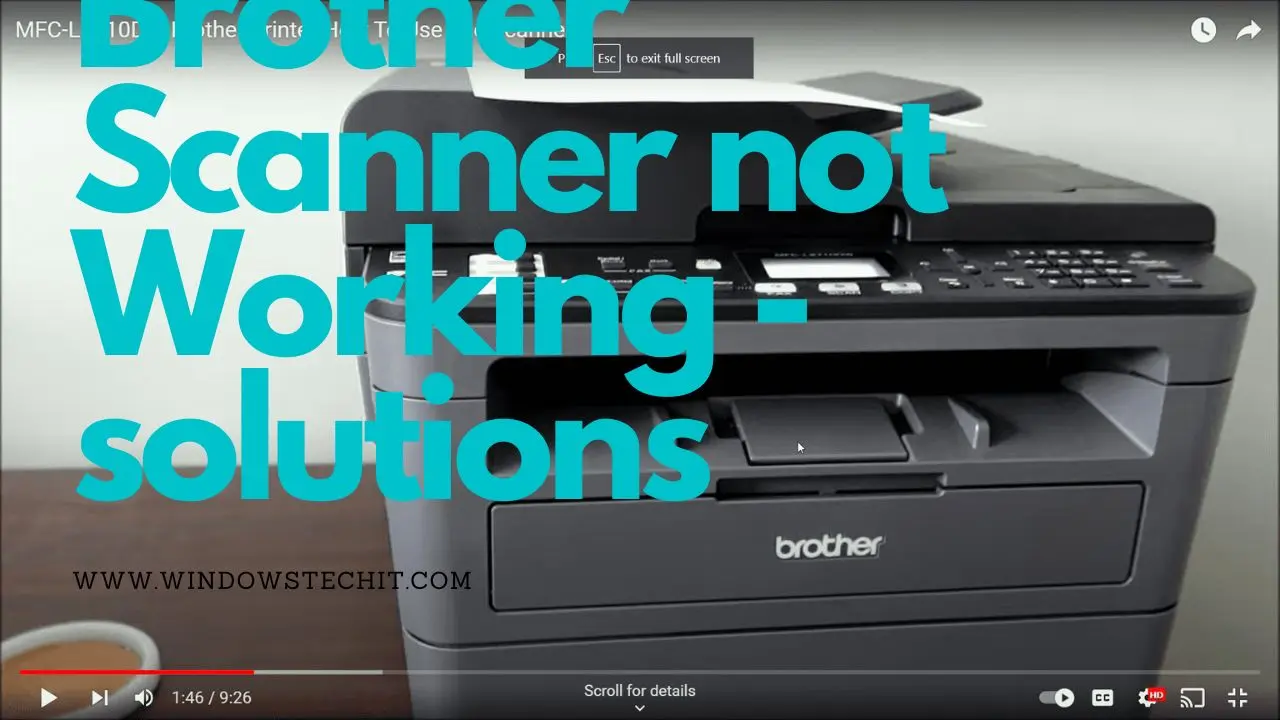
    Solving Brother Scanner Error Messages – A Comprehensive Guide

    What might be the cause of a Brother scanner not working properly? Some common issues include connectivity problems, software conflicts, and hardware malfunctions. To troubleshoot the problem, you may need to check the connections, update your software, or run diagnostic tests on the scanner itself. Additionally, you may want to consult the user manual or…

  • Eureka! How To Fix Epson Projector ‘No Signal HDMI’ Issue

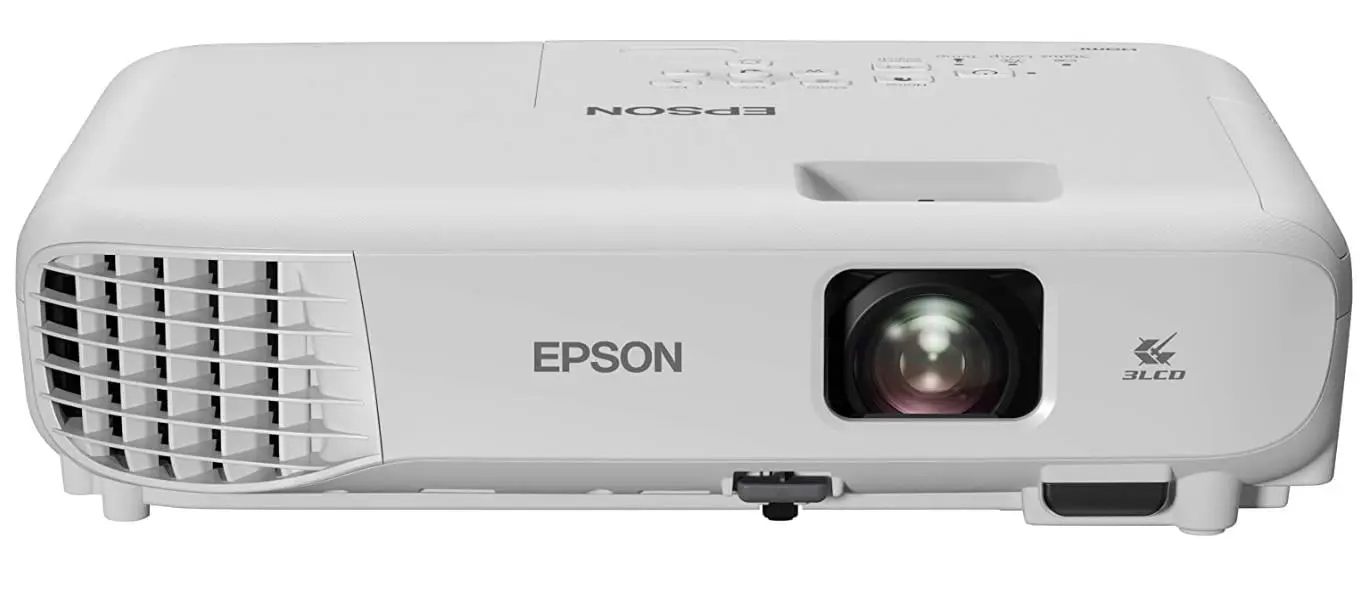
    Eureka! How To Fix Epson Projector ‘No Signal HDMI’ Issue

    No Signal HDMI is an error message that usually shows up when the projector is not receiving signal from the source device. This could be because something is wrong with the projector. Hardware malfunction could be one reason. Different devices integrate with the source. The source device is not securely connected. The cable connecting the…

  • Fix the YouTube Error Message – Youre Offline. Check your Connection

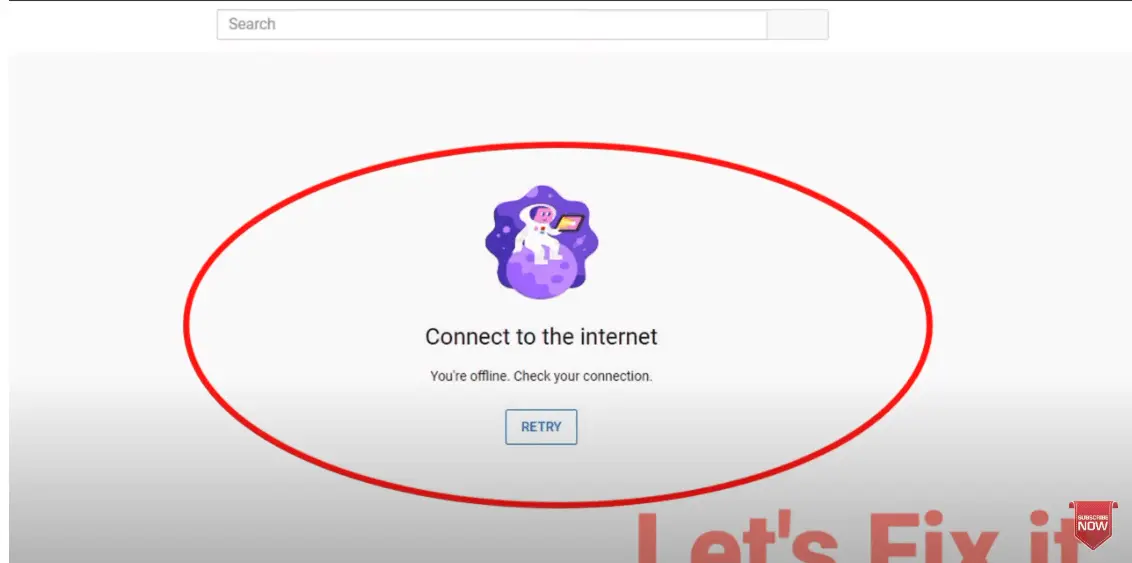
    Fix the YouTube Error Message – Youre Offline. Check your Connection

    When you get the YouTube error message “You’re offline. check your connection”. It is a good idea to first check whether or not your internet or Wi-Fi connection is working properly. Make sure that your modem and router are functioning correctly. And that your Chrome browser is up to date. If you are still getting…

  • Elevate Your Network Performance with Cat 8 Ethernet Cables

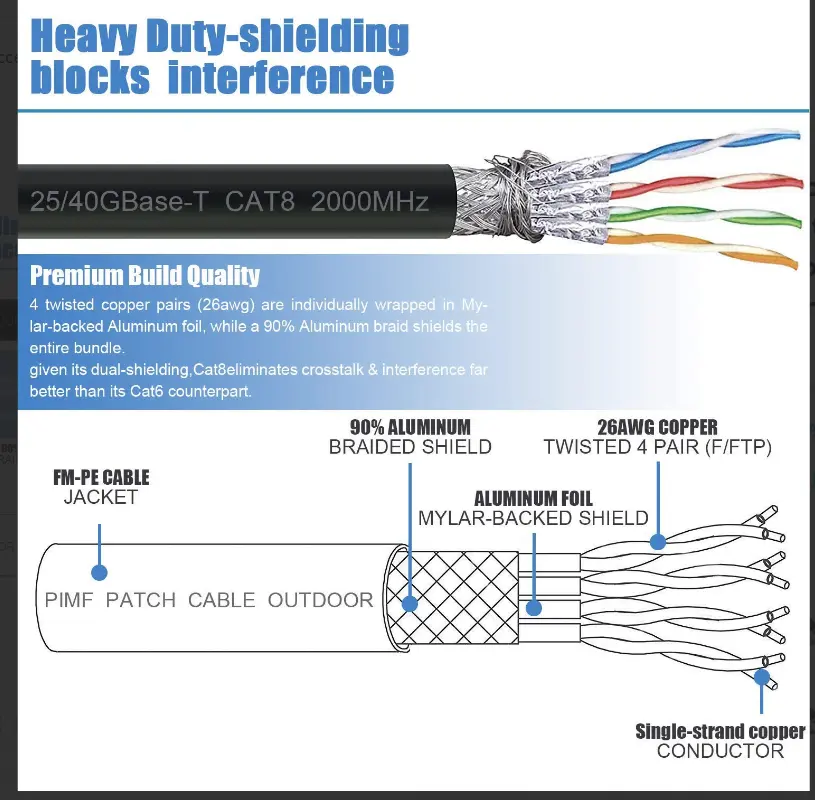
    Elevate Your Network Performance with Cat 8 Ethernet Cables

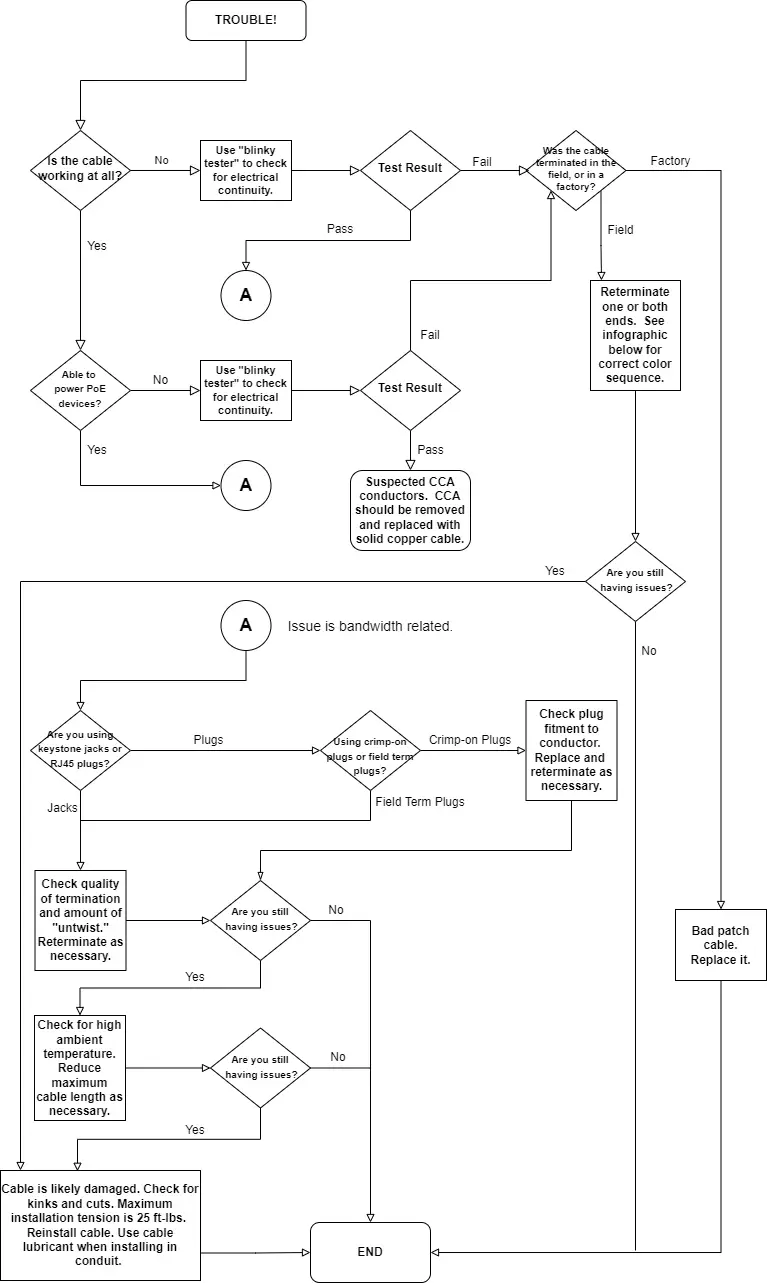
    There could be a number of reasons why a Cat 8 cable is not working. Some possible causes include a faulty cable, incorrect cable installation, or compatibility issues with the devices that the cable is connecting. It would be helpful to check the connections to ensure they are secure. To test the cable with another…

  • Troubleshooting Your Cat 5e Cable to Get it Working Again

    Troubleshooting Your Cat 5e Cable to Get it Working Again

    First, check the connection to make sure that the cable is securely plugged into both devices. And then inspect any ports for any visible damage. If everything looks good, then try swapping out the cable for a new one and see if that solves the issue. If not, then it’s time to check your network…

  • How to Fix a HDMI Splitter Not Working with a Samsung TV

    How to Fix a HDMI Splitter Not Working with a Samsung TV

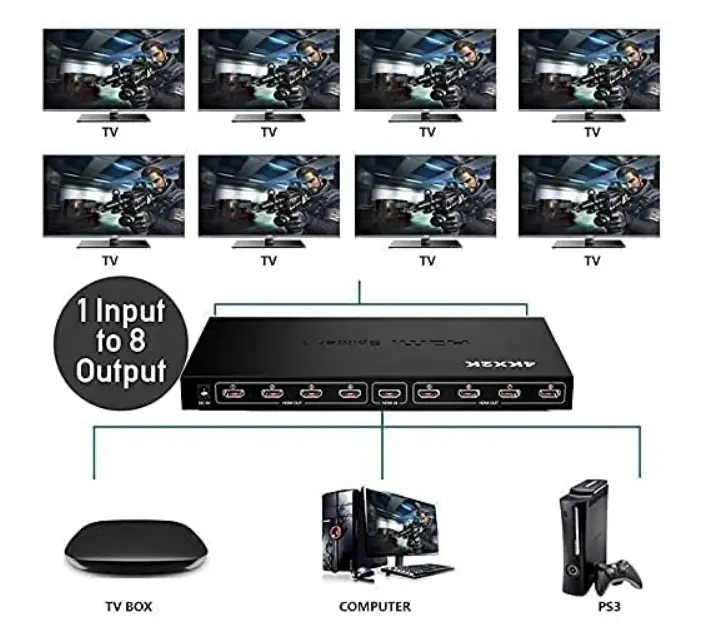
    If you are having issues with your HDMI Splitter not working with your Samsung TV. There are a few things to try before giving up and calling in a professional. First, make sure the splitter is compatible and supports 4K video when used with your Samsung TV. Next, check that the correct input/source is selected…