Author: Palla Sridhar

Palla Sridhar is the CEO of DigiPalla IT Services LLP and a seasoned ex-IT professional with over 16 years of blogging experience. He specializes in Microsoft products, including Windows 10, Windows 11, and Office 365, with deep expertise in error code solutions, computer repair, and IT troubleshooting. He publishes practical guides that help everyday users and professionals solve real tech problems quickly and confidently.
  • How to Resolve AV to HDMI Converter Not Working – 3 Ways to Improve Signal

    How to Resolve AV to HDMI Converter Not Working – 3 Ways to Improve Signal

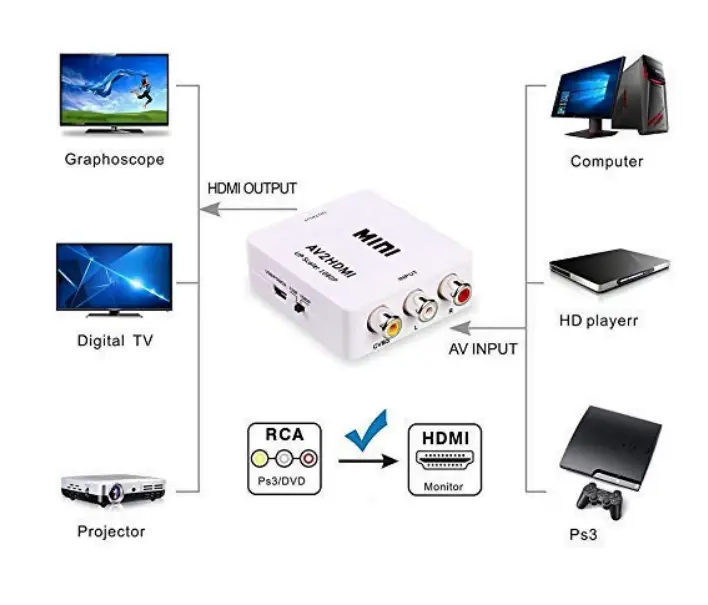
    Mini HDMI to AV converters can help you connect your devices to older TVs. But sometimes these devices don’t work as expected. One of the first things to check is the compatibility of your devices. Make sure your rca cable is properly connected to the video audio inputs on the converter, and that the hdmi…
  • Troubleshoot HDMI cable not working properly – Signal and Connection

    Troubleshoot HDMI cable not working properly – Signal and Connection

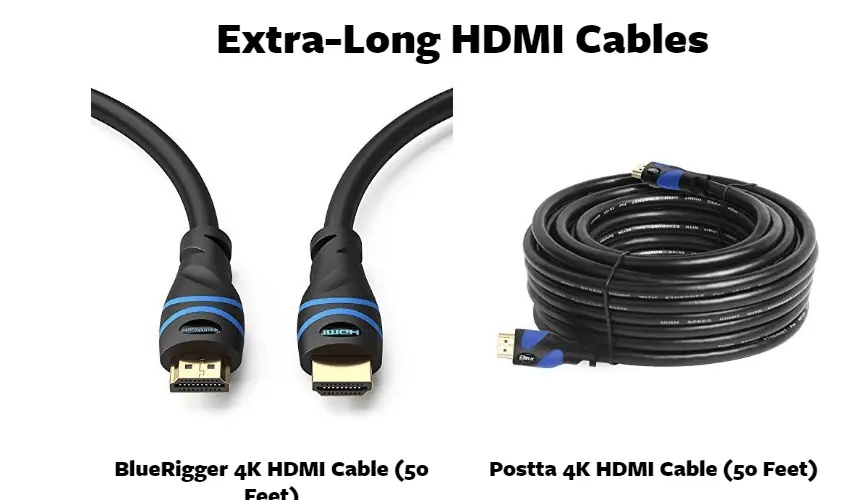
    HDMI input is an important technology for connecting devices. Such as computers and televisions. Wireless HDMI is a more advanced version of the technology . That allows users to stream content wirelessly from one device to another. Different HDMI technologies are available. Each offering different levels of support and features. Tech support can help you…

  • Fix Windows 11/10 Activation Error 0xc004f211 – Device has changed

    Fix Windows 11/10 Activation Error 0xc004f211 – Device has changed

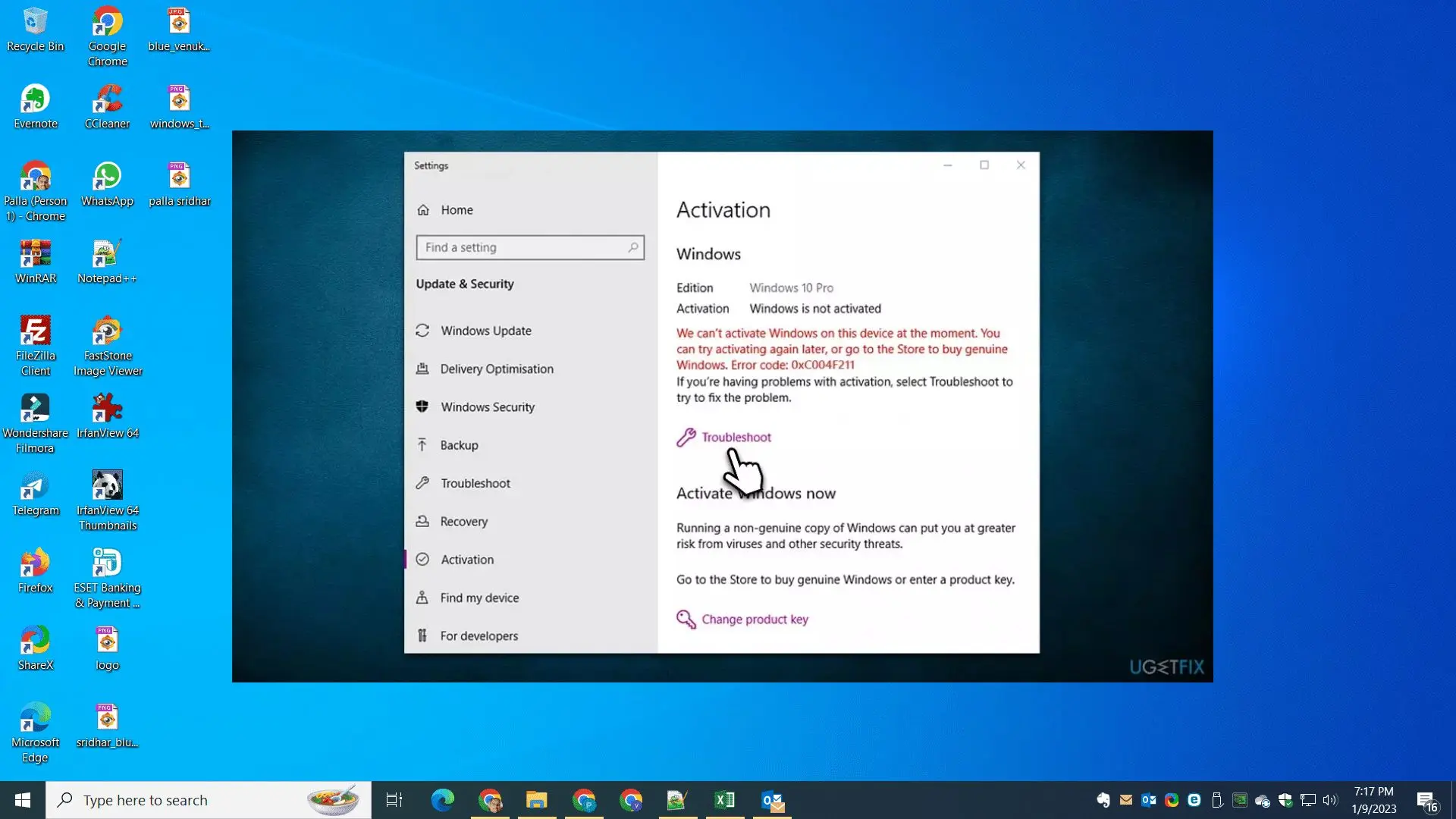
    If you are facing the Windows 11 activation error 0xc004f211, “Device has changed.” First, you should use the digital license activator to resolve the issue. This is a very common error code, 0xc004f211, in Windows 10 You can easily solve it by using the right activator. The Digital License Activator can help you to activate…

  • Optimize Your PC with Clustering on Windows 10 

    Optimize Your PC with Clustering on Windows 10 

    You can cluster computers on Windows 10. It can be achieved by setting up a Windows Server. Networking the computers together is a crucial step in this process. This task can be done by configuring the network setup for each computer. Connecting them to the server and setting up routes between them. Once this is…

  • “You’re offline. Check Your Connection on YouTube—Every Fix for Windows 11, Android & iPhone (2026)

    “You’re offline. Check Your Connection on YouTube—Every Fix for Windows 11, Android & iPhone (2026)

    “You’re offline.” “Check your connection” on YouTube is one of the most frustrating errors you can encounter—because it almost always appears when your internet is working perfectly fine. Other sites load, your Wi-Fi bar shows a full signal, but YouTube is stuck showing that error. When trying to watch videos on YouTube. The first thing…

  • Troubleshooting HDMI Extender Not Working – Tips and Tricks

    Troubleshooting HDMI Extender Not Working – Tips and Tricks

    Do you have an HDMI extender over Cat5 or Cat6 that is not working properly? There are some general troubleshooting steps that can help you diagnose the issue. First, check your cables to ensure they are securely connected. And not damaged in any way. If the cables appear to be satisfactory. Then try using another…

  • How to Troubleshoot Cable Network and Ethernet Splitter Not Working—6 Expert Hacks

    How to Troubleshoot Cable Network and Ethernet Splitter Not Working—6 Expert Hacks

    Ethernet splitters are an essential part of any home or office network. They are used to split one network signal into multiple signals. Allowing multiple devices to share an internet connection. But, like any other piece of technology, Ethernet splitters can sometimes fail. When your Ethernet splitter isn’t working, it can be a frustrating experience…