windows 10

  • What Is Bluetooth Audio Gateway Service (BTAGService)? How to Fix It in Windows 10 & 11

    What Is Bluetooth Audio Gateway Service (BTAGService)? How to Fix It in Windows 10 & 11

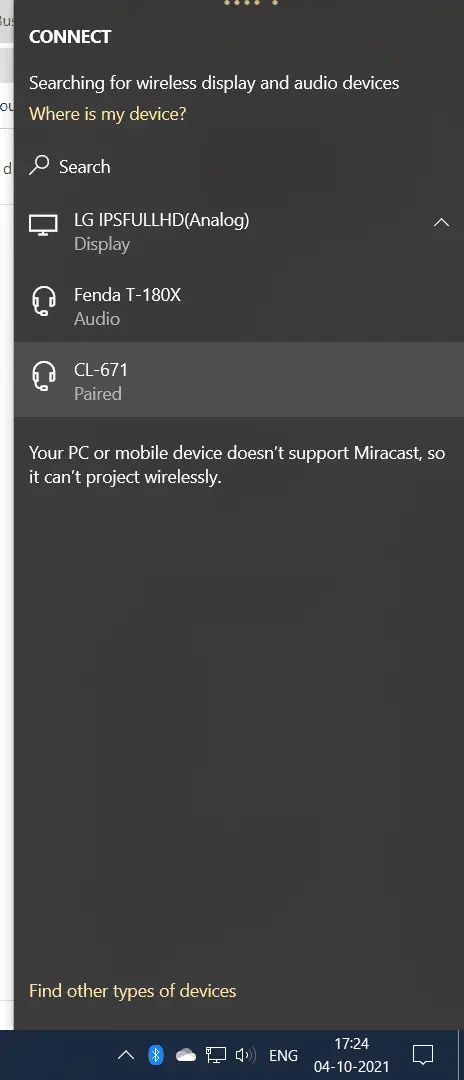
    If you have ever used a Bluetooth headset or speaker with your Windows 10 PC, you might have encountered the Bluetooth Audio Gateway Service (BTAGService). The Bluetooth Audio Gateway Service (BTAGService) is a Windows service that enables a PC to act as an audio gateway for Bluetooth hands-free devices—including headsets, earphones, and speakerphones. It supports…
  • HP Laptop Sound Not Working? 10 Fixes for Windows 11 and 10

    HP Laptop Sound Not Working? 10 Fixes for Windows 11 and 10

    If your HP laptop sound not working, you’re dealing with one of the most commonly reported Windows 11 and Windows 10 issues on HP devices — from HP Pavilion and Envy to ProBook and Spectre. The good news is that sound problems on HP laptops are almost always caused by a handful of fixable issues:…

  • Acer Bluetooth Driver – Download for Windows 10 or 8.1 or 7

    Acer Bluetooth Driver – Download for Windows 10 or 8.1 or 7

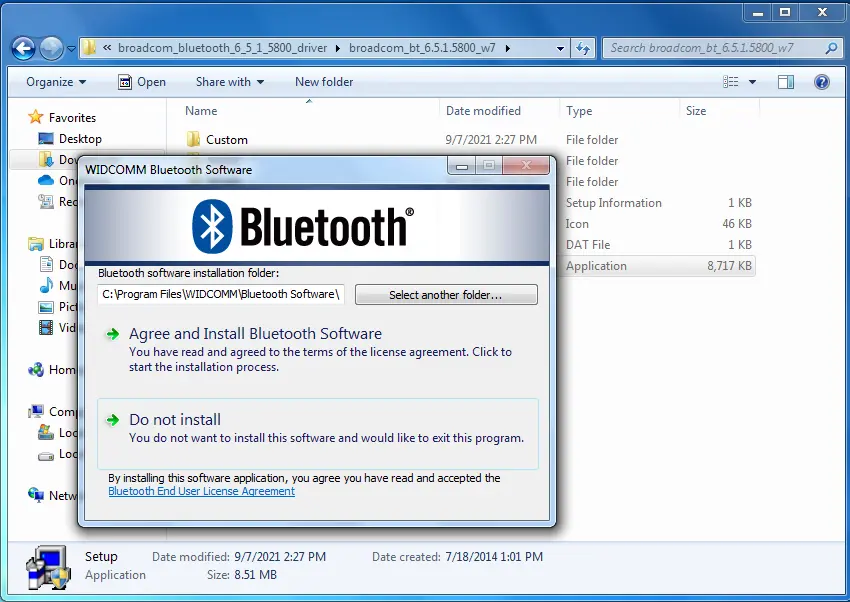
    Acer Bluetooth driver is necessary if you installing a new Windows 10 or 7 OS. Acer has different Bluetooth devices attached for different models. There are wireless headphones, keyboards, mice, speakers etc. . Intel, Atheros, Realtek and Broadcom Bluetooth are the commonly used brands on Acer laptops. Acer Aspire Bluetooth driver are required in Windows…

  • How to Fix SystemSettings.exe Suspended, Error & Crash in Windows 11 [2026]

    How to Fix SystemSettings.exe Suspended, Error & Crash in Windows 11 [2026]

    If systemsettings.exe suspended is showing in your Task Manager—or you’re seeing a systemsettings.exe application error every time you try to open Windows Settings—you’re dealing with one of the most frustrating process-level issues in Windows 11 and 10. Systemsettings.exe is a Windows operating system component that manages configuration and settings related to the system’s hardware, devices,…

  • How to Resolve Printer Error 0x00000BC4 Windows 11/10

    How to Resolve Printer Error 0x00000BC4 Windows 11/10

    Printer errors are one of the most common issues that users face while using their devices. It is important to pinpoint the exact cause of the error and take the necessary steps to resolve the issue. In this blog, I will discuss what printer error 0x00000bc4 is, the common causes of this error, and how…

  • Quick Fix Windows Defender Consuming Memory in 11 or 10

    Quick Fix Windows Defender Consuming Memory in 11 or 10

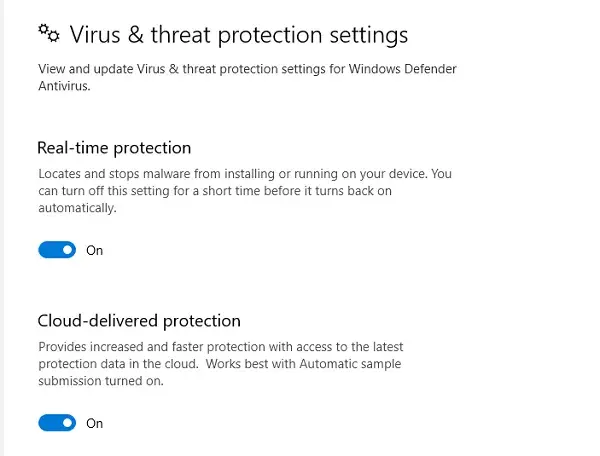
    Windows Defender is a great tool for keeping our computers safe from malware and other threats. However, sometimes it can be a little too aggressive in its scanning, resulting in high CPU and memory usage. If you’re experiencing this issue, don’t worry! There are a few easy steps you can take to fix it. In…

  • Folder Size Windows 10 – Manual and Free Tools

    Folder Size Windows 10 – Manual and Free Tools

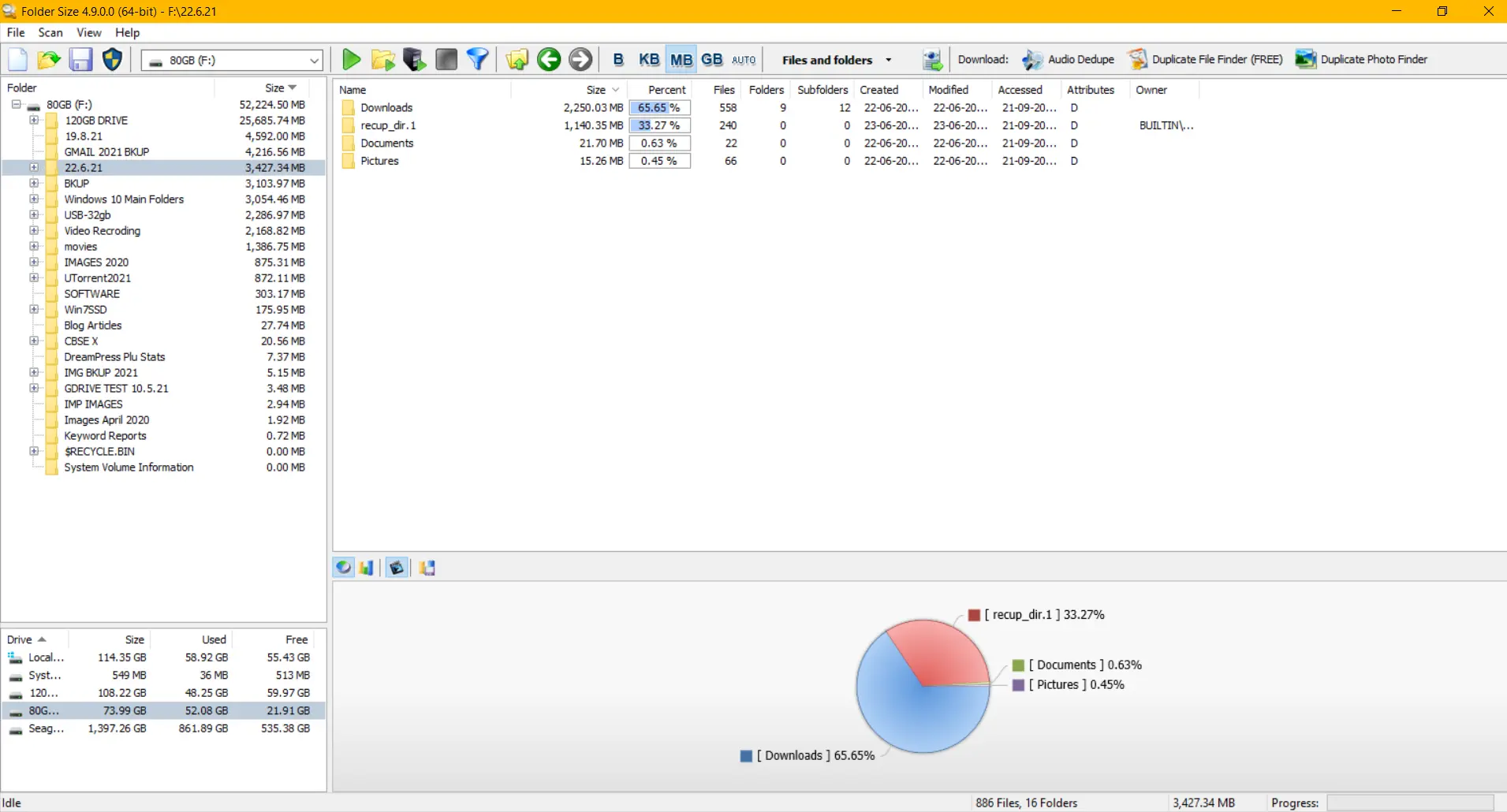
    Windows 10 Folder Size is an important metric to delete unnecessary files. We can see an increase in cache and temp file sizes when there is a virus or corrupt update. Windows 10 has a lot of new system folders. Because of errors and dumps, some of them get overloaded. Folder size: Windows 10 can…

  • How to Turn Off News and Interests in Windows 10 – Remove WinP1Taskbar

    The MSN news feed settings is an exciting way for top stories in different interests. News and Interests widget is a new setting in Windows 10. Taskbar has an icon to turn the news feed Windows 10 on or off. If you are interested in see the latest news, stock, weather and sports news, then…

  • 3 Easy Ways to Fix STOP CODE – SYSTEM SERVICE EXCEPTION in Windows 10

    3 Easy Ways to Fix STOP CODE – SYSTEM SERVICE EXCEPTION in Windows 10

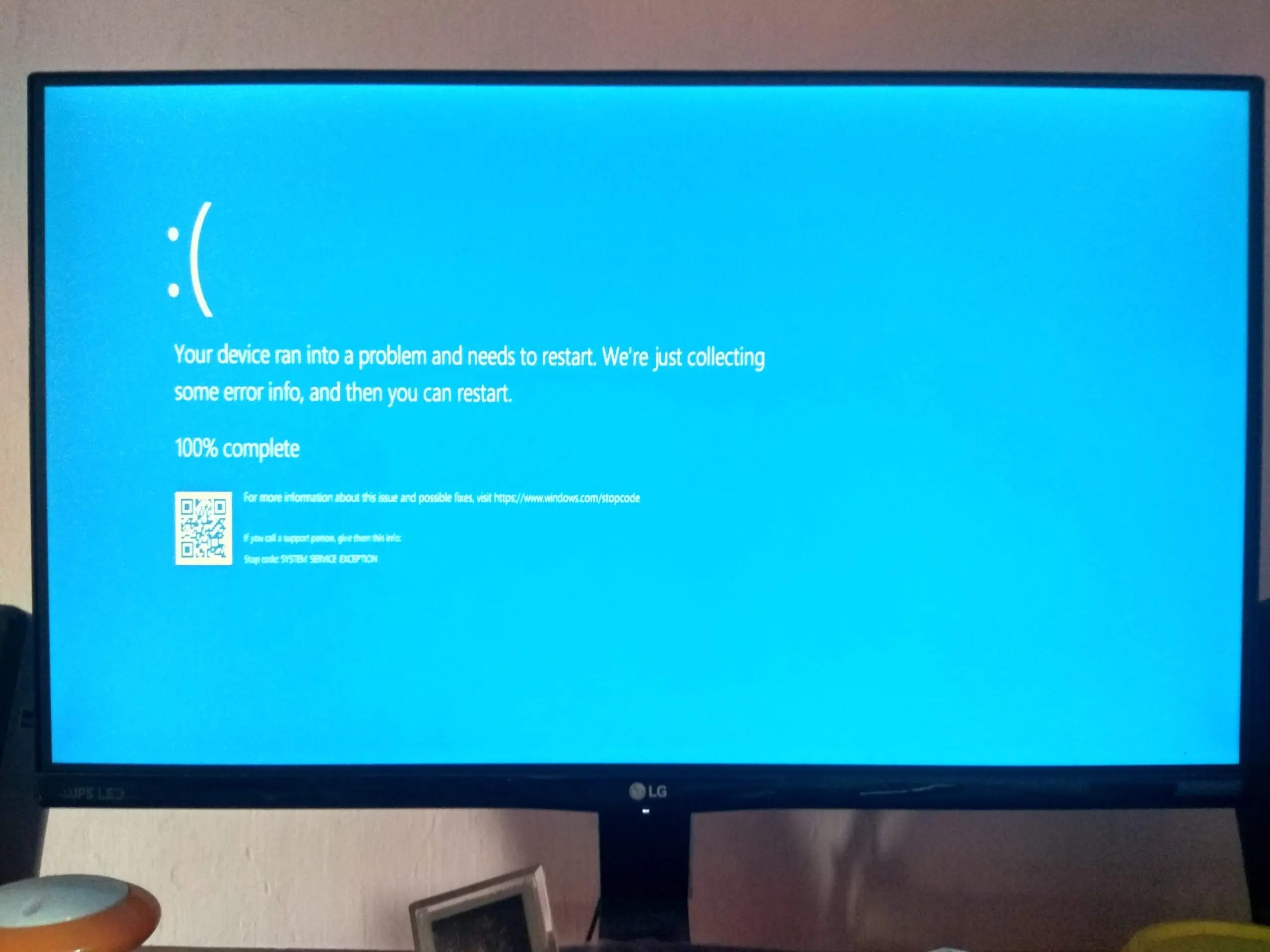
    The May 2020 update of Windows 10 also causes a restart failure with a blue screen error crash. A common stop code error—SYSTEM SERVICE EXCEPTION—is one of them. Though it may be because of incompatible drivers of different apps or applications, you should read the documentation of the source: https://support.microsoft.com/en-us/help/14238/windows-10-troubleshoot-blue-screen-errors Most of the time, this BSOD…