
Author: Palla Sridhar

Palla Sridhar is the CEO of DigiPalla IT Services LLP and a seasoned ex-IT professional with over 16 years of blogging experience. He specializes in Microsoft products, including Windows 10, Windows 11, and Office 365, with deep expertise in error code solutions, computer repair, and IT troubleshooting. He publishes practical guides that help everyday users and professionals solve real tech problems quickly and confidently.
  • How do I fix Windows 10 Restart Problem – 5 Causes and Solutions

    How do I fix Windows 10 Restart Problem – 5 Causes and Solutions

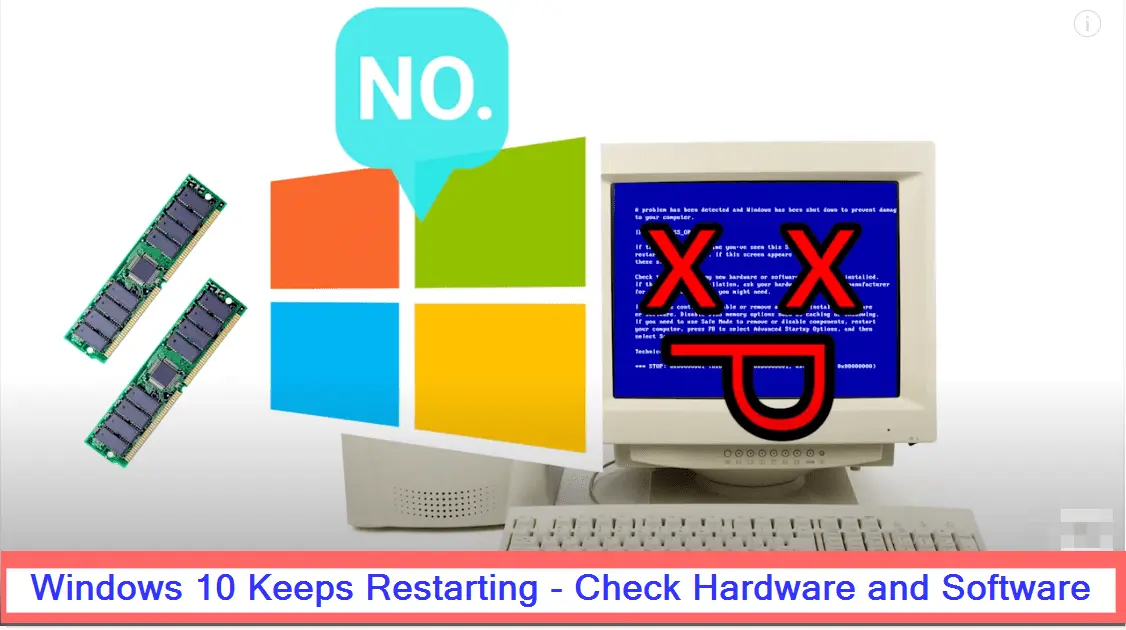
    Computer keeps restarting in Windows 10 because of software or hardware issues. This problem was there in 1809 version also. It can be a hardware issue like bad RAM, faulty hard-disk, corrupted registry, drivers not updated, incompatibility of graphic drivers. Windows 10 works well. Don’t install pirated and hacked software. Also Read – Fix Error Code…
  • Fix Windows 10 Bluetooth Problems – Location of Right Drivers

    Windows 10 is almost 4 years old. 1903 version is also released. Wi-Fi and Bluetooth are the necessary functions. Whether you use desktop or mobile. The days of wire are more like “Star Trek“. You can have various devices working on Bluetooth. You can get connected to the Internet through Wi-Fi. But that’s not with…

  • Windows 10 Gaming Benchmarks – The Results from 3DMark Tests

    You are a gaming freak and have installed Windows 10 lately. Definitely you would like to know how games perform, on this new OS. The best method is to check out the benchmarks offered by different tools and reviewers on YouTube. You can definitely get a hint on how a game works out on Windows…

  • How does Windows 10 Fare In Boot Time? (After Release)

    With Windows 10 release on July 29th, 2015, several videos on Performance benchmarks have been released. One of the important metric that is to be checked with any new OS, is the boot time. But this parameter varies with different software and hardware configurations. So unless you test this factor with the same CPU, motherboard,…

  • [Fix] Is your Windows 10 Monitor Not Working – These Steps can Help!!!

    Sometimes your Windows 10 monitor may not automatically go to “Sleep”, even after enabling the required option in Power settings. You may have to go to “Safe Mode” to re-enable and still you may find it’s not working. One of the best solutions for this kind of problem is to unplug your monitor and re-plug…

  • [Fix] Skype and Windows 10 – Some Early Errors and Solutions

    [Fix] Skype and Windows 10 – Some Early Errors and Solutions

    Skype in Windows 10 comes as 3 separate apps. The Universal Skype preview may be in the lining. But for now, it will be split into – a video app, an app for calls, a message app. Microsoft is trying to integrate Skype into Windows 10, making it as the iMessage service for its OS. Windows…

  • [Fix] Skype Not Working or Opening in Windows 8.1 – Some Solutions

    Skype does have its own set of installation and opening errors. Recently, I upgraded to the latest version of 7.7.x and still my Skype client was not opening. I had no problems earlier. I am using Windows 8.1 64 bit.  I removed the Skype app that gets installed by default with Metro apps. So initially…