Author: Palla Sridhar

Palla Sridhar is the CEO of DigiPalla IT Services LLP and a seasoned ex-IT professional with over 16 years of blogging experience. He specializes in Microsoft products, including Windows 10, Windows 11, and Office 365, with deep expertise in error code solutions, computer repair, and IT troubleshooting. He publishes practical guides that help everyday users and professionals solve real tech problems quickly and confidently.
  • Fix HDMI Sound Not Working in Smart TV when connected to Windows PC

    Fix HDMI Sound Not Working in Smart TV when connected to Windows PC

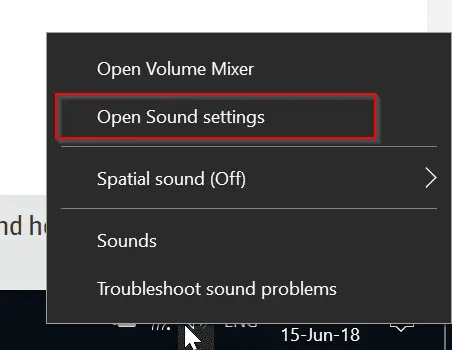
    Most of the times, this problem arises because the default playback device is not set to the HDMI output device. For example, you connect your Windows 10 to a Smart TV or another HDMI monitor. But in the playback devices, the default audio device is still set to your computer speakers etc. So if you…

  • Fix Computers Not Showing in Network in Windows 10 After Spring Update

    Fix Computers Not Showing in Network in Windows 10 After Spring Update

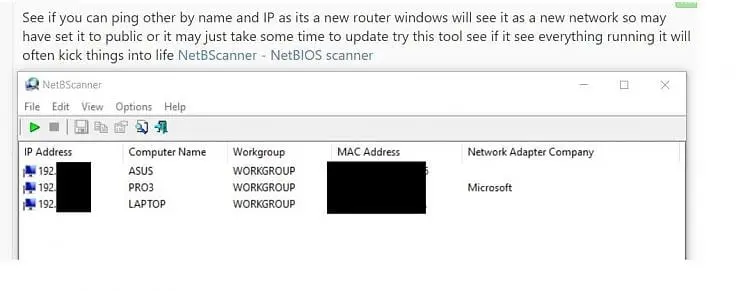
    In 2018 many devices like printer, tablet, PCs, laptops are connected to your modem/router combination. They are visible under Network in File Explorer in Windows 10. But recently with 1803 Spring Update problem arises with all or some of the devices not visible in the network in any one of the device. The best solution…

  • Know the Details of Windows Update and Settings in Windows 10

    Know the Details of Windows Update and Settings in Windows 10

    In Windows 10 you can install updates using the option in Settings. The latest is the 1709 version. It is important you be on the latest version, as Microsoft releases patches from time to time. These provide security to your PC. On the other side, they may also repair any Windows problems. Sometimes your computer…

  • Fix Error 0x80070bc2 in 30 seconds when you try Update Windows 10

    The most recent version 1709 has the latest OS build update of 16299.371. This was released on April 10th, 2018. It can be got through the KB4093112 update. We earlier had 1703, 1607, 1511 version updates. Generally you can update Windows 10 to the latest version, using the in-built tool in Settings. But sometimes after…

  • Best Firewall for Windows 10 in 2019 –  Features and Functions

    Best Firewall for Windows 10 in 2019 – Features and Functions

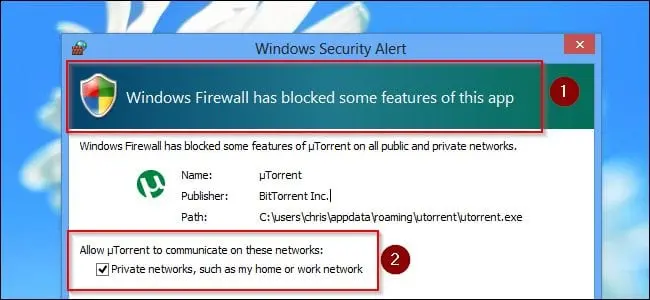
    The best firewall software will protect from viruses, malware, and adware and provide powerful security. Windows Defender is the best firewall for protecting against hackers and viruses in Windows 10. This software is different from Mac OS and Android. A personal firewall is beneficial for home computing and office users. It is always best to…

  • 8 Ways to Fix Microsoft Outlook 2016 Not Working Error

    8 Ways to Fix Microsoft Outlook 2016 Not Working Error

    Here are ways to fix Outlook when it stops working or is unresponsive. 1. If your profile is corrupted, startup errors can occur. To resolve the issue, you can either use Outlook recovery software or create a new profile completely. But I would prefer the latter. Then re-add the email accounts. 2. As mentioned before,…

  • 8 Ways to Fix Control Panel not Responding in Windows 10

    8 Ways to Fix Control Panel not Responding in Windows 10

    There can be several reasons for control panel not working in Windows 10. This post will tell you the different ways to troubleshoot this issue. Control Panel is the core of many tools in Windows 10. Sometimes, it closes automatically while opening or working on some of its inner features. Microsoft users complained that they…