dllhost.exe COM Surrogate High CPU in Windows 11 and 10: Find the Real Cause and Fix It (2027)

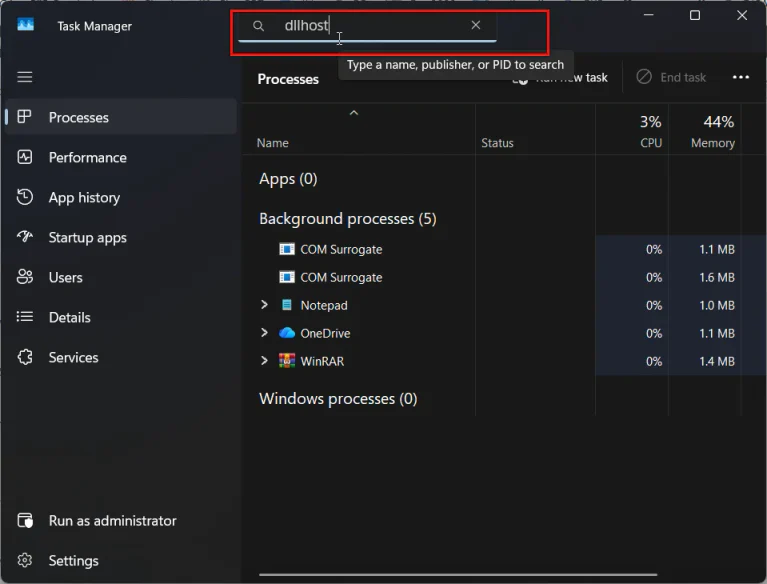
Key takeaways Quick answer dllhost.exe COM Surrogate high CPU usually means a thumbnail, codec or shell extension is stuck on a file. Open the folder in Details view, clear the thumbnail cache with Disk Cleanup, and restart File Explorer. If it keeps happening, add the Command line column in Task Manager’s Details tab to see…