Windows 11 Firewall: Allow Any App in Under a Minute

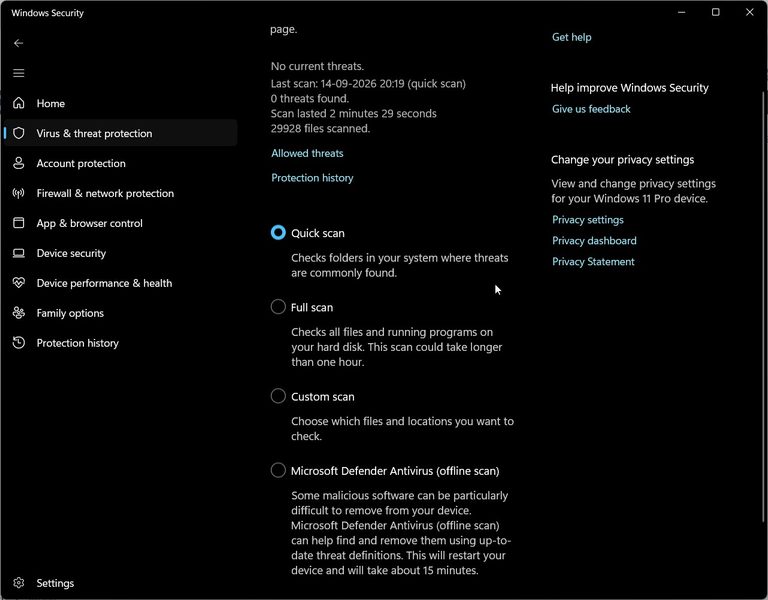
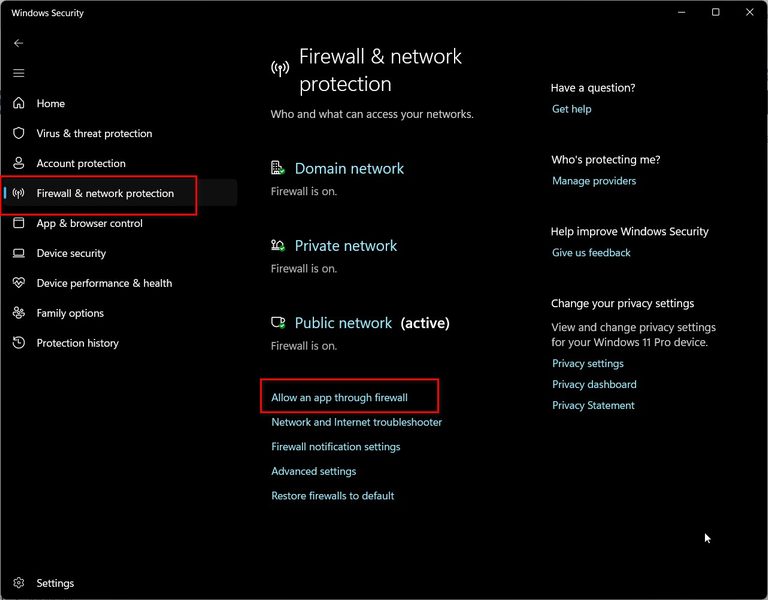
Key Takeaways Quick Answer Open Windows Security, go to Firewall & Network Protection, and then click “Allow an app through firewall.” Click “Change settings” to unlock the list, find the app, and check both Private and Public boxes. If the app isn’t listed, click “Allow another app” and browse to its .exe file directly. Unblock…